
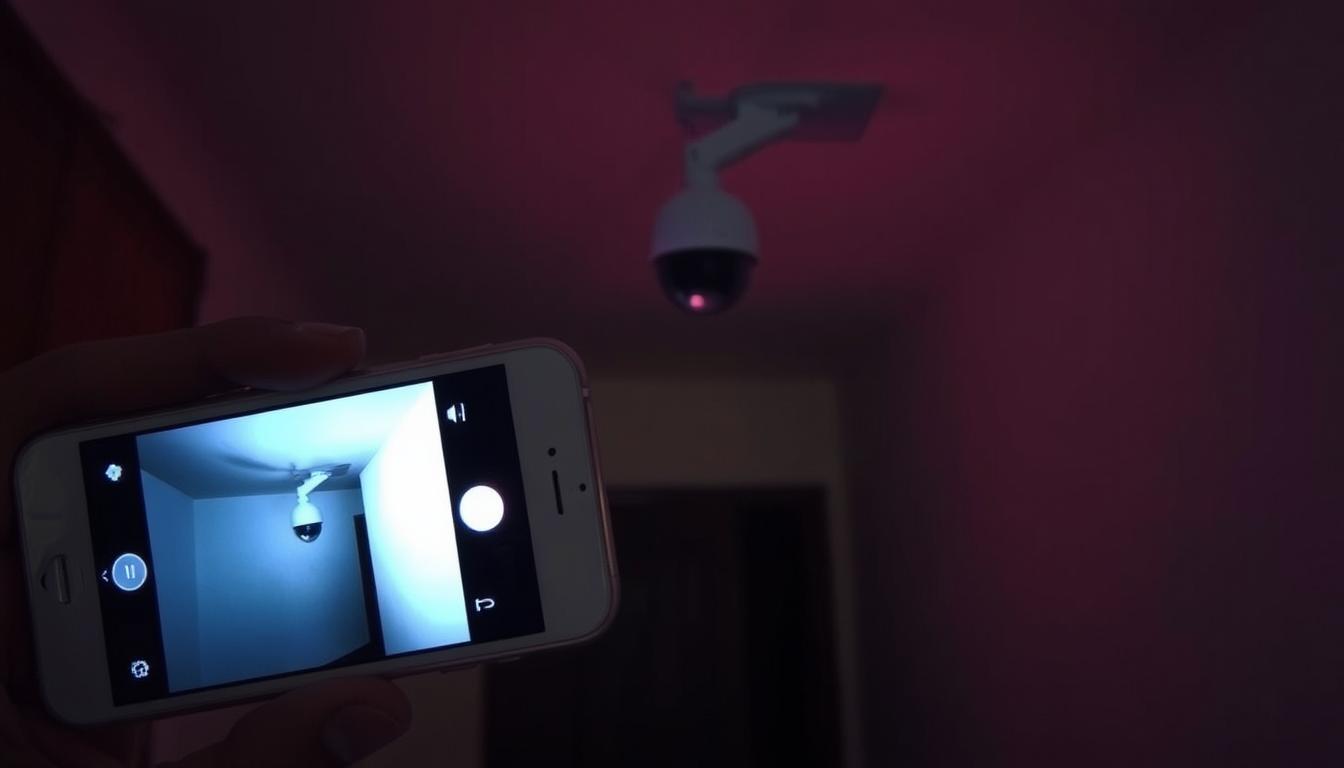
How can I detect my CCTV camera with my phone?
In today’s world, using your phone to find your CCTV camera is a big step forward in home security. Mobile surveillance is getting more common, and people in Singapore are using it to improve their security. This article will show you how to connect your CCTV system to your phone for better security.
It will also help you set up your CCTV app easily and efficiently. You’ll learn how to watch over your area from your smartphone. It’s all about making your security system work better for you.
Key Takeaways
- The integration of CCTV systems with mobile devices enhances overall security.
- Understanding phone connectivity options is key for camera detection.
- The CCTV app setup process can change based on device compatibility.
- Mobile surveillance lets you watch in real-time from anywhere.
- Proper setup ensures easy connection and fewer problems.
Understanding CCTV Cameras and Their Connectivity
CCTV cameras have changed a lot over time. Now, there are many types to fit different security needs. IP cameras are special because they can connect to the internet and other networks.
This makes it easy to watch live feeds and recorded videos on smartphones. It’s great for both homes and businesses. People can check on their property from anywhere in the world.
IP cameras use advanced technology to make setup simple. They connect directly to WiFi routers. This means no complicated wiring is needed. Knowing about these options helps pick the best CCTV system for your needs.
Benefits of Connecting CCTV Cameras to Mobile Devices
Connecting CCTV cameras to mobile devices brings many security advantages. It makes monitoring easier and safer. Users get real-time updates and can quickly respond to any security issues.
Real-Time Monitoring Advantages
Real-time monitoring lets users see what’s happening live. It helps spot suspicious activity fast. This way, users can quickly alert authorities, making their system more effective.
Remote Accessibility and Convenience
Mobile CCTV access is super convenient. It lets users check their cameras from anywhere with internet. This is great for people who are always on the move, like those working or traveling.
Notification Alerts for Enhanced Security
Many apps with CCTV systems send instant alerts for things like motion. These alerts keep users updated on security risks. This boosts safety and makes the most of advanced CCTV tech. For better systems, check out solar-powered 4G CCTV solutions.
Essential Requirements for Remote Viewing
Remote viewing needs a few key things to work well. You need a smartphone app that fits your camera. This app lets your device talk to the camera smoothly.
Also, a good internet connection is important. It keeps your live and recorded videos flowing without breaks. Make sure your CCTV system can connect to mobile devices.
Having these things ready will make it easier to watch and control your CCTV system from your phone.
How can I detect my CCTV camera with my phone?
To connect your CCTV camera to a mobile device, follow a few key steps. This ensures a smooth connection. First, install the right mobile app for *CCTV integration*. Then, add your camera and set up the app for the best performance.
Steps for Connecting CCTV to Mobile Apps
- Start by downloading the correct mobile app from your app store. Make sure it works with your CCTV model.
- Use your camera’s model number or QR code to add it to the app.
- Follow the app’s instructions to set up notifications and live view options.
- Test the connection to make sure your camera is streaming to your phone.
Compatibility Considerations with Smartphone Operating Systems
Before you start, check if your phone’s operating system is compatible. Different CCTV systems work better with iOS or Android. Make sure the app is available for your system to avoid problems.
Looking at brand reviews helps you choose reliable systems. This ensures easy and smooth connection.
Common Problems When Connecting Your CCTV to Your Phone
Connecting your CCTV to your phone can make your life easier and safer. But, you might run into some common problems. These issues often deal with network connections and whether your devices work well together.
Network Connectivity Issues
One big problem is network connectivity issues. A weak WiFi signal or internet problems can mess up the connection. Make sure both your CCTV system and phone are connected to a strong network.
Check your router’s settings and think about moving it for a better signal. This can help a lot.
Device and App Compatibility Challenges
Another issue is when your mobile app and CCTV device don’t get along. Always update your app to the latest version. Also, make sure your phone and CCTV meet the app’s requirements.
Having the right software versions on both devices can solve many problems. This ensures a smooth connection.
Step-by-Step Guide to Connect Your CCTV to a Mobile Device
Connecting your CCTV to a mobile device is a great way to boost your surveillance. It lets you watch your place in real-time, giving you peace of mind. Just follow these steps for a smooth connection.
Installing the Right Mobile App
Start by downloading the app for your CCTV model. This app lets you see and control your cameras from afar. Get it from a reliable app store. After downloading, open the app to start setting up.
Configuring Your Camera Settings
Then, set up your camera’s settings in the app. You’ll need to connect it to your WiFi. Enter your WiFi details as prompted. Keep your camera’s software up to date to avoid problems. This ensures your footage streams smoothly.
Pairing the Camera with Your Smartphone
The last step is to pair your CCTV with your phone. You might need to enter a code or scan a QR code in the app. This step is key for accessing live feeds and managing settings on your phone. A good connection means you can monitor everything effectively. For the latest tech, check out solar-powered CCTV with SIM card for extra ease.

Why Can’t I See My CCTV on My Phone?
Having trouble viewing your CCTV footage on your phone can be really frustrating. Many CCTV connection issues come from a few main causes. It’s important to check these before you start troubleshooting.
First, make sure your phone has a strong internet connection. A weak signal can stop the camera feed from showing up. Also, check if the CCTV camera is turned on and connected to the network. If it’s not, you won’t be able to see the footage.
App problems can also cause issues. Make sure you’re using the latest version of the app for your CCTV system. This can solve many compatibility problems.
- Check your login details to make sure they’re correct.
- Make sure the app and camera work with your phone’s operating system.
- Try restarting both your phone and the CCTV camera to refresh the connection.
Security Concerns When Connecting CCTV to Mobile
Connecting CCTV systems to mobile devices raises security issues. These systems use wireless tech, which can be a risk. It’s important to know these risks and take steps to keep your system safe.
Cybersecurity Risks in Wireless Systems
Wireless CCTV systems face many cybersecurity threats. Hackers can tap into data sent over unsecured networks. This can lead to privacy breaches and give hackers control over your system. Weak passwords and old firmware make these risks worse.
Best Practices to Enhance Security
To keep your CCTV system safe, follow these steps:
- Use strong, unique passwords for your CCTV account to prevent unauthorized access.
- Regularly update your camera firmware to protect against known vulnerabilities.
- Avoid using public Wi-Fi networks for accessing live feeds from your camera.
- Utilize encrypted connections, such as VPNs, to protect your data during transmission.
- Configure privacy settings within the app to limit user access and control data sharing.
Advantages of Using High-Quality CCTV Cameras
High-quality CCTV cameras offer big security benefits. They have better image quality, so you can see details clearly. This makes monitoring more effective.
These cameras also have advanced features like motion detection and night vision. This means they work well in different conditions.
Another great thing is reliable connectivity. You can easily watch live footage on your mobile device. This makes it easy to respond quickly to any issues.
Using top-notch CCTV cameras also helps follow local surveillance laws. Choosing reputable brands means your security setup is both effective and compliant. This boosts confidence in the safety measures you have in place.
Choosing the Right CCTV Camera for Smartphone Compatibility
When picking a CCTV camera, make sure it works well with your smartphone. Many cameras today connect easily with mobile devices. This lets users check their homes from anywhere.
Look for cameras that say they work with iOS and Android. This ensures you can watch your security feed without trouble.
User reviews are also key. They show how well a camera works with smartphones. Reviews can tell you about any problems or good points of the camera’s app.
Make sure the app for your camera has useful features. Things like alerts for motion, playing back videos, and easy-to-use interfaces are important. Choosing a camera with these features ensures you can manage your surveillance easily from your phone.
FAQ
How do I connect my CCTV camera to my mobile device?
To connect your CCTV camera to your mobile, download the right app for your camera. Use the app’s instructions to add your camera by its model number or QR code. Then, set up the camera for the best performance.
What is the benefit of real-time monitoring from CCTV cameras?
Real-time monitoring lets you see what’s happening live. It helps you spot any odd activity right away. This means you can act fast if something looks off.
Can I receive alerts for specific activities detected by my CCTV system?
Yes, many apps linked to CCTV systems send alerts for things like motion. This keeps you updated on any security issues as they happen.
What are the essential requirements for remote viewing of CCTV footage?
To watch CCTV footage from afar, you need a few things. You’ll need a compatible app, a steady internet connection, and a CCTV system that works with mobile devices.
How can I ensure my CCTV camera is compatible with my smartphone?
To make sure your camera works with your phone, check the app’s compatibility. Look for iOS or Android support and read reviews to see if it integrates well.
What should I do if I experience connectivity issues with my CCTV camera?
If you have trouble connecting, check your WiFi strength. Make sure your camera is online and you’re using the right app.
What steps should I follow to pair my CCTV camera with my smartphone?
First, get the right app for your camera. Then, set up the camera in the app to connect to WiFi. Follow any pairing steps, like entering a code or scanning a QR code.
Why can’t I see the CCTV footage on my mobile device?
If you can’t see footage, check your internet and camera status. Make sure the app works with your phone and your login details are correct.
What security measures should I take when connecting my CCTV to mobile?
To keep your system safe, avoid public Wi-Fi. Update your firmware regularly, use strong passwords, and adjust app privacy settings.
What are the advantages of using high-quality CCTV cameras?
High-quality cameras offer better images and reliability. They often have advanced features and better connectivity, improving your security.
How can I choose a CCTV camera that is compatible with my smartphone?
When picking a camera, look for smartphone compatibility in its specs. Read user reviews and check the app’s features to ensure it works well with your phone.


