
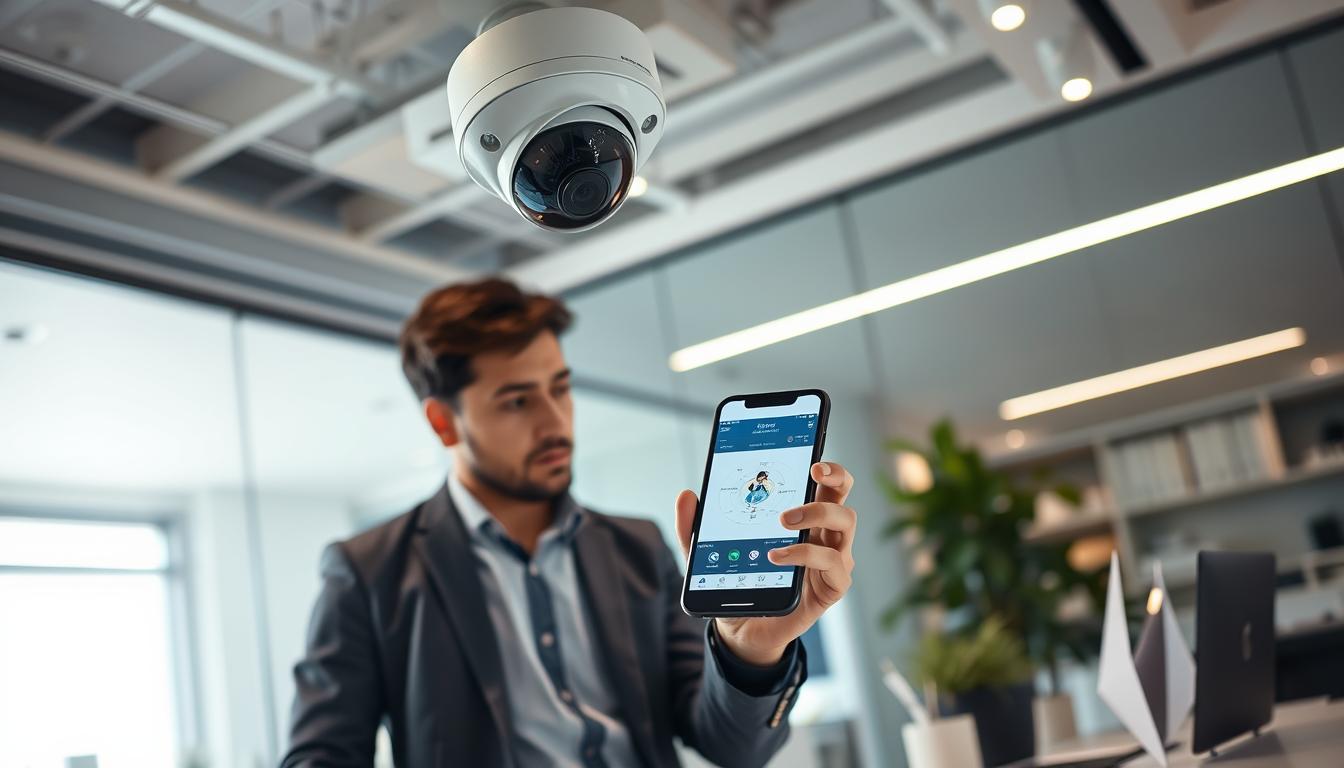
How can I detect my CCTV camera with my phone Singapore Tips
In today’s fast-paced world, the demand for mobile CCTV detection and monitoring is rapidly growing in Singapore. Homeowners and business owners alike are increasingly relying on their smartphones to keep a vigilant eye on their properties. This shift towards mobile technology enhances security and provides peace of mind.
Detecting a CCTV camera using a phone involves utilizing dedicated mobile apps that connect to the camera via WiFi or mobile data. This enables real-time viewing from virtually anywhere. This guide will take readers through the entire process, covering compatibility checks, app installation, network setup, and troubleshooting.
Modern technology has simplified the connection between security cameras and smartphones, allowing users to monitor their homes and businesses effortlessly. By the end of this guide, readers will gain the knowledge to confidently monitor their CCTV systems, enhancing their security awareness.
Understanding both WiFi and mobile data connection methods is crucial, especially given Singapore’s robust network infrastructure. Detecting a CCTV camera with a phone is not just about convenience; it is about gaining real-time control over one’s security environment.
Key Takeaways
- Mobile CCTV monitoring is becoming essential for property security in Singapore.
- Dedicated apps facilitate real-time viewing of CCTV feeds on smartphones.
- This guide provides step-by-step instructions for seamless connectivity.
- Modern devices enhance the viewing experience for CCTV feeds.
- Understanding network connections is vital for effective monitoring.
Understanding the Importance of Detecting CCTV Cameras with Your Phone
In Singapore, the ability to connect CCTV cameras to smartphones has become increasingly vital. This technology allows users to monitor their properties remotely, which is essential in a bustling urban environment. The convenience of mobile detection empowers homeowners and business owners to keep a watchful eye on their premises.
Real-time awareness is one of the key benefits of using phones for CCTV detection. Users can respond immediately to any unusual activities or security threats, such as intrusions or suspicious behavior. This capability transforms a passive security system into an active monitoring tool.
Furthermore, the intent behind mobile detection focuses on enhancing security and privacy. Property owners can verify the safety of their homes or businesses at any time, even when they are not physically present. This peace of mind is invaluable, especially for those frequently away from their properties.
With Singapore’s high smartphone penetration rate, mobile CCTV detection is accessible to the majority of the population. Modern surveillance technology has evolved to support seamless integration between security cameras and mobile devices. This means that even non-technical users can easily set up and utilize these systems.
Additionally, mobile detection plays a significant role in deterring crime. Visible CCTV systems combined with active monitoring can discourage potential offenders. For residents of Singapore, this aligns perfectly with the smart nation initiative, which leverages technology to enhance daily life and security.
In conclusion, detecting CCTV cameras with a phone is no longer a luxury but a practical necessity in today’s connected world. It empowers users to take control of their security environment from the palm of their hand.
Benefits of Using Your Phone to Detect CCTV Cameras
Utilizing smartphones for CCTV monitoring has transformed security practices in Singapore. The ability to connect a phone to security cameras offers numerous advantages that enhance safety and convenience.
Real-Time Awareness and Security
One of the most significant benefits is real-time awareness. Detecting CCTV cameras on a phone allows users to see live feeds instantly. This capability enables quick reactions to security events, whether it’s a delivery at the door or an unexpected visitor. As a result, users can address potential threats immediately, making their security systems more effective.
Convenience and Remote Accessibility
Another advantage is the convenience of remote accessibility. Users in Singapore can check their cameras from their workplace, while traveling overseas, or even from another room. This flexibility eliminates the need to be physically present at the monitoring station, ensuring that security is always within reach.
Notification Alerts and Peace of Mind
Notification alerts further enhance security by sending instant messages to the phone when motion detection is triggered. This feature ensures that users are immediately informed of any activity without the need to constantly watch the feed. The peace of mind that comes from knowing that your home or business is under constant surveillance is invaluable.
Modern security cameras also integrate with cloud services, allowing footage to be stored and accessed remotely. This adds an extra layer of data security and convenience for users who need to review past events. Furthermore, high-resolution displays on smartphones, like the HONOR Magic V2, provide clear viewing experiences, making it easier to identify details such as faces or license plates in CCTV footage.
User-friendly interfaces of most CCTV apps make detection and monitoring accessible to all age groups, from tech-savvy millennials to elderly homeowners. The combination of real-time feeds, alerts, and remote access transforms a basic security camera system into a comprehensive security solution that fits in your pocket.
These benefits collectively contribute to a more responsive and proactive approach to property security, reducing the likelihood of successful break-ins or vandalism. Ultimately, the advantages of phone-based CCTV detection extend beyond mere convenience, empowering users with greater control and confidence in their security measures.
How CCTV Cameras Connect to Phones: An Overview
Understanding how CCTV cameras connect to smartphones is essential for effective security management. This section explores the primary methods used for connecting these devices, ensuring seamless monitoring of your property.
WiFi Connection Method
The most popular approach is the WiFi connection. In Singapore, many households utilize this method due to the widespread availability of broadband. Here’s how it works:
- The security camera connects to the home router.
- It streams live video data to a mobile app installed on the user’s phone.
- Both devices must be on the same network during the initial setup.
This method offers convenience and cost-effectiveness, making it a favored choice for many users.
Mobile Data and SIM Card Connectivity
For locations where WiFi is unreliable, mobile data and SIM card connectivity provide an excellent alternative. This option is particularly useful for monitoring remote properties like construction sites. The process involves:
- Inserting a SIM card with an active data plan into the compatible camera.
- Configuring the mobile data settings, including the APN.
- Establishing a connection that allows phone access from anywhere.
This flexibility ensures users can maintain security even in areas lacking stable internet.
Wired Connections Through DVR/NVR Systems
Wired connections through DVR or NVR systems are another method for accessing CCTV feeds. Traditional setups can still be accessed on phones by:
- Connecting the recorder to the internet.
- Using the manufacturer’s app for remote viewing.
This option is often preferred for larger or long-term security installations, providing stable connections and extensive storage capabilities.
Understanding each connection method is crucial for selecting the one that best fits your specific security needs and property layout. Regardless of the method chosen, the goal remains the same: seamless detection and monitoring of CCTV feeds on a phone for enhanced security.
Step-by-Step Guide: How can I detect my CCTV camera with my phone?
Establishing a connection between your smartphone and CCTV system is a straightforward process that enhances security monitoring. Follow these steps to ensure a successful setup.
Confirming Camera Compatibility and Network Setup
Begin by confirming the compatibility of your camera with your smartphone model. Consult the user manual or the manufacturer’s website for supported operating systems and app requirements. This step is crucial to avoid any connectivity issues.
Next, ensure your home WiFi network is stable. The camera should be within range of the router for optimal signal strength. A reliable connection is essential for seamless monitoring.
Using Mobile Apps to Scan and Detect Cameras
Download the official app from the Apple App Store or Google Play Store. It is vital to use only manufacturer-provided apps to minimize security risks associated with third-party alternatives.
Once the app is installed, launch it and follow the setup guidelines. This typically involves scanning a QR code displayed on your phone screen or entering a unique device identifier to establish the initial connection.
Checking for WiFi and Network Feeds
After connecting the camera, check for WiFi and network feeds. Verify that the live video feed appears in the app without significant lag or disruption. This ensures that your camera is functioning correctly.
Configure essential settings, including motion detection sensitivity, recording schedules, and storage options like cloud services or local SD cards for capturing footage. These settings enhance the overall functionality of your security system.
Finally, test the connection by moving in front of the camera to trigger motion alerts. Confirm that notifications are received on your phone in real time. This step reassures you that the system is working as intended.
Keep the app and camera firmware updated to ensure continued compatibility and access to the latest features. Once the initial setup is complete, detecting your CCTV camera with your phone becomes a seamless and automatic process every time you open the app.
Top Apps and Tools to Detect and Monitor CCTV Cameras on Your Phone
A variety of applications are available today to help users effectively monitor and manage their CCTV systems via smartphones. These apps can be categorized into official manufacturer apps and reputable third-party alternatives. Each serves different user needs, making it easier to choose the right one.
Official Manufacturer Apps
Official apps are typically the safest option for connecting cameras to phones. Brands like Google Nest, Wyze, Reolink, and Hikvision provide dedicated applications designed specifically for their hardware. This ensures optimal compatibility and security.
Downloading these apps directly from the Apple App Store or Google Play Store is crucial. It helps avoid malicious software that could compromise your security camera system or personal data.
Third-Party Detection and Monitoring Apps
For those on a budget, third-party apps like AlfredCamera offer free options for both iOS and Android. These apps can even turn old smartphones into security cameras, providing an affordable solution for users in Singapore.
Features to Look for in Detection Apps
When selecting a detection app, consider the following key features:
- Real-time monitoring: The ability to view live video feeds instantly.
- Remote accessibility: Check your cameras from anywhere, ensuring constant security.
- Notification alerts: Receive push notifications for motion events.
- User-friendly interfaces: Easy navigation between multiple cameras and settings.
- High-resolution displays: Clear viewing experiences for identifying details in footage.
- Cloud storage services: Backup footage for easy access later.
Some apps also provide advanced features like two-way audio, pan-tilt-zoom controls, and integration with smart home systems. These enhancements make your phone an even more powerful monitoring device.
Before downloading any app, read reviews and check ratings. Ensure it is regularly updated and supported by the developer to address bugs and security vulnerabilities. While third-party apps can offer additional functionality, they may come with subscription fees or limited free tiers. Evaluate your long-term needs before committing.
In conclusion, starting with the official app for your camera brand is recommended. Only explore third-party options if you require features not available in the native application.
Troubleshooting Common Issues When Detecting CCTV Cameras with Your Phone
Troubleshooting issues when connecting CCTV systems to smartphones is crucial for effective security management. Many users encounter challenges that can disrupt their ability to monitor their properties. Understanding these common issues can lead to quicker resolutions and improved security.
Network Connectivity Challenges
Network connectivity issues are often the most frequent cause of detection problems. Weak WiFi signals, poor router placement, and interference from other devices can disrupt the connection between the camera and phone.
To resolve these issues, consider moving the camera closer to the router. You might also use WiFi extenders to boost the signal. If your home internet is unreliable, switching to a mobile data connection can be a practical alternative.
App Compatibility and Updates
App compatibility can also lead to connection failures. Outdated versions of apps may not work well with newer phone operating systems or camera firmware. Enabling automatic updates can help prevent these issues.
Always ensure that you are using the latest version of the app provided by the manufacturer. This ensures optimal performance and security.
Camera Offline or Signal Loss Problems
Another common issue is when the camera goes offline or experiences signal loss. Start by checking the power connections and ensuring that all cables are secure. Look for indicator lights on the camera to confirm it is connected to the network.
If the camera remains offline, restarting both the camera and the router can often resolve connectivity problems.
Resolving Login and Access Issues
Login issues can also hinder access to your CCTV system. Resetting forgotten passwords and verifying the correct username is essential. If two-factor authentication is enabled, ensure it is configured properly.
Additionally, be aware that firewall or security software on your phone might block the app’s connection to the camera. Temporarily disabling these features can help identify if they are causing the issue.
Some CCTV systems have limits on simultaneous users. If multiple family members or employees are trying to access the feed, the system may deny new connections until others log out.
For persistent issues, consider basic troubleshooting steps like clearing the app cache or reinstalling the app. Regularly checking for firmware updates for your cameras is also advisable. Manufacturers often release patches that fix known connectivity bugs.
If these troubleshooting steps do not resolve the issues, it may be time to contact your camera manufacturer’s customer support or consult a professional CCTV service in Singapore for further assistance.
Ensuring Security When Using Your Phone to Detect and Monitor CCTV Cameras
Securing your connection when accessing CCTV cameras through your phone is vital to prevent unauthorized access. As technology evolves, so do the tactics of potential intruders. Therefore, it’s essential to implement strong security measures to protect your surveillance system.
Start by focusing on the critical importance of securing the connection between your phone and CCTV cameras. This prevents unauthorized access, which could lead to privacy breaches or misuse of surveillance footage.
Protecting Against Unauthorized Access
One of the first steps is to change default factory-set passwords immediately after installation. These passwords are widely known and easily exploited by hackers. By setting a strong, unique password, you significantly reduce the risk of unauthorized access.
Consider using passwords that combine letters, numbers, and special characters. It’s also wise to change these passwords periodically to maintain security over time.
Using Strong Passwords and Regular Updates
Regular updates for both the camera firmware and the mobile app are crucial. Manufacturers release security patches that address newly discovered vulnerabilities. Keeping your system updated ensures it remains protected against potential threats.
Additionally, enabling two-factor authentication whenever available adds an extra layer of security. This feature requires a verification code in addition to the password when logging into the app on a new device.
Safe Practices for Public and Private WiFi Networks
Be cautious when accessing CCTV feeds over unsecured public WiFi, such as in cafes or airports. Data can be intercepted by malicious actors in these environments. Always prefer secure connections when monitoring your security system.
For your home WiFi network, consider using WPA3 encryption if supported by your router. Hiding the network SSID makes it less visible to potential intruders, further enhancing security.
Using a VPN on your phone when accessing CCTV feeds remotely can also add an additional layer of encryption. This protects the data stream from eavesdropping, ensuring your surveillance footage remains private.
Choosing reputable security camera brands that invest in robust security features is vital. A trusted manufacturer is key to maintaining a secure surveillance system.
In conclusion, proactive security measures are essential for enjoying the benefits of phone-based CCTV detection without compromising personal privacy or safety. By following these guidelines, you can ensure a secure and efficient monitoring experience.
Improving Your Mobile CCTV Experience with Smart Notifications and Settings
Smart notifications play a crucial role in improving the mobile experience of CCTV monitoring. They ensure that users receive timely alerts for motion or unauthorized access, allowing homeowners to act quickly. By adjusting settings in the CCTV app, users can customize these alerts to suit their needs.
Configuring Motion Detection Alerts
Configuring motion detection alerts can transform your mobile CCTV experience. This ensures that you receive notifications only for relevant events, significantly reducing false alarms from passing cars or pets. Here are some tips:
- Adjust motion sensitivity settings within the app to capture important activity without overwhelming notifications.
- Set specific zones for motion detection, focusing on areas that matter most, such as entry points.
Optimizing App Interfaces for User-Friendly Control
Optimizing the app interface enhances user control and provides a seamless monitoring experience. Consider the following:
- Customize the dashboard layout to prioritize your favorite camera views.
- Enable quick access shortcuts on your phone’s home screen for faster navigation.
Leveraging Cloud Storage and Remote Access Features
Leveraging cloud storage services allows users to store footage securely off-site. This means you can access recordings from any device, ensuring that critical video evidence is retrievable even if the local camera or DVR is damaged or stolen. Benefits include:
- Remote access features that enable viewing live feeds and playback recorded footage from anywhere in the world.
- Setting schedules for notifications to receive alerts only during specific hours, like when the home is unoccupied.
Integrating smart notifications with other smart home devices can also create automated responses, such as turning on lights when motion is detected. Regularly reviewing and cleaning up cloud storage helps manage data usage and ensures that important footage is not overwritten.
A well-optimized app interface reduces the learning curve for new users, making daily monitoring quick and effortless. In conclusion, smart notifications and thoughtful settings configuration elevate a basic CCTV setup into a sophisticated, responsive security solution.
Additional Tips for Effective CCTV Camera Detection in Singapore
The effectiveness of CCTV camera detection in Singapore can be significantly enhanced with the right strategies. Understanding local regulations, choosing the right devices, and maintaining your system are essential steps for optimal performance.
Understanding Local Network and Surveillance Regulations
Familiarizing yourself with local network and surveillance regulations is crucial. In Singapore, these regulations dictate where and how CCTV cameras can be installed and monitored. Adhering to these guidelines helps avoid legal issues.
For instance, ensure that your cameras do not infringe on neighbors’ privacy or record public areas without proper signage. Compliance with Singapore’s Personal Data Protection Act is essential for responsible surveillance.
Choosing the Right Smartphone for Optimal Viewing
Selecting the right smartphone can greatly enhance your CCTV monitoring experience. Look for devices with high-resolution displays, strong battery life, and reliable connectivity. These features ensure a smooth detection and monitoring experience.
Smartphones like the HONOR Magic V2 offer advanced display technology, making it easier to view detailed footage. This is particularly important for identifying faces or vehicle plates in your security footage.
Maintaining Your CCTV System and Mobile Connections
Regular maintenance of your CCTV system is vital for uninterrupted operation. Start by cleaning camera lenses to prevent blurry footage. Regularly check cables and power supplies to ensure everything is functioning correctly.
Keep your router firmware updated to maintain a stable internet connection. This is essential for uninterrupted mobile access to your CCTV feeds.
Additionally, periodically test your mobile connection to the cameras, especially after power outages or changes in internet service. This ensures that remote access remains functional.
Creating a maintenance schedule can help you manage storage capacity, delete old footage, and verify that motion detection zones are configured correctly. Investing in a reliable router with strong signal coverage is also crucial, as the quality of your home network directly impacts your ability to view CCTV feeds on your phone without interruptions.
Finally, consider backup power solutions, such as uninterruptible power supplies, for your cameras and routers. This will help maintain surveillance during common power outages in Singapore.
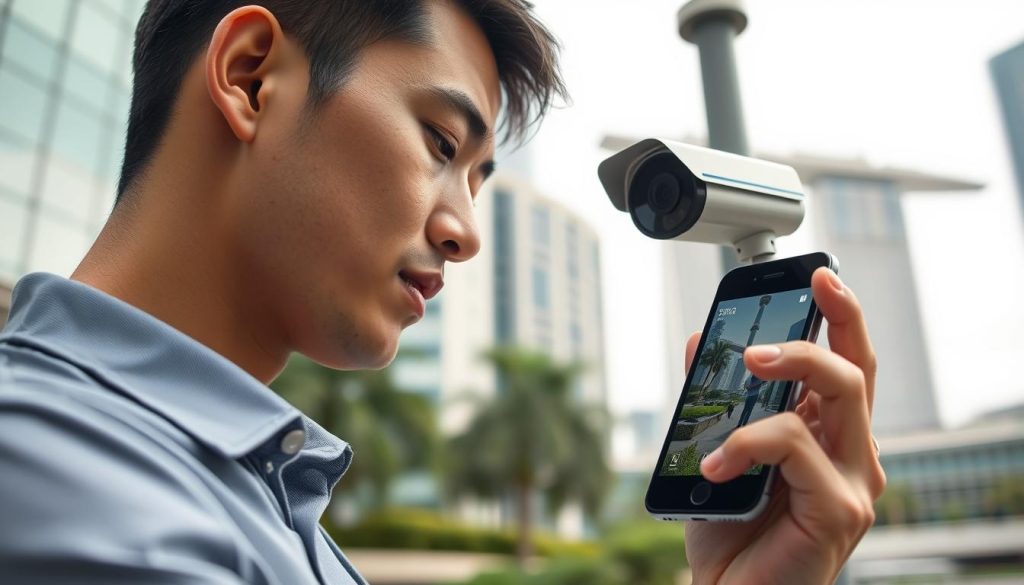
By implementing these tips, you can enhance your CCTV detection experience, ensuring a more effective and hassle-free security system.
Staying Connected and Secure: Final Recommendations for CCTV Camera Detection with Your Phone in Singapore
Staying connected and secure is essential for effective CCTV monitoring in Singapore. This guide has shown that detecting a CCTV camera using a phone is not only achievable but also significantly enhances property security and personal peace of mind.
Follow the outlined steps carefully, from confirming compatibility to setting up network connections and installing the right app. Regular updates and security practices will help maintain your connection and safeguard your data.
Investing in quality equipment, including reliable cameras and a robust router, ensures the best detection and viewing experience. Cloud services and local storage options provide flexibility in how footage is stored and accessed.
Stay informed about new technologies and app updates that can enhance your mobile CCTV experience. For personalized advice, consider consulting professional CCTV installers or service providers in Singapore.
With the knowledge gained from this guide, you are well-equipped to turn your phone into a powerful security tool. Take the first step today by checking your camera compatibility and downloading the official app to enjoy the benefits of mobile surveillance.
FAQ
What types of cameras can be detected using a smartphone?
Most IP cameras and WiFi-enabled security cameras can be detected using a smartphone. These devices typically connect through your home network, allowing for easy monitoring.
Are there specific apps recommended for detecting CCTV cameras?
Yes, official manufacturer apps are often the best choice, as they are designed specifically for their cameras. Additionally, third-party apps like TinyCam Monitor and Alfred Camera can be useful for broader detection.
What should I do if my phone cannot connect to the camera?
Ensure that both the camera and your phone are connected to the same WiFi network. Check your router settings and make sure there are no connectivity issues. Restarting both devices can also help.
How can I enhance the security of my phone when monitoring cameras?
Use strong, unique passwords for your apps and regularly update them. Avoid using public WiFi networks for accessing your security feeds to minimize the risk of unauthorized access.
What are common issues faced when detecting cameras?
Common issues include network connectivity challenges, app compatibility problems, and cameras going offline. Troubleshooting these can often resolve detection issues.
Can I receive alerts for motion detection through my phone?
Yes, many security camera apps allow you to configure motion detection alerts, sending notifications directly to your phone when movement is detected.
Is it possible to access camera footage remotely?
Yes, if your camera supports cloud storage or remote access features, you can view live feeds and recorded footage from anywhere using your smartphone.
How do I ensure my camera is compatible with my phone?
Check the specifications of your camera and ensure it supports mobile app connectivity. Refer to the manufacturer’s guidelines for compatibility information.
What features should I look for in a camera detection app?
Look for features like real-time notifications, user-friendly interfaces, cloud storage options, and compatibility with various camera brands for optimal functionality.
Are there any local regulations regarding CCTV usage in Singapore?
Yes, it is important to understand local laws regarding surveillance and privacy. Familiarize yourself with regulations to ensure compliance when using CCTV cameras.


