
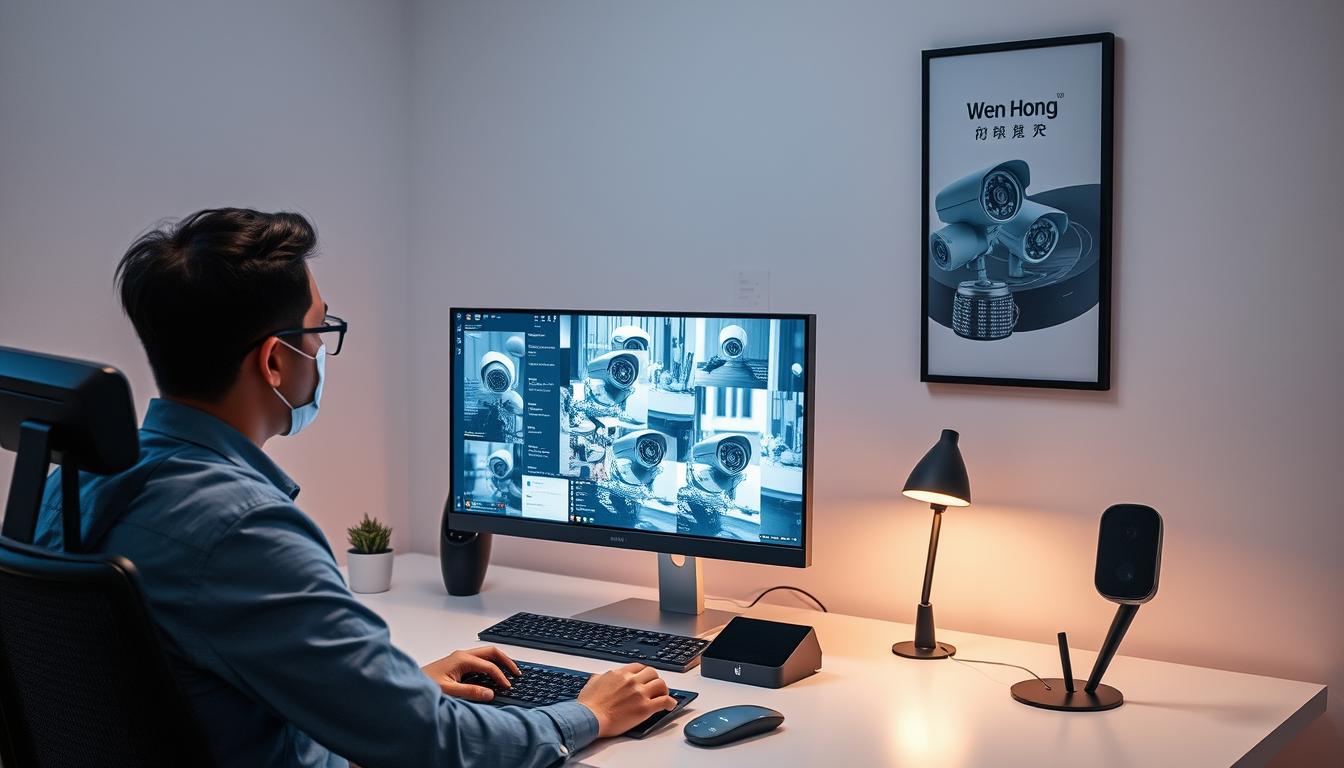
Monitor CCTV Cameras Online – Easy Guide
Ever thought about how easy it is to keep an eye on your home? In Singapore, more people are using tech to keep their homes safe. Now, you can watch CCTV cameras online from anywhere, giving you peace of mind.
This guide will show you the benefits of online CCTV monitoring. You’ll learn about high-quality video, easy access, and sharing videos. We’ll also cover what to look for when setting up your system. Plus, we’ll walk you through how to check your CCTV camera online using apps, software, or browsers. Get ready to boost your safety and security!
Want to learn more about CCTV solutions? Call Wen Hong at +65 60135960 today for the latest offers!
Key Takeaways
- Remote viewing enhances security and convenience.
- IP cameras often provide higher resolution than analog models.
- Night vision and motion detection are key features.
- Multiple methods—apps, software, or browsers—exist for access.
- Regular maintenance and support are vital for systems longevity.
- High-speed internet is essential for effective monitoring.
Understanding Remote CCTV Monitoring
Remote CCTV monitoring is a big step forward in security tech. It lets people watch their places from anywhere online. This makes old-school watching over places much better.
What is Remote Viewing and Its Benefits?
Remote viewing means you can see what CCTV cameras see from far away. It has lots of good points:
- Enhanced Security: Watching live video stops crimes like theft and damage.
- Proactive Monitoring: You can quickly act on any odd behavior, keeping things safe.
- Loss Prevention: Always watching helps stop losses by acting fast on security issues.
- Operational Insights: Companies can check how workers do and get better at running things.
How Modern CCTV Cameras Support Remote Access
Today’s CCTV cameras make it easy to watch from afar. They use P2P connections for easy setup. They also have:
- Seamless Compatibility: Top brands like Hanwha and Hik work well with remote systems.
- 24/7 Operation: You can watch all the time, not just when you’re there.
- Responsive Monitoring Stations: Experts can control cameras to catch important moments.
Having a modern CCTV system lets businesses and people use remote monitoring well. For custom solutions and great deals, call Wen Hong at +65 60135960. Check out the latest CCTV tech.
Setting Up Your CCTV Cameras for Remote Monitoring
Setting up a remote monitoring system for your CCTV cameras is key for security and following rules in your business. You need to connect the recorder to the internet, turn on DHCP and P2P settings, and make sure everything works well with your chosen apps. Here are the steps to help you set it up.
Connecting Your Recorder to the Internet
The first step is to connect your security camera recorder to the internet. Use an Ethernet cable to connect it to your router at home or work. This ensures a steady video stream. Make sure the recorder is on and set up to talk to your network. These steps prepare you for remote monitoring.
Enabling DHCP & P2P for Easy Access
To make remote access easier, enable DHCP. This setting gives your recorder an IP address automatically, making network communication easy. Also, setting up P2P allows easy connection to camera feeds from any internet device. With these settings, accessing CCTV feeds becomes simple, helping you keep an eye on things and react fast.
By following these steps, your CCTV system works better, giving you peace of mind. For more help with CCTV solutions or to see the latest deals, call Wen Hong today at +65 60135960.
How Can I Check My CCTV Camera Online?
Checking your CCTV camera feeds online is now easy, thanks to new tech. You can use mobile apps or web browsers. This lets you watch your security cameras from anywhere in the world.
Mobile App Options for Remote Access
Many makers have mobile apps for easy check CCTV camera online access. These apps work on smartphones, letting you see your CCTV feed from anywhere. They often have features like:
- Real-time alerts and notifications
- Live streaming capability
- Playback of recorded footage
- Two-way audio communication
Brands like Reolink and Hikvision have great apps for better surveillance.
Accessing CCTV Feeds Through a Web Browser
Using a web browser to see your CCTV feeds is also easy. Just enter the camera’s IP address to watch your footage. You’ll need:
- Your camera must be online.
- Set up port forwarding on your router.
- Use secure login details, not default passwords.
Using a VPN makes it safer to access your CCTV system online. It encrypts your connection for secure viewing, even in restricted areas.
Need help with your CCTV setup? Contact Wen Hong today at +65 60135960. Learn about the latest CCTV solutions and offers.
Monitoring CCTV Cameras via Mobile Apps
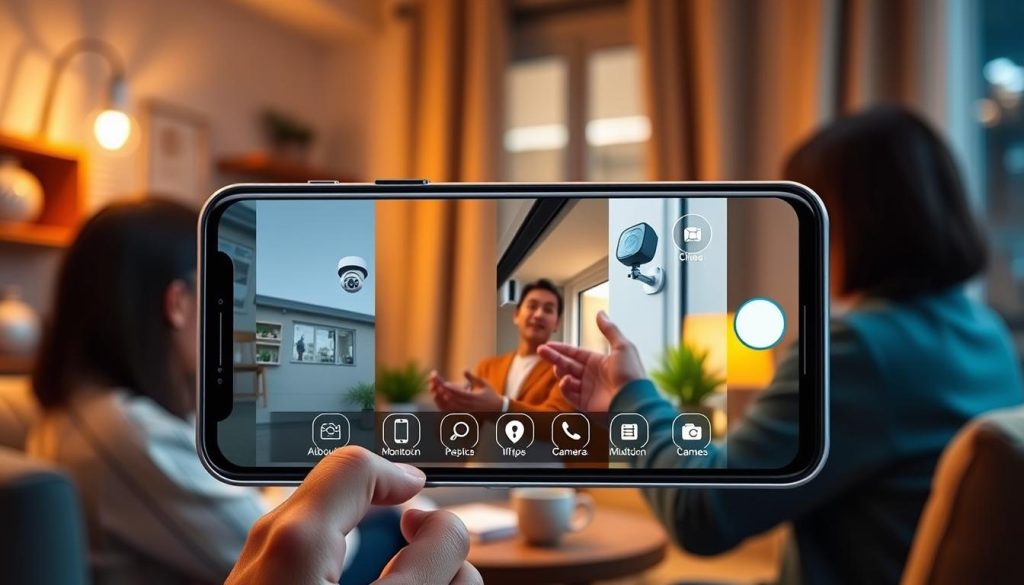
Technology has changed how we watch our CCTV systems. A good mobile app can make watching cameras easy from anywhere. It’s important to pick an app that works well with your cameras and is easy to use.
Choosing the Right App for Your System
When picking a mobile app for watching your cameras, check if it works with your system. Some apps are only for iOS or Android, but others work on both. Apps like Camy and Reolink are popular for their features.
Look at what other users say to see how well an app works. For example, Camy is praised for its motion detection but gets complaints about too many alerts. This shows why it’s key to know what an app can do before choosing it.
Installing and Setting Up Viewing Software
To set up CCTV viewing software, first download the app you want. Then, follow these steps:
- Connect your phone to the same WiFi as your CCTV system.
- Add your camera to the app using its model code or a QR code.
- Start watching the live feed and adjust settings as needed.
Choose apps that protect your privacy, like Camy. It doesn’t collect your data and improves motion detection. Be careful of issues like network problems or IP address changes that might stop you from watching.
If you’re worried about security, look for cameras with encryption. Also, be careful when using public WiFi to keep your system safe.
For help and to learn about new CCTV options, call Wen Hong at +65 60135960 today.
Configuring Port Forwarding for Remote Access
For effective monitoring of CCTV systems remotely, understanding port forwarding for CCTV is key. This process lets your cameras talk to devices outside your local network. It makes it easy to access your video feeds from anywhere in the world. Without it, your CCTV cameras are hidden behind your router’s firewall, blocking remote access.
Understanding the Importance of Port Forwarding
Port forwarding is vital for configure CCTV remote viewing. Most IP cameras use specific ports for data exchange. For example, port 554 is for Real-Time Streaming Protocol (RTSP). Accessing camera interfaces usually involves ports 80 or 443.
Routers block unsolicited incoming requests for security. Port forwarding opens a controlled path for specific traffic. It lets external devices access your camera system.
Step-by-Step Guide to Set Up Port Forwarding
- Log into your router’s configuration page using its IP address.
- Navigate to the port forwarding section.
- Input the internal IP address of your CCTV camera.
- Select the appropriate external port numbers. For cameras like Nest or Arlo, consider using ports 554, 80, and 443.
- Save the settings and reboot the router.
- Test your configuration by accessing your camera remotely from a different network.
Make sure to reserve the IP address of your cameras using DHCP settings to prevent conflicts. Tools like LocalXpose can help by generating unique addresses for remote access. Proper port forwarding ensures a reliable connection. This makes it easier to monitor your property through your IP cameras.
For further assistance with the latest CCTV solutions or offers, contact Wen Hong today at +65 60135960.
Troubleshooting Remote Viewing Issues
Setting up a CCTV system for remote monitoring can be tricky. Users face problems like connectivity issues, misconfigurations, or device incompatibility. It’s key to solve these problems for smooth camera access. Knowing how to fix these issues can make your security system work better and give you peace of mind.
Common Problems and Solutions
Fixing remote viewing issues can save a lot of time and stress. Here are some common problems and their solutions:
- Connectivity Issues: Make sure your CCTV camera is well connected to the internet. Check the cables and status lights on cameras and routers.
- Incorrect Settings: Check that the camera’s UID method and IP address are set right for remote access.
- Firmware Updates: Keep your camera and monitoring software up to date. This helps avoid bugs and connectivity issues.
- Port Forwarding Errors: Make sure port forwarding is set up correctly. Ensure ports like HTTP port 80 and media port 37777 are open and routed right.
- Poor Video Quality: If video is lagging or low quality, check your internet connection. This is more important if you’re using mobile data.
Checking Network Settings for Successful Access
Network settings are vital for a good connection to your cameras. Start by checking these:
- Find your camera’s local IP address.
- Check your router’s WAN/External IP address for remote access settings.
- Make sure camera port numbers are listed correctly.
- Think about using cellular-based security cameras on 4G for access in areas with poor internet.
Using online IP camera viewers can make monitoring easier. You can also use smartphone apps for Android and iOS to stay updated from anywhere.
For more help with your CCTV setup and troubleshooting, contact Wen Hong at +65 60135960. Learn about the latest CCTV solutions and offers.

Safety and Security Measures for Remote Monitoring
In today’s digital world, keeping your remote monitoring systems safe is key. Using good CCTV security measures helps protect your property and personal info. It’s important to have strong passwords for your cameras and to keep them updated regularly.
Choosing Strong Passwords and Network Security
Creating strong, unique passwords is a must for good CCTV security. Weak passwords can be easily hacked, giving unauthorized access to your cameras. Here are some tips to follow:
- Use a mix of upper and lower case letters, numbers, and special characters.
- Avoid using easy-to-guess info, like birthdays or common words.
- Change your passwords often to lower the risk of being hacked.
- Turn on two-factor authentication if you can for extra security.
Regularly Updating Firmware for Enhanced Security
It’s vital to keep your camera’s firmware up to date for security. Firmware updates fix holes that hackers might use. Here’s how to stay on top of it:
- Always check for firmware updates from your camera’s maker.
- Read the release notes to see what’s new and fixed.
- Install updates right away to keep your system safe and working well.
Strong passwords and regular firmware updates are key to a secure remote monitoring system. Protect your cameras now. For the latest CCTV solutions and deals, call Wen Hong at +65 60135960. Find out how to boost your security.
The Advantages of Remote CCTV Monitoring
Remote CCTV monitoring brings many benefits for both businesses and homeowners. It boosts security and peace of mind. It also gives valuable insights into operations. This technology helps streamline management, making it more efficient.
Enhanced Security and Peace of Mind
One key benefit of remote CCTV monitoring is better security. With constant surveillance, businesses can prevent crimes. Live audio warnings and monitoring can stop criminals before they act.
Also, remote monitoring can lower insurance costs. Insurers see these systems as less risky, leading to lower premiums.
Operational Insights and Business Management Benefits
Remote CCTV systems also provide insights for better business management. They are much cheaper than hiring on-site security guards. The cost of remote monitoring starts at £200 a year, while guards cost around £100,000.
This approach saves money on direct costs and other expenses. It also simplifies payroll and holiday pay for guards.
In fields like solar energy, agriculture, and education, CCTV systems offer real-time monitoring. This leads to quicker responses to incidents. Businesses can make better decisions with the data from their CCTV systems.
| Cost Comparison | Remote CCTV Monitoring | On-Site Security Guards |
|---|---|---|
| Annual Cost | From £200 | Approx. £100,000 |
| Potential Savings | Up to 80% | N/A |
| 24/7 Coverage | Yes | No |
| Insurance Premium Reduction | Yes | No |
Want to see how remote CCTV monitoring can help your property? Contact Wen Hong today at +65 60135960. Learn more about the latest CCTV solutions and offers.
Conclusion
Remote CCTV monitoring is key for better security and peace of mind. With affordable, advanced cameras, online surveillance is easier than ever. It lets you watch footage on phones, tablets, and smart TVs, making your property safer.
Getting a good CCTV system does more than just protect. It also helps manage your business better. Keeping your system’s software up to date is vital for its best performance and safety. This is even more important in places like Delhi, where CCTV systems are common.
If you want the best CCTV options and deals, call Wen Hong at +65 60135960. Don’t miss out on improving your surveillance and enjoying online monitoring’s benefits.
FAQ
How can I check my CCTV camera online?
To check your CCTV camera online, use a mobile app designed for your system. Or, access it through a web browser with its IP address. Make sure your cameras are online and remote access is set up.
What are the benefits of remote CCTV monitoring?
Remote CCTV monitoring boosts security and lets you monitor your property from anywhere. It also helps prevent losses and offers insights into operations.
How do I set up my CCTV cameras for remote access?
First, connect your security camera recorder to your home internet with an Ethernet cable. Then, enable DHCP for automatic IP addressing. Using Peer-to-Peer (P2P) services can make connections easier.
Can I access my CCTV feeds through my smartphone?
Yes, many CCTV systems have mobile apps. These apps let you view your CCTV feeds on your smartphone, making remote viewing easy.
What is port forwarding, and why is it important for CCTV remote access?
Port forwarding directs requests to your CCTV system. It’s key for remote viewing without risking your system’s security.
What are common issues I might encounter when trying to access my CCTV feeds remotely?
Issues include connectivity problems, wrong settings, and device compatibility. Correct network settings are vital for remote access.
How can I enhance the security of my remote monitoring system?
Use strong, unique passwords for your camera and network systems. Regularly update firmware to protect against vulnerabilities.
What are the operational benefits of remote CCTV monitoring for businesses?
Remote CCTV monitoring boosts business security and peace of mind. It also offers insights for better management and decision-making.
Source Links
- https://web.securitysystem.com.sg/how-to-watch-cctv-camera-from-anywhere-using-internet/
- https://www.cctvcameraworld.com/security-cameras/how-to-view-security-camera-from-the-web/
- https://clearview-communications.com/insights/cctv-monitoring-systems-explained/
- https://www.caughtoncamera.net/news/cctv-remote-surveillance-guide-remote-monitoring/
- https://upcomingsecurity.co.uk/security-guides/cctv-camera-guides/cctv-monitoring/
- https://pro-vigil.com/blog/how-to-watch-cctv-camera-from-anywhere-using-internet/
- https://reolink.com/blog/how-to-set-up-ip-camera-remote-viewing/?srsltid=AfmBOopqOlxP6Pwb4j8Al-oOpAJsOEVA41aCB7kSWi2IWJqnfRR0jLuU
- https://www.ezlo.com/how-to-watch-cctv-camera-from-anywhere-using-internet/
- https://reolink.com/blog/cctv-cameras-live-streaming-online/?srsltid=AfmBOordF1F_14Gd0-L7g3Rk8SOlM9k4fA3xIMjD2jzGtgnqBiNMLNgP
- https://repairit.wondershare.com/video-repair/cctv-camera-clips.html
- https://play.google.com/store/apps/details?id=cam.camy
- https://www.cctvnz.co.nz/blog/how-to-connect-cctv-to-your-smartphone
- https://reolink.com/blog/home-security-apps-for-android-ios/?srsltid=AfmBOoqHxJ2d5JCbnE0mu0K3lQi8e3uqJtlAVcCp7Jze2AAQxo2I7_Fl
- https://localxpose.io/blog/ip-camera-port-forwarding
- https://videos.cctvcamerapros.com/surveillance-systems/port-forwarding-remote-access-setup-for-ip-security-cameras.html
- https://reolink.com/blog/how-to-set-up-ip-camera-remote-viewing/?srsltid=AfmBOornVyxjk-vQxrkQgIv9J0AXhEs0ekcrOxVB0mLzTKTBR9QDFtFv
- https://www.revlightsecurity.com/blog/step-by-step-guide-to-view-a-security-camera-remotely/
- https://www.farsight.co.uk/resources/how-remote-cctv-monitoring-works/
- https://www.remote-monitoring.co.uk/guides/cctv-monitoring-the-complete-guide/
- https://safeguardsystems.co.uk/cctv-monitoring/remote-cctv-monitoring-benefits-advantages/
- https://www.chrislewis.co.uk/blog/the-benefits-of-a-remote-cctv-monitoring-service
- https://www.westerndigital.com/en-in/solutions/cctv/blog/how-to-view-recorded-cctv-footage-on-different-devices
- https://www.noyafa.com/blogs/knowledge-base/how-to-test-your-security-camera-system-in-3-simple-steps?srsltid=AfmBOorf9421oqqHhtvCXcViTMiXka4nRR2l-BJF4AG3NcDcsgsrSq_E


