
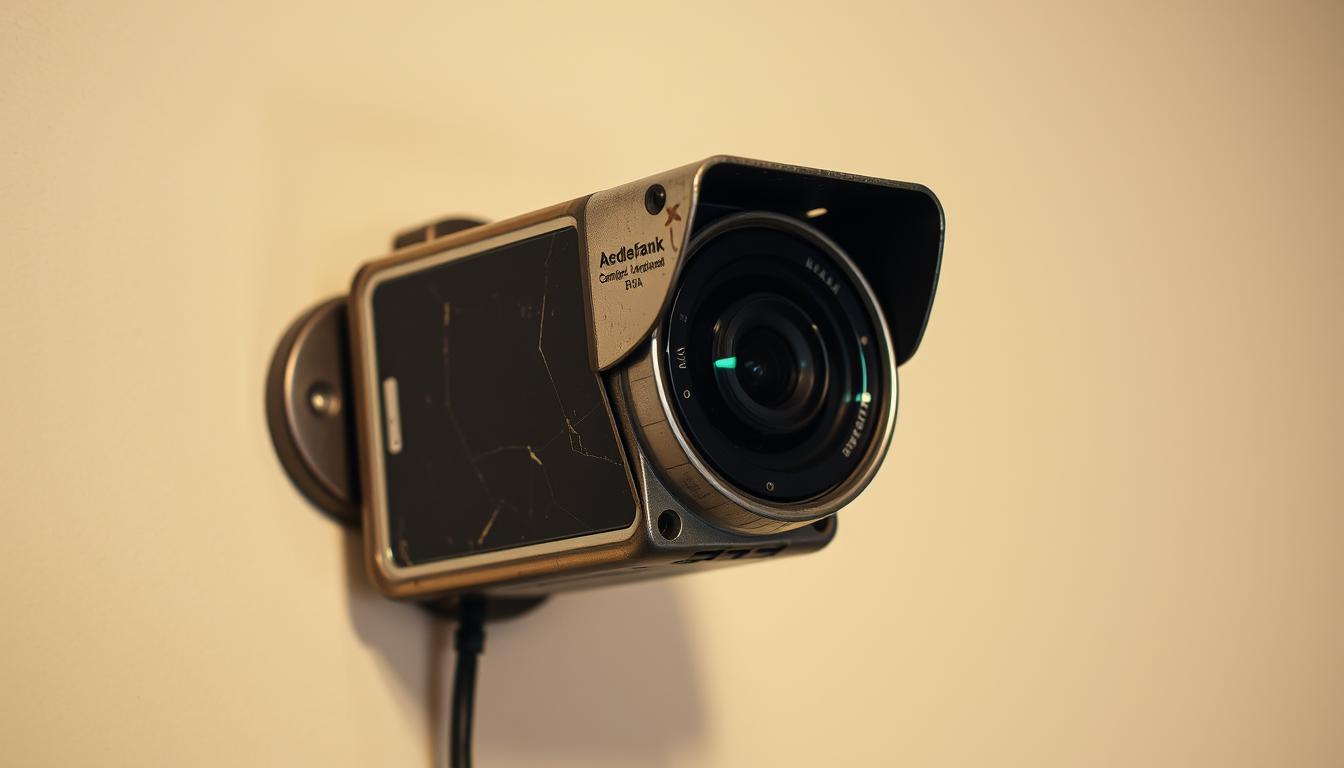
Can I use my old smartphone as a security camera?
Home security is becoming a big concern for many. With more package theft and home intrusions, people wonder: can an old smartphone work as a security camera? Turning an old phone into a security device is a smart move. It’s affordable and helps reduce electronic waste.
This approach also saves money and is good for the planet. It’s a clever way to use old technology instead of throwing it away. It could be the perfect solution for boosting your home’s safety.
Key Takeaways
- Using an old smartphone as a security camera is cost-effective.
- It addresses the growing need for DIY home security solutions.
- This method promotes the repurpose of old smartphones, benefiting the environment.
- Smartphone surveillance can deter intruders and improve safety.
- It’s a practical way to utilize technology that might go to waste.
Understanding Home Security
Home security is about protecting homes from threats like burglary and vandalism. It’s key to keeping families and their belongings safe. There are many types of home security systems to fit different needs and budgets.
Some people choose professional monitoring services for constant watch and quick alarm responses. Others prefer DIY solutions to keep an eye on their homes themselves. Using more than one system can make homes even safer by adding extra layers of protection.
Crime rates are rising in many places, making home security more important than ever. Solutions like smartphone security cameras can help keep homes safe and allow for remote monitoring. Talking about the importance of home security helps people make better choices about their systems, leading to a safer home.
Benefits of Using an Old Smartphone for Security
Using an old smartphone as a security camera has many benefits. It lets you set up a reliable monitoring system without spending a lot. This way, you save money compared to buying new security equipment.
Setting up a DIY smartphone security system is easy. You don’t need to be tech-savvy. There are many apps available that make it simple to get started. This means you can boost your home’s security quickly.
Using an old phone for security also helps the environment. It’s part of the trend towards technology recycling. By doing this, you help reduce electronic waste and support green efforts. It’s a win-win for both your home’s safety and the planet.
Can I use my old smartphone as a security camera?
Turning your old smartphone into a security camera is a smart move. It boosts your home’s safety while saving money and the planet. This choice is both budget-friendly and eco-friendly.
Cost-Effectiveness of DIY Security Solutions
Using an old smartphone as a security camera can save you a lot of money. Setting up a security system can be pricey. But, repurposing an old phone is cheap and easy.
Many apps for iOS and Android offer free or low-cost features. This lets users make the most of their phones’ capabilities without spending a lot.
Environmental Benefits of Reusing Technology
Using an old smartphone for security helps the environment. Electronics waste is a big problem, harming our planet. By making an old phone useful again, you help reduce waste and support green practices.
This approach also promotes responsible use of technology. It makes your old phone useful again, reducing electronic waste.
Necessary Apps for Smartphone Security Cameras
To turn an old smartphone into a security camera, picking the right apps is key. There are many options for both iOS and Android, covering a wide range of needs. These apps help users monitor their surroundings effectively.
Best Apps for iOS and Android
Apps like Alfred, Faceter, and iVCam are top picks for surveillance. Alfred is easy to use on different platforms, with features like live streaming and motion detection. Faceter adds extra functions for specific needs, while iVCam makes it simple to connect with existing systems.
Features to Look For in Security Apps
When choosing security apps for iOS and Android, focus on important features. Look for:
- Remote viewing to watch footage from anywhere.
- Cloud storage for easy video access.
- Motion alerts to inform you of activity.
- Simple interfaces for easy use.
By checking these features, you can find the best apps for your security camera setup.
Step-by-Step Guide to Setting Up Your Old Smartphone
Turning an old smartphone into a security camera is a smart move for homeowners. A detailed setup guide is key for a smooth transition. Start by picking your old device and making sure it’s charged and works well. Remove any apps you don’t need to free up space.
Then, pick a security app made for this purpose. These apps offer features like motion detection and cloud storage. Download the app on your old phone and a new device, like a tablet or computer.
After installing the app, create an account if it asks for one. Link your devices through the shared account. This lets the old phone send video feeds. Set up the camera settings to fit your needs, like adjusting sensitivity and alerts. This easy guide shows how to turn an old phone into a camera, boosting your home’s security.
Choosing the Right Position for Your Smartphone Camera
Getting your smartphone camera in the right spot is key for good security. The right spot can make sure you see everything important. It’s all about knowing where to put your phone for the best view.
Ideal Placement Considerations
Here are some tips for placing your smartphone camera:
- Entry Points: Put cameras near doors and windows to watch for anyone coming in.
- High-Traffic Zones: Cameras in busy spots can catch people and any odd behavior.
- Areas Prone to Threats: Look for weak spots like garages or basements.
- Height and Angle: Set the camera at eye level or a bit higher, looking down for better views.
- Lighting Conditions: Stay away from backlight; choose bright spots for clearer pictures.
Using these tips can make your phone camera much better at keeping your home safe.
Powering Your Old Smartphone as a Security Camera
Using an old smartphone as a security camera is a smart move. But, it needs a lot of power. Streaming video all the time can quickly use up the battery. To keep it running, try a few power-saving tips.
A long charging cable is great for placing your phone in the best spot. Make sure it can reach an outlet without blocking the view. Power banks are also helpful, letting you move the phone while keeping it charged.
Keep your phone close to a power source for steady monitoring. Choose a spot where it can watch important areas and stay plugged in. This way, your camera works smoothly and keeps your space safe.
Limitations of Using a Smartphone as a Security Camera
Smartphones can act as security cameras, but they have their downsides. It’s important to know these limitations before setting one up. The main issues include outdated software and the risk of hacking, which can be serious.
Potential Security Concerns
Older smartphones might not get the latest security updates. This makes them vulnerable to new threats. Also, connecting them to the internet can attract hackers, risking your data and footage.
Users need to think carefully about these risks versus the benefits of keeping an eye on their space.
Technical Limitations Compared to Professional Cameras
Smartphones can’t match the quality of dedicated security cameras. They often have lower image resolution. Features like night vision and motion detection are also missing from many apps.
These technical issues make smartphones less effective for security needs.
Alternatives to Using Old Smartphones for Home Security
Using an old smartphone for home security might seem smart. But, there are better options that offer more reliable protection. Professional security cameras have features that smartphones often don’t, like better resolution and night vision.
Looking for the best home security systems can be a good idea. These systems provide dependable devices for your safety needs.
There are many models to choose from, depending on your needs. For example, the eufy Indoor Cam S350 is great for inside your home. It offers clear video and advanced motion detection.
For outdoor security, the eufy SoloCam S340 is a strong choice. It’s weatherproof and has long battery life, keeping your property safe all day and night.
Choosing professional security cameras can make your home safer. It also gives you peace of mind, knowing your property is always being watched. With these options, you can pick the right security for your home and enjoy the latest in home security technology.

Maximizing the Effectiveness of Your Smartphone Security Camera
To get the most out of your smartphone camera for security, check and tweak its settings often. Make sure the camera settings match your environment. This includes turning on night vision or motion detection if your app offers it. Also, keep your app updated to get better performance and new features.
It’s also key to keep the camera’s view clear. Clean the lens regularly and make sure nothing blocks the camera’s sight. Keeping your phone clean and running smoothly is also important. This means deleting apps you don’t use and managing your storage well.
Lastly, make sure your camera and any devices you use to view it communicate well. Set up alerts and schedules to stay informed about your home’s security. This way, you’ll know your old smartphone is helping protect your space.
FAQ
Can I really use my old smartphone as a security camera?
Yes, you can turn your old smartphone into a security camera. Just use the right apps and set it up. It’s a cheap and green way to boost your home’s security.
What are the benefits of using an old smartphone for home security?
Old smartphones save you money and are easy to set up yourself. They also help the planet by keeping old tech out of landfills.
What apps should I consider for turning my smartphone into a security camera?
Check out Alfred, Faceter, and iVCam. These apps let you stream live, get alerts for motion, and store footage in the cloud. They work on both iOS and Android.
How do I set up my old smartphone as a security camera?
First, get your phone ready. Then, download a security app. Follow the app’s instructions to link it to your new monitoring system.
What is the best way to position my smartphone camera for optimal security coverage?
Place your smartphone where it’s most needed, like near doors or busy spots. Think about height, angle, and light to get the best view.
How can I keep my old smartphone powered while using it as a security camera?
Use a long charger or a power bank to keep it running. Place it where it can easily reach a power outlet to avoid losing power.
Are there any risks associated with using an old smartphone as a security camera?
Yes, there are risks. Old phones might not get security updates, could be hacked, and might not take as clear pictures as real security cameras.
What alternatives are available for home security beyond old smartphones?
For better security, consider professional cameras like the eufy Indoor Cam S350 and eufy SoloCam S340. They offer features like night vision and constant monitoring.
How can I improve the performance of my smartphone used as a security camera?
Keep your app settings up to date, take care of your phone, and update its software. This will help it work better for keeping your home safe.


