
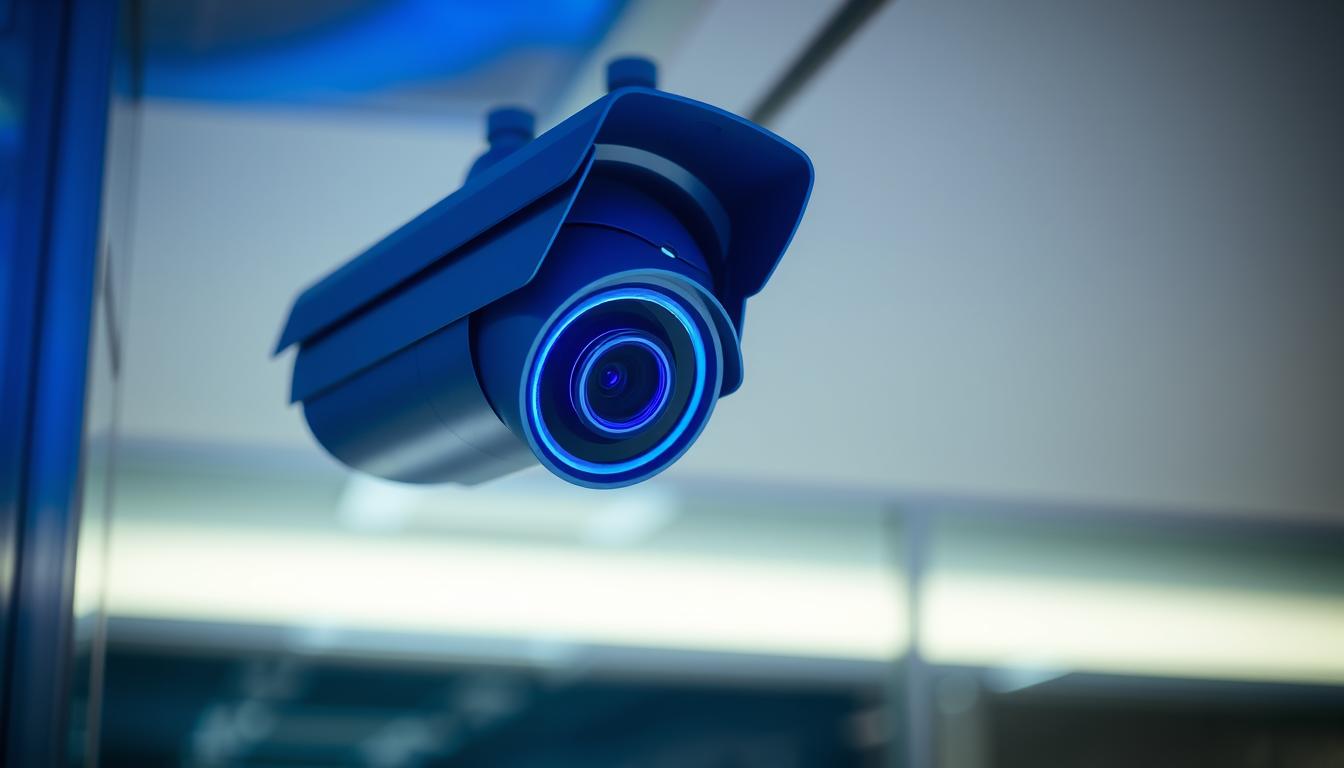
What is the blue light on my CCTV camera?
The blue light on a CCTV camera is a key surveillance camera indicator. It shows if the camera is working right. It can mean the camera is okay or if there’s a problem.
Knowing what the blue light means helps users keep an eye on their camera status lights. This way, they can fix any issues quickly. It’s important for good surveillance.
Key Takeaways
- The blue light on a CCTV camera indicates its operational status.
- Different brands may use the blue light for various alerts.
- Understanding this indicator can enhance user awareness.
- Camera status lights help in troubleshooting issues efficiently.
- Recognizing the meaning of the blue light can ensure effective surveillance.
Understanding the Blue Light Indicator
The meaning of blue light on CCTV cameras is key for users to watch their surroundings well. This light tells users about the camera’s status. It’s important to check the camera’s manual to know what the blue light means.
Here are some common security camera indicators shown by the blue light:
- Normal operation.
- Firmware updates in progress.
- Status of network connectivity.
- Alerts regarding possible security breaches.
Knowing how the CCTV camera blue light function works helps users act fast when problems come up. Being familiar with these signs means better monitoring and security.
What is the blue light on my CCTV camera?
The blue light on CCTV cameras is key to knowing if they’re working right. A steady blue light means the camera is recording or working as it should. On the other hand, a flashing blue light shows the camera is doing something else, like starting up or updating its software.
Getting to know the CCTV blue light explanation helps you use your camera better. Different cameras use the blue light in different ways. For example, some cameras light up blue when they detect movement. It’s important to learn what the blue light means for your camera.
To get the most out of your security camera functionality, check the user manual. Each camera model has its own way of showing what’s happening. Knowing how to read the blue light is key to using your camera well.
Common Functions of a Blue Light on Security Cameras
The blue light on security cameras has many important uses. It helps users understand the camera’s status. Knowing these CCTV camera blue light functions makes monitoring better.
A steady blue light means the camera is recording. This is key to its job. It tells users that the camera is working as it should. A blinking blue light, though, means the camera is in standby mode. This lets users know it’s not recording but is ready to go.
The blue light also shows if the camera is connected to the network. If it’s having trouble connecting, the light might flicker. It can also flash during a firmware update, which keeps the camera secure and running well.
It’s worth noting that how blue light works can differ by camera brand. Each brand might use it in its own way. Also, a blue light can signal motion detection or system errors. This alerts users to important issues that need their attention.
Solid Blue Light vs. Blinking Blue Light
It’s important to know the difference between a solid blue light and a blinking blue light. A solid blue light meaning shows the camera is working right. It means it’s recording or streaming video. This tells you your security system is up and running, watching the area it’s supposed to.
A blinking blue light meaning is different. It usually means the camera is doing something else. This could be turning on, updating, or alerting you to movement. Knowing these CCTV camera light indicators helps you understand what the camera is doing. It also tells you if you need to take action right away.
Solid Blue Light on Security Cameras
A solid blue light on your security camera means it’s working well. This light tells you the camera is capturing images effectively. It shows the camera is in good shape and ready to go.
Indications of Normal Operation
Seeing a solid blue light means your camera is recording properly. It shows the camera is working without any issues. This is important for keeping your security system up and running.
Meaning of a Successful Network Connection
The solid blue light also means your camera is connected to the internet. This is great for watching live footage from anywhere. It’s key for keeping an eye on things remotely.
Blinking Blue Light on CCTV Cameras
A blinking blue light on CCTV cameras has several meanings. It shows different states of operation. Knowing these signals helps users make smart choices about their security systems.
Signals During Startup or Firmware Update
The blinking blue light is a startup indicator. It shows when the camera turns on or is updating its firmware. This light means the camera is getting ready to work fully.
Users should know the camera isn’t ready yet. It’s just setting up for monitoring.
Indication of Motion Detection or Alerts
The blinking blue light also means motion detection. It turns on when the camera sees movement. This alerts users to possible security issues.
They should watch for this light. It might show something unusual that needs checking.
Brand-Specific Meanings of Blue Light
Different CCTV camera brands use blue light in their own ways. This helps us understand security camera blue light meaning better. For example, Ring cameras show a solid blue light when they’re recording or setting up. This makes it easy for users to know if the camera is working.
Reolink cameras have a solid blue light for a good Wi-Fi connection. These brand-specific camera functions are key for effective security monitoring. It’s important to check the product manual for each brand. This way, we can understand the CCTV camera brands blue light indication better and enjoy our surveillance systems more.
Troubleshooting Blue Light Issues
Having trouble with the blue light on your CCTV camera? It might mean there’s a bigger problem to fix. Issues with power and network can cause these problems. Fixing these can make your security system work better.
Power Supply Problems
A weak power supply can cause blue light issues. A bad connection or low battery can lead to problems. Make sure the power is on and the battery is charged.
Also, check the power cables for damage. If power is not steady, you might need a new outlet or a backup power source.
Network Connectivity Challenges
Network problems can also affect the blue light. If your camera can’t connect, the light might not work right. Make sure your camera is close to the Wi-Fi router.
If it’s too far, try moving the router or use Wi-Fi extenders. Resetting the camera or updating the app can also help.
Examples of CCTV Cameras with Blue Light Indicators
Many CCTV cameras come with blue light indicators. These show if the camera is working. This makes it easier to keep an eye on security. For example, the Reolink Argus 3 Ultra has high-resolution video. This means you can see things clearly when you’re watching.
The Reolink Duo 3 PoE camera is another great option. It uses Power over Ethernet for steady performance. Plus, its blue light helps you know it’s on and working right.

The Importance of Knowing Your Camera’s Status Lights
Knowing the importance of camera status lights boosts security for homes and businesses. These lights show if your CCTV system is working right. By keeping an eye on these lights, you can make sure each camera works well.
Watching the status lights helps spot problems fast. A steady blue light means everything’s okay. But a flashing light might mean there’s an alert or update. This knowledge helps avoid blind spots and keeps your place safe.
Regularly checking these lights helps you stay ahead of security issues. It shows how vital it is to understand the importance of camera status lights. This way, you can keep your surveillance smooth and effective.
Maintaining Your CCTV Camera’s Functionality
To keep your CCTV cameras working well, regular maintenance is key. It helps your security system last longer and work better. You should check the power, update the firmware, and make sure the network is connected.
Knowing what the blue light on your camera means is also important. A steady blue light means everything is okay. But if the light changes, it might mean you need to fix something. Knowing this helps you catch problems early and keep your system running smoothly.
By doing routine checks and staying alert, you can make your CCTV system last longer. Taking care of your cameras is like protecting your property. It gives you peace of mind and makes your security setup more effective.
FAQ
What does the blue light indicate on my CCTV camera?
The blue light shows if your CCTV camera is working right. A steady blue light means it’s recording or working fine. A blinking blue light might mean it’s starting up, updating, or has detected motion.
How can I interpret a solid blue light on my security camera?
A steady blue light usually means your camera is working well. It’s recording or streaming without problems. It also shows it’s connected to Wi-Fi, so you can watch it online.
What does a blinking blue light mean on my CCTV camera?
A blinking blue light often means the camera is in a transition. This could be when it’s starting up or updating. It also alerts you to any motion or unusual activity.
Why does the meaning of the blue light vary across different camera brands?
Each brand has its own way of using the blue light. For example, Ring cameras show recording with a steady blue light. Reolink cameras might use it for a Wi-Fi connection. Always check your camera’s manual for the right meaning.
What steps should I take if the blue light on my camera doesn’t indicate normal operation?
If the blue light isn’t right, first check the power and network. Make sure it’s close to the Wi-Fi router. If it’s not working, look in the manual for help or call customer support.
Are there any specific models of CCTV cameras that feature blue light indicators?
Yes, some cameras like the Reolink Argus 3 Ultra and the Reolink Duo 3 PoE have blue light indicators. These lights help you keep an eye on your security.
Why is it important to know the status lights on my CCTV camera?
Knowing the status lights is key for good security monitoring. They help make sure your camera works right and let you fix problems fast. This keeps your security strong and your peace of mind.
What can I do to maintain my CCTV camera’s functionality?
To keep your camera working well, check the power and update the firmware regularly. Also, make sure it’s connected to the network well. Watching the blue light helps spot any issues early.


