
How do I know if my CCTV is working on my phone?
It’s important to check if your CCTV system is working right. This is key for keeping your place safe, like in busy cities like Singapore. Now, you can easily watch your security cameras on your phone. This makes sure your system is ready to go before any problems happen.
In this article, we’ll show you how to check if your CCTV is working on your phone. We’ll cover the best ways to make sure it’s working well.
Key Takeaways
- Regular checks are vital for optimal CCTV performance.
- Mobile access CCTV enhances security monitoring convenience.
- Preemptive security camera checks help prevent possible incidents.
- Monitoring via smartphones provides peace of mind in urban areas.
- Understanding app functionalities is key for effective surveillance.
Understanding the Importance of CCTV Systems
CCTV systems are key to boosting security in homes and businesses in Singapore. The city’s growing population and urban areas make surveillance more important than ever. These systems help prevent crimes and provide evidence when needed.
Modern CCTV systems use advanced technology to let users watch their places from afar. They offer real-time updates, giving users peace of mind. With mobile technology, it’s easier than ever to check on CCTV in Singapore from anywhere.
Effective CCTV setups also improve safety in homes and businesses. By choosing good surveillance, people and companies can feel more secure. This is vital in our fast-moving world.
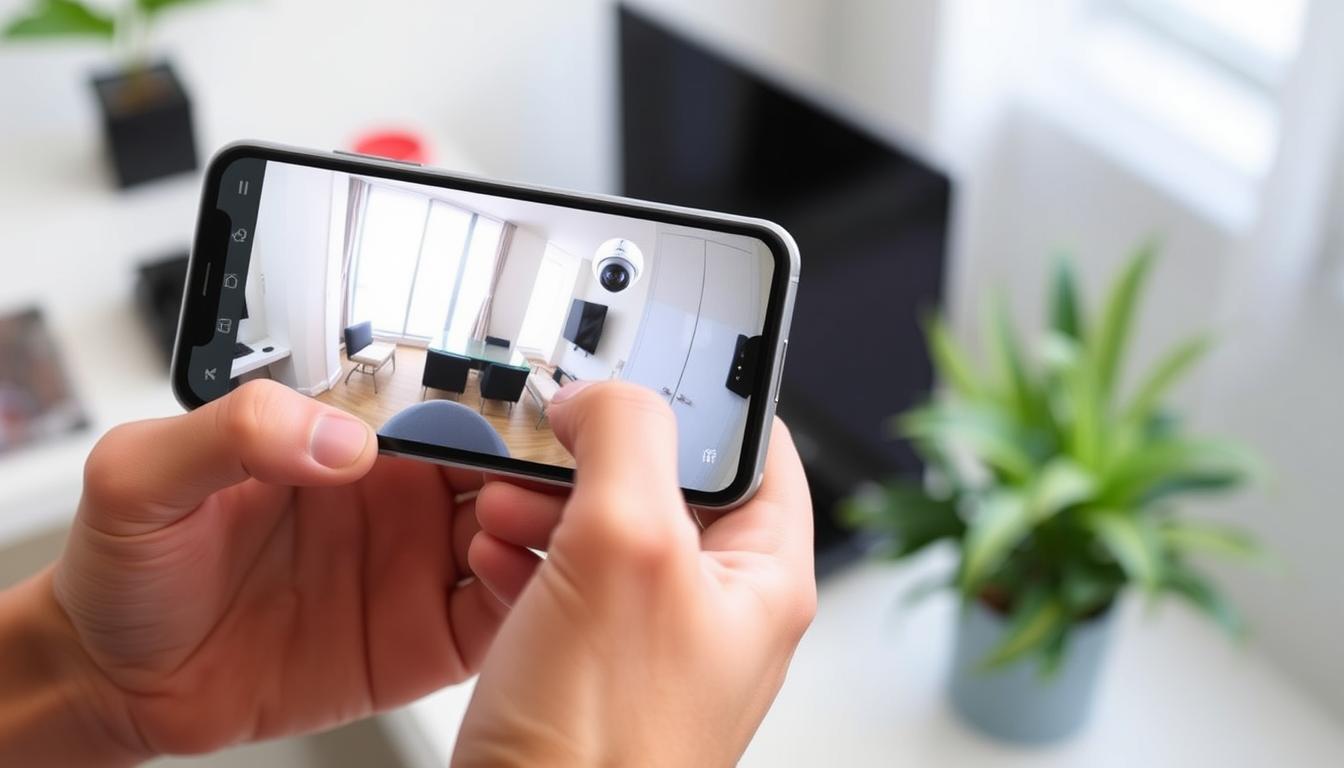
How do I know if my CCTV is working on my phone?
To check if your CCTV works on your phone, start by opening the app for your system. Make sure the app is updated. Updates can improve how well it works.
Then, go to the app’s settings to check the camera status. If cameras show as offline, you might need to troubleshoot. The app will guide you through any problems.
Regularly checking your CCTV helps with remote monitoring. It keeps your security system running smoothly and effectively.
Benefits of Remote CCTV Monitoring on Mobile Devices
Connecting CCTV systems to mobile devices brings many remote monitoring benefits. It makes security better and gives peace of mind. You can watch your property live from anywhere, at home or on the move.
This lets you check on your property anytime. It adds an extra layer of protection and reassurance.
Also, a good CCTV mobile app sends alerts for any suspicious activity. This means you can act fast to prevent security issues. It’s easy to manage your security from anywhere, without needing to be there in person.
Using top-notch mobile apps makes security systems work better. The mix of CCTV mobile app benefits and new tech keeps users informed and ready to protect their stuff. Getting such systems is a smart move for anyone wanting to improve their security.
Choosing the Right CCTV System for Mobile Access
Choosing the right CCTV system is key for mobile access to security feeds. Look for systems that support mobile apps on iOS and Android. This ensures easy access to your security feeds on the go.
Features like cloud storage, high-definition recordings, and infrared night vision are important. They help you see clearly, even in the dark. These features are vital for effective security.
Also, make sure the system works well with your network. This avoids any connection problems. By following these CCTV recommendations, you’ll get the most out of your system.
Setting Up Your CCTV Mobile App
Starting remote monitoring is easy with the right steps. First, download the app and give it the needed permissions. This ensures your system works well.
Downloading the Required App
Start by picking the right app for your CCTV system. Go to the Apple App Store or Google Play Store. Look for the app made by your CCTV’s manufacturer. It’s important to choose the correct app for smooth installation.
Configuring Permissions for the App
After installing the app, set up its permissions. You might need to allow notifications, location, and more. These permissions help the app work better and send alerts quickly. This is key for keeping an eye on your security and acting fast if needed.
Assessing Live Feed Accessibility
To watch your CCTV’s live feed on a mobile device, you need a good internet connection and a compatible app. A strong network makes watching your premises smooth and uninterrupted. We’ll look at how to check your internet and app compatibility.
Checking Your Internet Connection
A strong internet connection is key for smooth live feed access. Weak or spotty Wi-Fi can cause lag or loss of connection. Here are some tips to keep your connection strong:
- Test your Wi-Fi strength in the area where your CCTV is located.
- Reboot your modem and router to refresh the connection.
- Check for any ongoing service outages from your Internet Service Provider.
- Limiting other devices on your network can help with bandwidth.
Ensuring App Compatibility
It’s important that your mobile app works well with your device for CCTV internet connectivity. Updates can fix problems caused by software issues. Here’s how to check if your app is compatible:
- Make sure the app is updated to the latest version.
- Check if your device meets the app’s system requirements.
- Look at app reviews for any reported compatibility problems.
Common CCTV Connectivity Issues
Many users face problems when setting up and keeping their CCTV systems running. A big issue is CCTV connectivity issues. These can come from weak Wi-Fi signals and too much network traffic. Knowing these problems is key to solving them through network troubleshooting.
Identifying Poor Wi-Fi Signal Strength
Weak Wi-Fi can really hurt how well CCTV cameras work. Look out for these signs:
- Intermittent feed interruptions
- Delays in video transmission
- Difficulty connecting to the camera
To get a stronger signal, try moving the router closer to the cameras. Also, remove things that block the signal. Pointing antennas the right way can make a big difference.
Resolving Network Congestion Problems
Wi-Fi problems surveillance happen when lots of devices use the same network. To fix this, reduce the number of devices connected. Here are some tips:
- Turn off devices you don’t use.
- Make sure important surveillance tasks get enough bandwidth.
- Consider getting a new router that can handle more.
Keep your router’s firmware up to date to avoid problems. Also, set up your network right to keep your CCTV system working smoothly.
Monitoring Your CCTV Live Feed on Phone
It’s important to be able to watch your CCTV live feed on your phone for home or business security. This guide will help you check your live feed easily. It makes sure you can quickly respond to any security issues.
Step-by-Step Guide to Check Live Feed
- Log into your CCTV app using your credentials.
- Select the camera you wish to monitor from the list.
- Ensure that notifications for motion alerts are activated in the app settings.
- Wait for the live feed to load and check the video stream.
What to Do if Live Feed is Unavailable
If you can’t access the live feed, here are some troubleshooting steps:
- Verify your internet connection; a stable connection is key for monitoring live CCTV feed.
- Re-launch the CCTV app to refresh the connection.
- Check your device’s battery and ensure it is powered on.
- Review app configuration settings to confirm everything is set up correctly.
Recognizing CCTV Camera Status Indicators
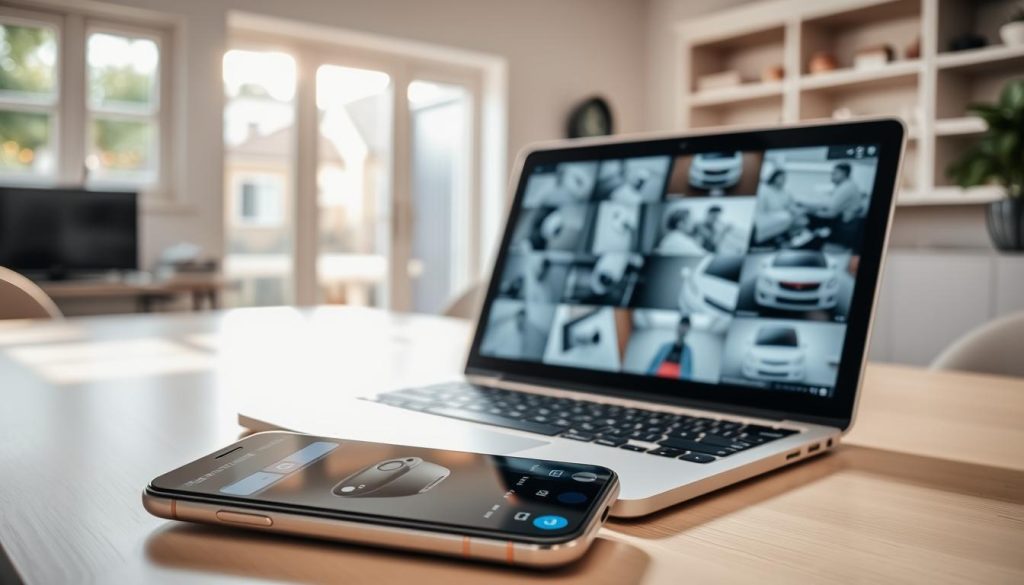
CCTV camera status indicators are key to keeping your security system in top shape. Knowing what the colored LED lights on your cameras mean is important. A green light usually means everything is working fine. But, a red light might show a recording problem or a power issue.
Being aware of these surveillance indicators helps you spot issues fast. Acting quickly on any problems can stop them from getting worse. This keeps your camera system running well. Make sure to check your cameras regularly to keep them working right and avoid risks.
CCTV Troubleshooting Guide for Common Issues
Many users face problems with their CCTV systems. This can cause frustration and worries about security. Effective CCTV troubleshooting can help solve these common security camera issues. Start by looking at common problems like poor connectivity, outdated software, or wiring issues.
- Reboot the CCTV devices to resolve temporary glitches.
- Verify the settings within the app or device interface to ensure correct configurations.
- Check network configurations for any discrepancies in connectivity.
- Ensure you use the correct login credentials to access the system smoothly.
If issues don’t go away, seek surveillance support. Professional help can guide you through complex troubleshooting or repairs. Regular maintenance, like updates and inspections, can make your CCTV systems more reliable.
Importance of Regular System Checks to Ensure Functionality
Regular system checks are key to keeping CCTV systems reliable. Without them, you might face unexpected failures. This could leave your property without security, making it vulnerable.
These checks make sure each camera and recording device works right. They keep your security system running smoothly.
Adding regular maintenance to your security plan is a must. It involves checking camera placement, connections, and recording. This way, you can find problems early and feel more secure.
Using automated monitoring systems can make things easier. Tools like CheckMyCCTV™ spot any issues quickly. This keeps your surveillance network strong. By focusing on these checks, you stay ahead in protecting your assets.
Using Advanced Technology for Enhanced CCTV Monitoring
Advanced CCTV technology is changing how we watch over places, making security better and easier to use. New features like AI in surveillance help spot faces and track movements. These tools give users important information to keep their properties safe.
Cloud-based storage lets people see recorded videos from anywhere, making it easy to watch over places in real-time. Also, using 4G connections means smart security systems work even where Wi-Fi is weak. It’s important to know about these new techs to get the best security.
Choosing advanced CCTV tech, like solar-powered ones with mobile network, makes watching over places easier and more convenient. For example, you can learn more about these options at solar-powered CCTV with SIM card options. Keeping up with tech helps users protect their properties better and meet changing security needs.
FAQ
How can I check if my CCTV is operational via my phone?
To see if your CCTV is working, open the app for your system on your phone. Make sure it’s the latest version. Look at the camera list in the app to see if they’re online.
Why is it important to have CCTV systems connected to mobile devices?
Connecting CCTV systems to phones lets you watch live footage anytime. You get alerts for any odd activity. It makes your security better.
What should I look for when selecting a CCTV system for mobile access?
When picking a CCTV system, look for apps that work on both iOS and Android. It should have cloud storage, night vision, and high-definition video. Make sure it fits with your current network.
How do I set up my CCTV mobile app for optimal monitoring?
First, download the right app from the App Store or Google Play. Then, set up the app to send you alerts. This way, you’ll know right away if there’s a security issue.
What steps can I take to ensure a reliable internet connection for accessing CCTV feeds?
Check your Wi-Fi strength and connection. Make sure your app works with your phone. Keep your app updated to avoid problems.
How can I troubleshoot common issues with my CCTV system’s functionality?
Weak Wi-Fi and old software are common problems. Try rebooting your devices and checking your network settings. Use the right login details for smooth operation.
Why are regular system checks important for CCTV setups?
Regular checks keep your CCTV system working well. Skipping these can cause security failures. This leaves your property open to threats.
What are some advanced technologies I should consider for my CCTV system?
Think about adding AI for better monitoring, cloud storage, and 4G. These features make your system more effective and easy to use.


