
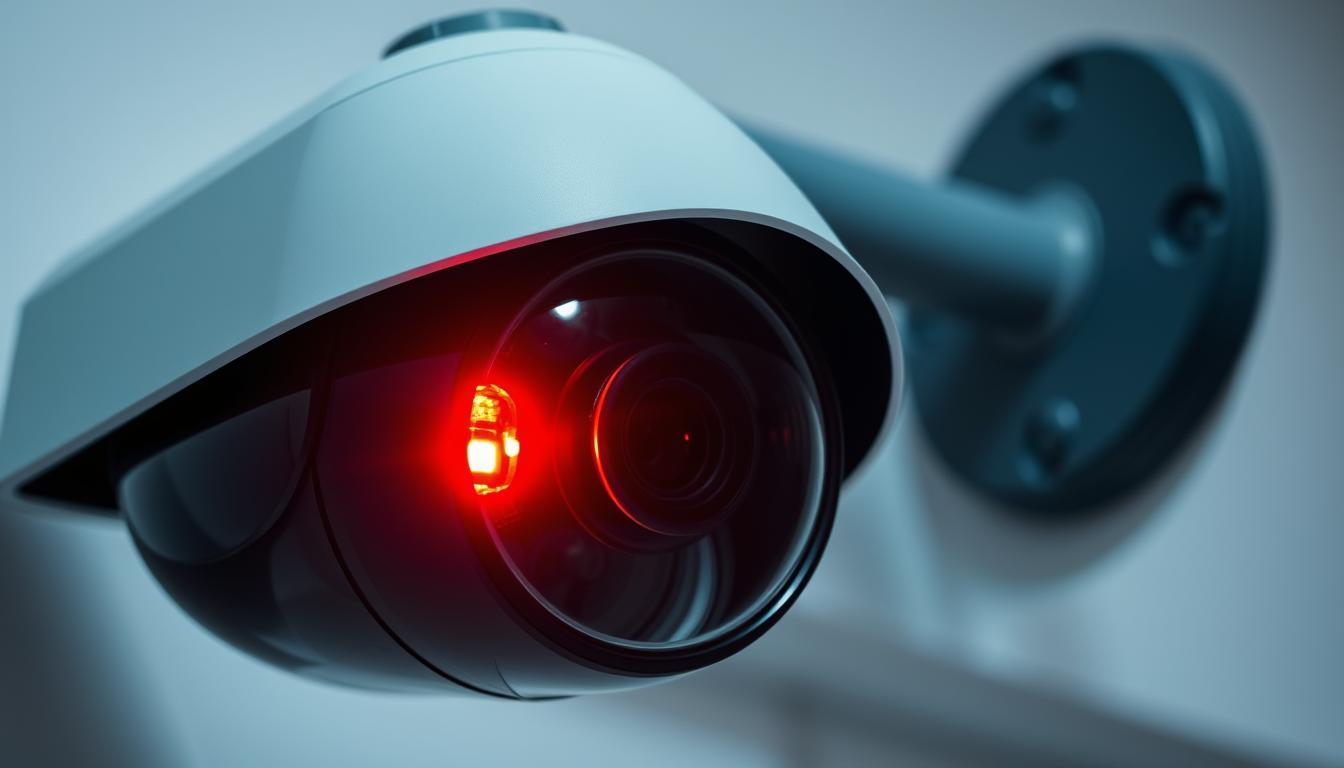
Why is the red light blinking on my CCTV camera?
The blinking red light on a CCTV camera often raises questions and concerns. It can mean several things, like recording, power status, or issues that need fixing. Knowing what these lights mean is key to keeping your surveillance and security up to date. We’ll look into common reasons for the red light, how to check if it’s recording, and the tech behind these indicators.
Key Takeaways
- The red light may indicate recording or power status.
- Understanding the meaning of blinking lights enhances security awareness.
- Common issues can be diagnosed with proper troubleshooting CCTV red light techniques.
- Manufacturer variations can affect what the red light signifies.
- Regular software checks improve the reliability of camera functionality.
Understanding the Blinking Red Light Indicator
The blinking red light on CCTV cameras is key to knowing if they’re working right. Different brands have their own ways of showing this, which can cause confusion. Usually, a blinking red light means the camera is recording, giving peace of mind to those watching over homes and businesses.
Common Meanings of the Blinking Light
While a steady red light often means recording, some brands use different colors or patterns. For example, Hikvision and Dahua use solid red for recording. Others might use blinking blue or green. Knowing these differences helps users understand their cameras better.
Comparing Different Camera Brands
Looking at different camera brands shows how they use status indicators in their own ways. Some use unique blinking patterns or colors, while others stick to common signals. Knowing these differences helps users understand their cameras better and improve their security setup.
The Importance of Status Indicators
Status indicators are very important. They help users know if their cameras are working right. By understanding these signals, homeowners and security teams can spot problems early. This ensures their security systems work as they should.
What Does a Blinking Red Light Mean?
CCTV camera recording indicators are key to checking if devices are working right. Seeing a blinking red light might make you think it means the camera is recording. But, this belief can lead to misunderstandings about CCTV lights.
It’s important to know the difference between recording status and power indicators. This helps in correctly understanding what the lights mean.
Recording Status vs. Power Indicators
A blinking red light usually means the camera is doing something. But, what it does can change with different models. A steady blink might mean it’s recording, but it could also show a low battery or connection issues.
It’s key to tell recording status from power indicators to avoid getting things mixed up.
Common Misconceptions about Blinking Lights
Many people get confused about what CCTV lights mean. Some think any blinking light means the camera is recording. But, a steady light might actually mean it’s always recording.
Always check the manual for your specific camera model to know what each light means. Being careful with these indicators can make your surveillance more effective.
Why is the red light blinking on my CCTV camera?
A blinking red light on a CCTV camera can have several reasons. People often want to know why this happens. It’s important to understand these signals to keep the camera working right.
One main reason is the camera’s night vision mode. When it’s dark, cameras use infrared, which might make lights flicker. Also, if the camera can’t connect to the network or recording gear, it might blink red too.
Another reason is a low battery warning. When the battery is running low, the red light flashes to remind you to replace it. Knowing why the light blinks helps fix the issue. This ensures your camera works well and keeps areas safe.
CCTV Cameras: Common Reasons for Blinking Red Lights
It’s important to know why your CCTV camera’s light blinks red. This helps you spot problems or see it’s working right.
Night Vision Activation
A blinking red light often means night vision is on. When it gets dark, the camera uses infrared to see better. This light tells you it’s working at night.
Connectivity Issues
Connectivity problems can also make the light blink red. If the camera can’t connect to the internet or other devices, you’ll see this light. It’s a sign to check your network or setup.
Low Battery Indicators
A blinking red light can also warn of a low battery. It means the camera’s power is running out. Keep an eye on this to avoid the camera shutting down.
Checking Camera Functionality: Physical Inspection
Checking CCTV cameras physically is key to knowing if they work. Start by looking at the status LEDs. These lights tell you right away if the camera is on.
Also, check if the camera moves when you tell it to. This shows it’s working as it should.
It’s also vital to check the camera for any damage. This makes sure it’s ready to work well in your system. Knowing your camera model helps spot any odd light patterns that might mean trouble.
When you inspect, use the right steps to fix any problems. This way, you can catch issues early and keep your system running smoothly.
Using Software Tools to Confirm Recording Status
Modern CCTV systems come with advanced software tools. These tools help users monitor the CCTV software recording status. Users can check if cameras are recording and see how well they’re performing through camera dashboards.
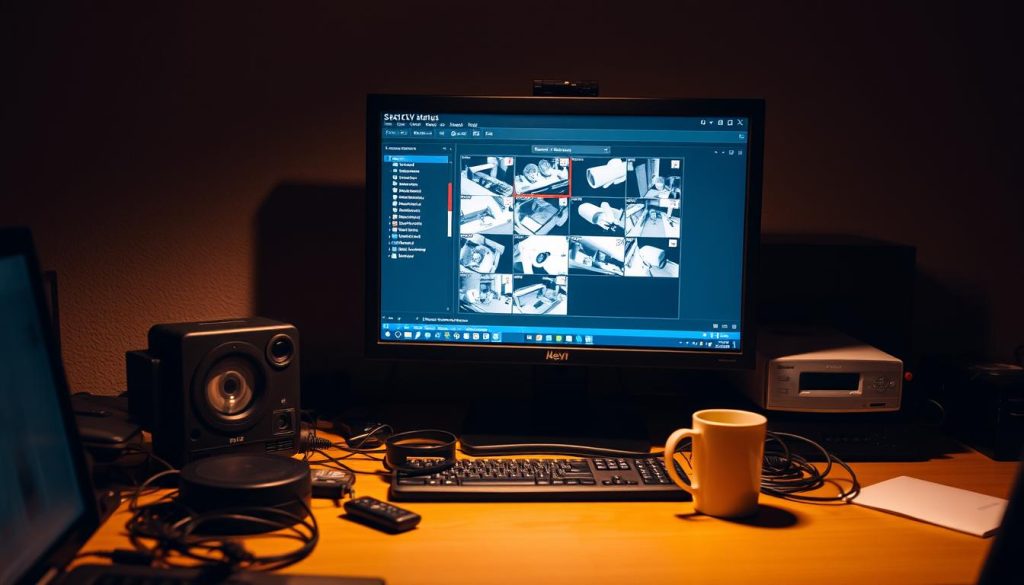
Dashboards and Alerts in Modern Cameras
Camera dashboards are central for controlling camera functions. They send alerts for any unusual activity or system problems. This keeps users informed and helps keep video surveillance reliable.
Remote Monitoring Benefits
Remote monitoring offers big advantages for security. Users can check their cameras and recording status from anywhere. This gives peace of mind and helps manage security systems better.
How to Differentiate Between Real and Fake CCTV Cameras
Telling real from fake CCTV cameras is key to feeling safe and secure. Real cameras have reliable LED indicators that show their status. Fake ones might have blinking lights that just look like they’re working.
Understanding LED Indicators
LED indicators are important for checking if cameras work right. Real cameras use these lights to show if they’re recording, if they have power, and if they’re connected. If the lights seem simple or just for show, it might be a fake camera.
Power and Build Quality
Checking the camera’s weight and material is important. Real cameras are heavier because they’re made to last. Fake ones are lighter and don’t last as long. Look for brand logos and warranties, and features like infrared LEDs to spot a real camera.
The Role of Manufacturer Variations in Red Light Indicators
It’s key to know how different CCTV makers show light indicators. Each brand has its own way of using lights, which can confuse people. This is why it’s important to understand what each light means for your camera.
Brand-Specific Indicator Meanings
Many camera makers have their own rules for light indicators. For instance, a flashing red light might mean a connection issue for one brand. But for another, it could mean the camera is running low on power. Knowing what each light means for your brand can help you fix problems faster.
How to Find Manufacturer Documentation
Getting the right info from the camera maker is a must. Most makers have manuals that explain each light’s purpose. To find these, look for:
- The user manual that comes with the camera.
- Official websites where you can download the manual.
- Customer support services that can help you understand the indicators.
By using these resources, you can learn what each light indicates. This makes it easier to solve problems when they come up.
Common Problems Associated with Blinking Red Lights
A blinking red light on your CCTV camera can mean different things. It often points to bigger issues. Knowing these common problems helps keep your surveillance system running smoothly. When you see blinking lights, figuring out if it’s a simple mistake or a camera problem is key.
Possible Malfunctions
Many malfunctions can make the red light blink. These include:
- Connectivity issues, which might show a problem with network settings or the physical connection.
- Recording failures that could be due to a faulty hard drive or not enough storage space.
- Battery problems, often seen in wireless cameras that need to be charged or replaced.
Troubleshooting Tips for Users
Fixing blinking light issues requires effective troubleshooting. Start with these steps to find possible fixes:
- Restart the camera and check the power supply to make sure it’s plugged in right.
- Look over the camera settings to see if they match what you want.
- Check user manuals or online forums for tips on your camera model.
Staying Updated on CCTV Technology
In today’s fast-changing world of security, it’s key to know the latest in CCTV tech. New advancements in recording quality, connectivity, and user interfaces are changing surveillance. This makes it more effective than before.
Security cameras are getting smarter, thanks to AI and better image processing. These upgrades offer better monitoring options. Keeping up with CCTV news helps ensure your system is top-notch, meeting safety and security needs.
Staying informed about new tech helps you make smart choices when buying. It also lets you use the latest surveillance tools. Adopting these modern solutions boosts security and helps fight digital threats.
FAQ
Why is the red light blinking on my CCTV camera?
A blinking red light on your CCTV camera can mean different things. It might show that the camera is recording, there’s a power issue, or a connectivity problem. It’s important to check your camera’s manual to understand what the light means.
What are the common meanings of the blinking red light?
A blinking red light usually means the camera is recording. But it can also show low battery or connectivity errors. Each brand might have its own way of using blinking lights.
How do I distinguish between different camera brands regarding indicator lights?
Each brand of CCTV camera uses different indicator lights. Some show a solid light for recording, while others blink. Always check your camera’s manual to know what the lights mean for your brand.
What does a blinking red light mean in terms of recording status?
A blinking red light often means the camera is recording. But it can also mean there’s a problem or the battery is low. Always check the manufacturer’s guidelines for exact meanings.
Are there common misconceptions about blinking lights on CCTV cameras?
Yes, many people think any blinking light means the camera is recording. But it can also mean there’s a connectivity issue or the battery is low.
What are common reasons for a CCTV camera’s red light to blink?
Common reasons include night vision, where infrared lights flicker. It can also mean connectivity problems or a low battery warning.
How can I check my CCTV camera’s functionality through physical inspection?
To check your camera physically, look for operational status LEDs. Also, check if the camera moves and for any damage or wear.
How can software tools help confirm recording status?
Many cameras have dashboards to check live statuses and get alerts. This helps keep your surveillance effective.
What are the benefits of remote monitoring for CCTV cameras?
Remote monitoring lets you watch your property from anywhere. This ensures you can respond quickly to security issues without being there.
How can I differentiate between real and fake CCTV cameras?
Genuine CCTV cameras have advanced LED indicators and better materials. Fake ones often lack these features.
Why is understanding LED indicators important for CCTV cameras?
Knowing what LED indicators mean is key to monitoring your camera well. It helps avoid confusion about its status.
How do manufacturer variations affect red light indicators?
Each manufacturer has its own way of using red light signals. Always check the manufacturer’s documentation to understand your camera’s specific indicators.
What common problems are associated with blinking red lights?
Blinking red lights can signal issues like connectivity errors, recording failures, or low battery. Try restarting the device and checking settings first.
What troubleshooting tips can help resolve blinking red light issues?
Make sure your camera is set up right. Check online resources and follow the manufacturer’s troubleshooting guides before looking for more solutions.
How can staying updated on CCTV technology improve my security system?
Staying current with CCTV technology lets you use new features. This includes better recording quality, connectivity options, and AI integration, making your security better.


