
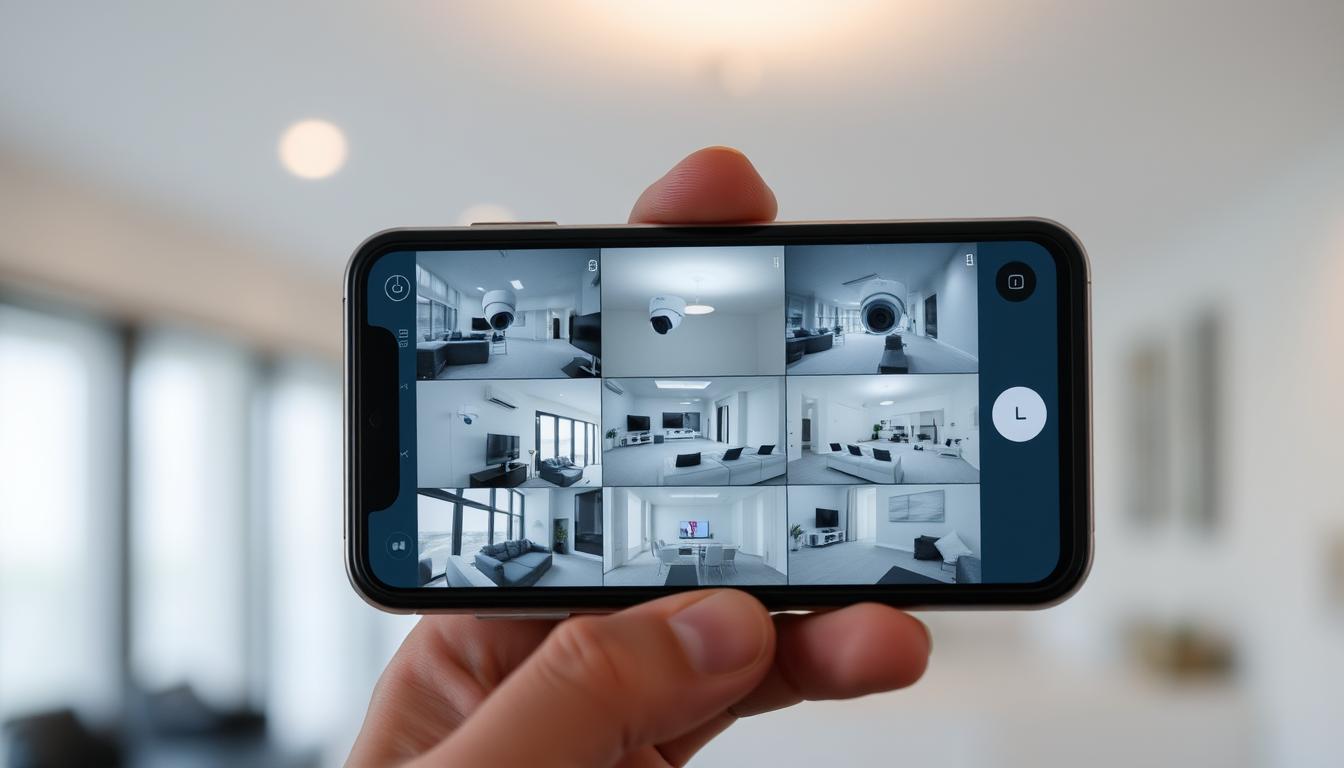
How can I watch my CCTV on my phone?
Technology has made it easier than ever to watch over your place. Now, you can see what’s happening at your home or business on your phone. This change lets you check in anytime, from anywhere.
Special apps for CCTV systems make it super easy. You can keep an eye on your property with just a few taps on your phone.
Key Takeaways
- Access your CCTV footage remotely with ease.
- Mobile apps enhance security camera access.
- Stay connected and informed, regardless of your location.
- Real-time monitoring is just a tap away.
- Convenient solutions for both homeowners and business operators.
Introduction to Remote CCTV Monitoring
Remote monitoring is key in today’s home security systems. It lets users watch surveillance footage on their phones or tablets. Thanks to new tech, CCTV systems can connect with mobile apps. This makes it easy to see live video feeds.
Homeowners can now check on their property anytime, from anywhere. Whether they’re at work or on vacation, keeping an eye on their home is simple. CCTV systems give users peace of mind, knowing they can watch over their space easily.
Benefits of Watching CCTV on Your Phone
Mobile access to CCTV systems offers many advantages. It lets users watch their CCTV feeds on their phones. This makes security and convenience easier to manage.
Real-Time Monitoring Capabilities
Mobile access means users can watch their properties in real-time. This lets them know right away if something is wrong. It helps them respond quickly to emergencies.
Enhanced Security and Peace of Mind
Being able to check CCTV feeds anywhere brings a lot of security. It helps users feel safe, no matter where they are. Getting alerts for important events adds to the peace of mind.
How to Connect Security Camera to Your Mobile Phone
To connect CCTV to your phone, start by checking if your camera has Wi-Fi. This is key for linking it to your device.
Then, download the right app for your camera. Most brands have their own apps to help you connect. Make sure to follow the app’s setup steps and create an account if needed.
Once you’ve installed the app, set up your camera’s settings. This includes connecting to Wi-Fi and adjusting camera options. After that, pair your phone with the camera. The app will show you how to do this easily, so you can watch live feeds on your phone.
Which Security Cameras Will Connect to My Phone?
Choosing the right security cameras for your phone is key. Make sure they let you view remotely. Not all cameras work with phones, so check their security camera features carefully. Look for ones that connect easily with your smartphone.
Look at brands like Arlo, Ring, and Nest. They offer easy-to-use apps for remote viewing. Make sure the camera works with both iOS and Android to reach more users.
Other important things to think about are:
- User reviews on the app’s reliability.
- Video quality and resolution for better monitoring.
- Smart home system integration for more features.
- Features like motion detection, night vision, and cloud storage.
Consider both battery and wired cameras. Check if they have solar power and SIM card options. This lets you monitor remotely without needing power outlets.
Choosing the best cameras means finding a balance. Look for good performance, features, and phone compatibility for the best remote viewing.
How Can I Watch My CCTV on My Phone?
Watching CCTV on your phone is convenient and gives you peace of mind. It lets you check on your property anytime, anywhere. Setting it up might seem hard, but it’s easy with a simple guide.
Step-by-Step Guide to Setup
- First, install the specific security camera app for your model. This app is key to seeing your camera’s live feed.
- Next, use your camera’s model number or a QR code to link it to the app. This step connects your camera.
- After linking, you can see live footage in the app. Open it and go to the live view section.
- Lastly, tweak settings in the app to fit your needs. This includes notification settings and camera angles. Making these changes improves your experience with the app.
Installing the Right Mobile App for CCTV
Choosing the right CCTV mobile app is key for good surveillance. First, check if your cameras work with different apps. Most camera makers have apps that make setup easy.
These apps are usually on the Apple App Store or Google Play Store. Before you start, make sure your phone can run the app. Installing it is simple:
- Look up the app in your store.
- Download and install it on your phone.
- Open the app and follow the setup guide.
After installing, keep the app updated. Updates add new features and improve security. If you run into problems, check your internet or any error messages.
Common Issues When Connecting CCTV to Smartphone
Connecting a CCTV system to a smartphone is usually easy. But, some users might face problems. Knowing the usual issues can help fix them fast. This way, you can keep watching your feeds without interruption.
Network Connectivity Problems
Network issues often block the link between CCTV systems and phones. A weak Wi-Fi signal can stop video streaming or block access. Make sure your internet is strong and stable. Here are some steps to help:
- Check where your router is to get a better signal.
- Make sure your CCTV system is on the right network.
- Try restarting your router and camera to fix connection problems.
Camera Configuration Issues
Getting your camera settings right is key for a good connection. If the settings don’t match the app, you’ll face big problems. Make sure your camera settings match what the app needs. Here are some tips:
- Keep your camera’s firmware up to date.
- Check if your camera works with the app.
- Double-check all settings to make sure they’re correct.
Understanding DVR/NVR Configuration for Mobile Access
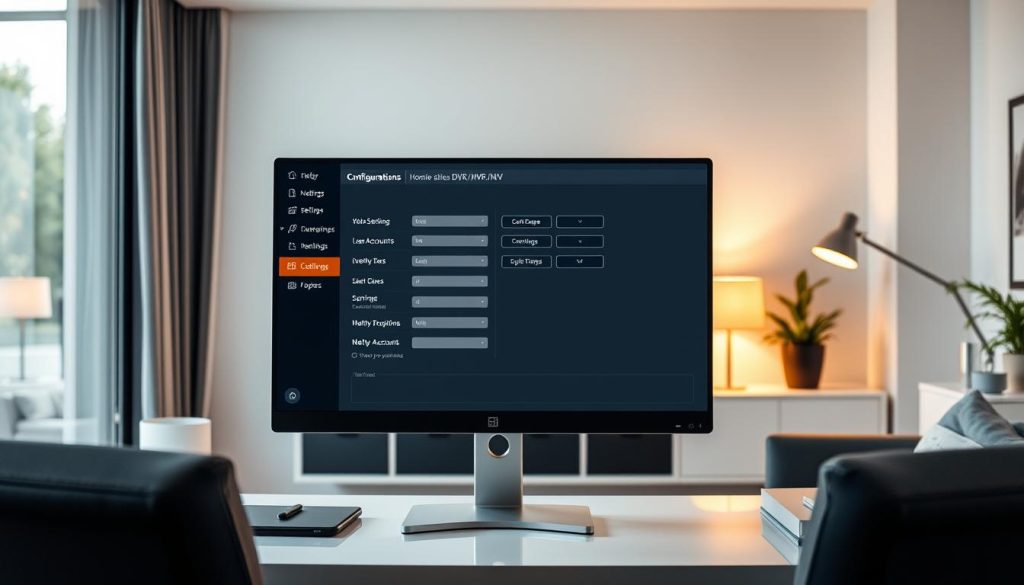
For users aiming to integrate mobile access into their security system setup, grasping the intricacies of DVR/NVR settings is critical. Setting up your unit to connect efficiently involves a few essential steps.
First, ensure that your DVR or NVR is connected to the internet. This typically requires setting a static IP address for the device, which stabilizes the network location. You may also need to engage in port forwarding to direct incoming traffic to the correct location within your network.
Consider these components in your mobile access configuration:
- Confirm that your DVR/NVR is connected to the router.
- Access the device’s settings through its interface, usually via a web browser.
- Navigate to the network settings section to establish a static IP.
- Set up port forwarding on your router for the DVR/NVR ports.
Achieving a robust mobile access configuration not only facilitates real-time monitoring but significantly enhances the overall usability of your surveillance system. Once these steps are properly implemented, accessing your CCTV footage becomes straightforward and efficient.
Security Concerns of Mobile CCTV Access
Mobile access CCTV systems make it easy to watch security feeds from anywhere. But, they also bring security risks. If you don’t take the right steps, your system could be hacked.
When picking out security cameras, look for ones with strong encryption. This helps keep your data safe while it’s being sent. Also, think twice before streaming your camera feeds over public Wi-Fi. Public Wi-Fi isn’t always secure, making it a risk for hackers.
By keeping these tips in mind, you can keep your mobile CCTV system safe. This way, you can watch over your security without worry.
Best Practices for Secure CCTV Access
Keeping your CCTV system safe from unauthorized access is key. Strong, unique passwords are the first step in protecting your system. They help block unwanted entry and boost your confidence in your security.
Use Strong Passwords
For top-notch security, follow these password tips:
- Length is essential: Make sure your passwords are at least 12 characters long.
- Mix character types: Combine uppercase and lowercase letters, numbers, and special characters.
- Avoid common phrases: Steer clear of simple passwords like “123456” or “password.”
- Unique passwords: Give each device its own password to reduce risks.
- Regular updates: Update your passwords every few months to keep them strong.
By following these steps, you make your surveillance system more secure. Adding extra security like two-factor authentication helps too. It ensures only the right people can see your CCTV footage. These steps not only protect your video but also build trust in your security.
Options for Viewing CCTV Without Wi-Fi
It’s easy to watch your CCTV cameras without Wi-Fi. You can use mobile data as a great alternative. This lets you see live feeds and recorded videos directly. It’s super helpful when Wi-Fi isn’t working or is too slow.
For those in remote areas or facing internet issues, there are offline options. Many modern cameras can connect to your phone via a local network. You only need to set it up once to make a secure link.
Here are some top ways to watch CCTV without Wi-Fi:
- Using Mobile Data: Smart cameras let you stream video to your phone using mobile data. This way, you always have access.
- Local Network Connection: Create a local network with a hotspot. This links your phone to the camera.
- SD Card Storage: If you can’t watch live, you can check recorded footage on the camera’s SD card.
- P2P Technology: Some cameras use peer-to-peer connections. This lets you watch video streams without the internet.
These methods make it easier to keep an eye on your security. They give you many ways to stay connected, even when it’s hard.
Conclusion: The Future of Home Surveillance
Home surveillance technology is changing fast. New security innovations are making it easier for homeowners and businesses to protect their places. Now, you can watch your surveillance in real-time from anywhere, giving you peace of mind.
Cameras are getting better, and artificial intelligence is making them smarter. These changes are making our homes and workplaces safer. Upgrading your CCTV system means you get the latest features and stay safe from new threats.
It’s important to keep up with these security advancements. By choosing the best surveillance technology, you can protect your home and business well. The future of CCTV is exciting, and it’s up to us to stay ahead and keep our places safe.
FAQ
How do I access my CCTV footage remotely?
To access your CCTV footage remotely, first make sure your camera can connect to mobile devices. Then, download the right app and follow the setup to link your camera with it.
What are the benefits of using mobile apps for CCTV monitoring?
Mobile apps offer many benefits. They let you watch your property in real-time, helping you stay aware of any security issues. They also give you peace of mind, letting you check on your property from anywhere.
Which security cameras are compatible with mobile viewing?
Look for cameras that say they can be viewed remotely. Make sure they work with both iOS and Android and have the right app. Reading reviews can help you see how well the app works.
How can I troubleshoot common connectivity issues with my security camera?
To fix connectivity problems, first check your Wi-Fi strength. Make sure your network settings are right and your camera’s firmware is updated. Restarting your camera and phone might solve the issue.
What precautions should I take for securing my mobile access to CCTV?
Use strong, unique passwords for your CCTV app. Consider adding two-factor authentication. Always update your login details and watch for any unauthorized access.
Is it possible to view CCTV footage without a Wi-Fi connection?
Yes, you can watch CCTV footage without Wi-Fi. Use mobile data on the camera or connect over a local network (LAN). This is great for places without internet or during outages.
What configuration settings are important for DVR/NVR systems to access mobile footage?
For DVR/NVR systems, set up a static IP address and enable port forwarding. Make sure your system is connected to the internet correctly. This makes it easier to access your footage remotely.


