
CCTV Troubleshooting Guide: What is the common problem of CCTV camera?
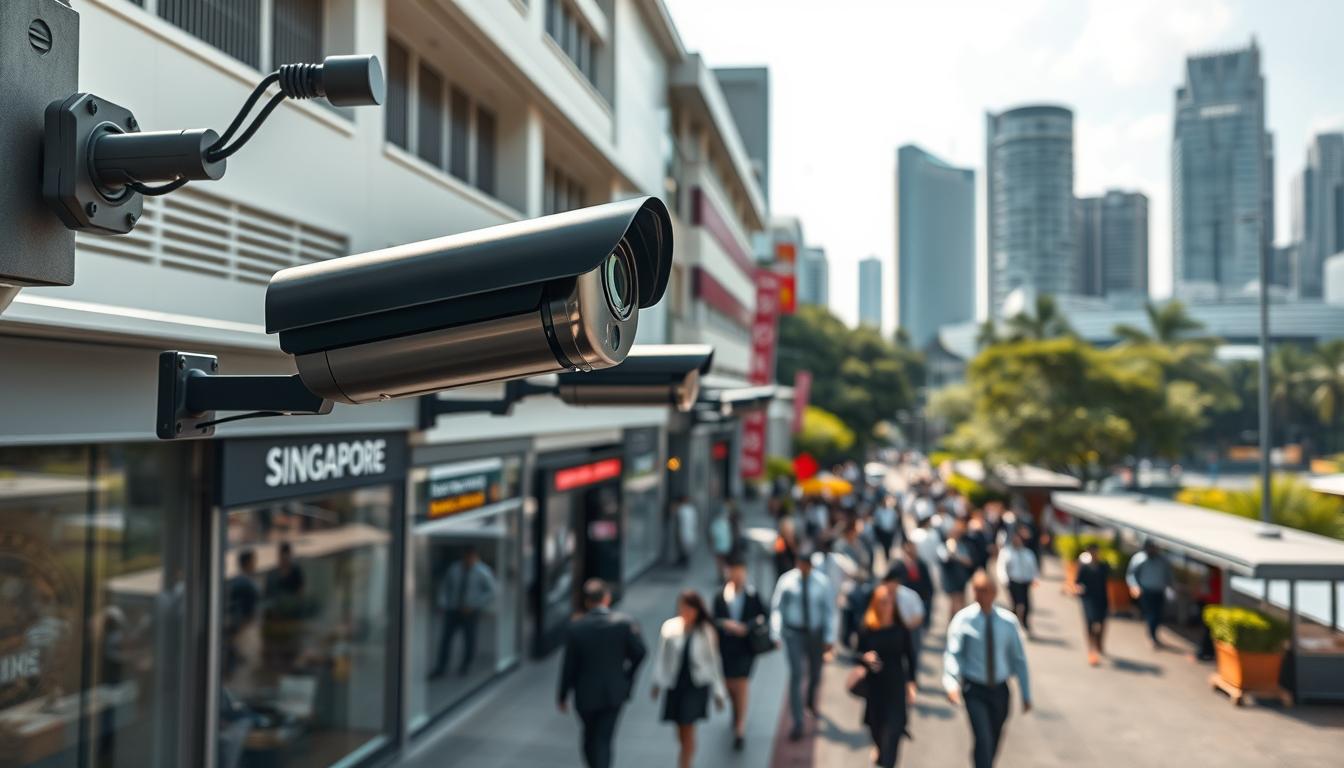
Security cameras play a vital role in protecting Singapore’s homes and businesses. These surveillance systems create safer environments for everyone.
Approximately 90% of public areas in Singapore benefit from camera coverage. This extensive network helps monitor activity and deter criminal behavior.
Crime rates have increased by over 25%, making security systems more important than ever. Both homeowners and business owners find peace of mind with proper surveillance equipment.
Different camera types serve various needs. Dome cameras offer discreet monitoring while bullet cameras provide visible deterrence.
Cloud storage enhances data protection and system reliability. Professional installation ensures optimal performance for your specific requirements.
This guide addresses frequent equipment issues encountered in Singapore’s unique conditions. We’ll provide practical solutions for maintaining your security investment.
Key Takeaways
- Singapore maintains surveillance coverage in nearly 90% of public spaces
- Crime rates have risen by over 25%, increasing security needs
- Both homeowners and businesses benefit from camera systems
- Different camera types serve specific surveillance purposes
- Cloud storage improves data security and system functionality
- Professional installation ensures optimal camera performance
- Environmental conditions in Singapore affect equipment operation
Understanding the Critical Role of CCTV in Singaporean Security
Singapore’s unique urban landscape presents distinct challenges for surveillance systems that require specialized solutions. The city’s dense infrastructure creates environmental factors that significantly impact monitoring performance.
High-rise buildings and complex infrastructure generate substantial signal interference. This affects wireless camera transmission and network reliability throughout the city.
The equatorial climate accelerates equipment wear at an alarming rate. Outdoor installations face particularly harsh conditions that test durability.
Approximately 40% of outdoor cameras experience image distortion from prolonged sun exposure. Infrared filters often fail within just one year of operation under Singapore’s intense sunlight.
Humidity creates severe corrosion problems for connectors and cables. These components deteriorate three times faster than in temperate climates.
Singapore’s humid conditions trigger 70% of weather-related surveillance equipment failures. Proper weatherproofing becomes essential for reliable operation.
HDB corridor installations present unique balancing challenges. Security needs must align with strict privacy regulations governing residential spaces.
Monsoon seasons particularly affect coastal camera performance. These areas experience 30% more outages during heavy rainfall periods.
Proper placement and weatherproofing are critical for maintaining surveillance integrity. Strategic installation prevents many common issues before they occur.
Regular maintenance becomes essential in this environment. Proactive care extends equipment lifespan and ensures consistent security coverage.
What is the Common Problem of CCTV Camera? A Top-Level Overview
Electronic monitoring systems encounter various operational hurdles in tropical climates. Three primary categories dominate service requests across Singapore.
Power irregularities lead the list of technical difficulties. Network connectivity follows closely as the second most reported issue.
Power Supply Instabilities and Electrical Faults
Electrical inconsistencies affect 58% of malfunctioning surveillance equipment. Voltage spikes particularly damage PTZ models requiring 24V input.
Fixed cameras typically need just 12V power supply. Urban areas experience 62% failure rates due to electromagnetic interference.
Coastal installations report 30% more outages from salt exposure. Proper voltage regulation becomes essential for system longevity.
Network Connectivity and IP Configuration Hurdles
IP conflicts cause 28% of all surveillance outages. Configuration errors frequently disrupt video transmission.
Wireless systems face additional challenges in dense urban environments. Signal interference affects real-time monitoring capabilities.
Regular network maintenance prevents most connectivity issues. Professional setup ensures optimal IP address management.
Image Quality Degradation and Video Distortion
Dirty lenses contribute to 80% of image quality problems. Regular cleaning maintains optical performance.
Hardware failures account for 30% of system breakdowns. Singapore’s 90% humidity causes lens condensation issues.
Circuit board corrosion accelerates in humid conditions. Coastal areas experience faster equipment deterioration.
Proper weatherproofing significantly reduces image quality problems. Scheduled maintenance preserves surveillance clarity.
Diagnosing and Solving Power Supply Failures
Electrical instability ranks among the top reasons for surveillance system malfunctions. Proper diagnosis prevents unexpected downtime and protects your security investment.
Voltage fluctuations can silently damage sensitive components over time. Early detection saves both repair costs and potential security gaps.
Identifying Symptoms of Power-Related Issues
Watch for intermittent camera shutdowns or random reboots. These often indicate unstable voltage reaching your equipment.
Flickering images or distorted video signals frequently stem from power inconsistencies. Night vision failures may point to insufficient power during infrared operation.
Complete system blackouts suggest major power supply failures. Partial outages often indicate circuit overload or connection problems.
Implementing Stable Power Solutions for Your System
Use a multimeter to check voltage at three critical points. Test the adapter output, junction box, and camera input separately.
PTZ models demand 50W—four times more than fixed 12W units. Ensure your power supply matches specific camera requirements.
Inspect for frayed cables and loose connectors when readings dip below thresholds. Overloaded circuits and corroded terminals cause most power issues.
Singapore’s humid conditions accelerate terminal corrosion. Regular cleaning prevents connectivity problems in coastal areas.
A 1500VA UPS protects up to eight cameras during outages. This provides surge protection and temporary power during interruptions.
PoE switches simplify wiring while delivering 30W per port. They streamline installation for IP camera systems.
At Tuas Industrial Park, isolating power lines reduced failures by 40%. Dedicated circuits prevent voltage drops in large installations.
Monthly connection audits and transformer checks form essential preventive maintenance. This proactive approach extends equipment lifespan significantly.
Address low voltage readings immediately based on camera specifications. Timely intervention prevents cascading system failures.
Resolving Network and IP Connectivity Problems
Network connectivity forms the backbone of modern surveillance systems, ensuring seamless video transmission. These issues often disrupt monitoring capabilities and compromise security effectiveness.
Singapore’s dense urban environment creates unique challenges for network performance. Multi-building installations require specialized configuration approaches.
Step-by-Step Network Troubleshooting Protocol
Begin diagnosis by pinging each camera’s IP address. Response times above 50ms indicate network lag affecting performance.
This latency becomes critical for 4K systems requiring high bandwidth. Slow responses suggest congestion or interference problems.
Check ARP tables to resolve IP conflicts through MAC address matching. Duplicate addresses cause 28% of surveillance outages.
Test available bandwidth before adding new cameras. Allocate 4Mbps per 1080p unit to prevent congestion issues.
Large deployments benefit from subnet segmentation by physical location. This organization simplifies management and reduces conflicts.
Use Wireshark for real-time packet loss analysis during troubleshooting. This identifies specific network segments causing problems.
Best Practices for Managing IP Addresses and Conflicts
Implement static IP addresses to prevent DHCP-related connection drops. Dynamic assignment often causes instability in surveillance networks.
Configure VLANs for traffic isolation in multi-building setups. This separation enhances security and reduces interference.
Enable Quality of Service settings to prioritize surveillance traffic. QoS ensures smooth video transmission during network congestion.
Regular network maintenance prevents most connectivity issues. Professional configuration optimizes performance for security needs.
Proper subnet configuration resolves 68% of connectivity issues in Singapore’s urban environment. This approach significantly improves system reliability.
Monthly network audits help identify developing problems early. This proactive approach maintains optimal surveillance performance.
For persistent connection issues, consider professional CCTV camera suddenly stopped working diagnostics. Complex network problems often require specialized expertise.
Addressing PoE (Power Over Ethernet) Complications
Modern surveillance installations increasingly rely on PoE technology for streamlined operation. This approach simplifies wiring while delivering both data and power through single cables.
Singapore’s urban environment creates specific challenges for these systems. High humidity and electromagnetic interference affect performance significantly.
Common PoE Delivery Failures and How to Spot Them
Use a PoE tester to verify voltage delivery at the camera connection point. This simple check identifies many power supply issues before they cause problems.
Different standards affect equipment performance dramatically. The 802.3af standard provides 15W while 802.3at delivers 30W power budgets.
Infrared-heavy cameras often struggle with insufficient power allocation. Night vision performance suffers when wattage falls below requirements.
Voltage sag beyond 80-meter cable lengths triggers continuous reboot loops. This frustrating issue disrupts surveillance coverage unexpectedly.
Overloaded switches throttle bandwidth for demanding 4K video streams. Image quality degrades when systems lack sufficient resources.
Singapore’s high humidity exacerbates voltage drops in network setups. Moisture increases electrical resistance through cables and connectors.
Daisy-chained PoE configurations experience 25% performance loss in tropical environments. Proper planning prevents this significant reduction.
Setting Up a Robust and Reliable PoE System
Deploy 802.3bt switches for power-intensive PTZ camera models. These units handle up to 60W for demanding surveillance equipment.
Install active PoE extenders at 70-meter intervals for longer runs. This maintains stable voltage over extended distances.
Use shielded Cat6A cables to minimize electromagnetic interference. Urban areas particularly benefit from this enhanced protection.
Proper heat management ensures switch longevity and consistent performance. Place network equipment in well-ventilated racks for optimal operation.
Regular maintenance checks prevent most power delivery issues. Professional installation guarantees correct configuration for your specific security needs.
These measures create reliable surveillance systems that withstand Singapore’s challenging conditions. Proper implementation ensures continuous security coverage.
Fixing Poor Image and Video Quality Issues
Singapore’s unique lighting conditions create specific challenges for camera image calibration. These visual problems can compromise surveillance effectiveness and evidence quality.
Proper configuration maintains monitoring reliability in our tropical environment. Addressing these issues ensures clear footage when it matters most.
Eliminating Blurry, Distorted, or Flickering Footage
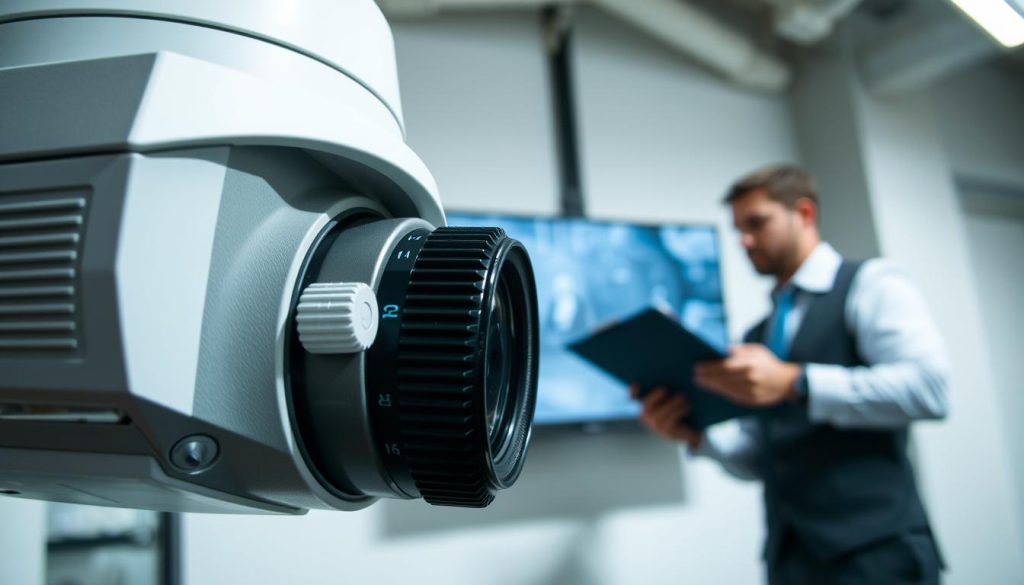
Blurry images often stem from dirty lenses or focus problems. Regular cleaning prevents 80% of image quality degradation.
Flickering footage typically indicates lighting compatibility issues. Singapore’s mixed artificial and natural light requires specific settings.
Distorted video may signal lens damage or alignment problems. Physical inspection identifies these hardware-related issues.
Optimizing Camera Settings for Singapore’s Lighting Conditions
Our equatorial climate demands customized configuration approaches. Bright sunlight and frequent rain changes affect performance.
Adjust exposure settings to handle high contrast situations. This prevents washed-out images during midday hours.
Infrared settings require careful calibration for reliable night vision. Test these adjustments during actual nighttime conditions.
Singapore’s urban environment creates complex lighting scenarios. Building reflections and street lights need special consideration.
Correcting Faulty White Balance and Color Representation
Footage resembling psychedelic colors indicates white balance failure. This common issue distorts evidence and identification capability.
Security equipment attempts to mimic human color perception through automatic adjustment. When this function fails, white objects appear blue or yellow.
Dual-purpose installations need separate indoor/outdoor configurations. Verify settings match the actual deployment environment.
Cameras with ATW or AWB features perform better when angled away from the sky. This prevents incorrect calibration from dominant blue tones.
Nighttime street lights often cause specific color distortion problems. Reposition units to minimize direct exposure to problematic sources.
Manual adjustment becomes necessary when automatic features fail. Test different settings under various lighting conditions for optimal results.
Always maintain proper coverage area while making positioning changes. Security effectiveness remains the priority during technical adjustments.
These solutions address many common CCTV camera problems encountered in Singapore’s environment. Professional assistance ensures optimal configuration for your specific situation.
Preventing and Repairing Cabling and Wiring Faults
The physical connections between surveillance components often represent the most vulnerable points in security systems. These critical links determine signal integrity and overall equipment performance.
Singapore’s tropical climate accelerates cable deterioration at alarming rates. Proper installation and maintenance prevent many connectivity issues before they occur.
Impact of Cable Degradation in Humid Environments
RG59 coaxial cables deteriorate three times faster than Cat6 in humid conditions. This rapid degradation causes significant signal loss and fuzzy footage.
Moisture penetration creates corrosion that weakens transmission quality. Regular inspection identifies early warning signs of cable failure.
Shielded Cat6 cables effectively resist electromagnetic interference from dense electrical wiring. This protection proves essential for HDB flat installations.
UV-resistant outdoor cables prevent sun damage and deterioration for landed properties. Specialized coatings extend cable lifespan in direct sunlight.
Construction sites require armored conduits against physical damage to cabling. Protective measures ensure continuous surveillance coverage during development projects.
Professional Cable Management and Waterproofing Techniques
Proper grounding reduces interference by 70%, particularly important near MRT tracks. This technique maintains signal clarity in high-interference zones.
Technicians at Bugis Street market solved flickering feeds through comprehensive upgrades. They replaced all RG59 with waterproof Cat6 cables throughout the installation.
Surge protectors installed at 50-meter intervals prevent voltage spikes from damaging equipment. This spacing provides optimal protection for extended cable runs.
Gel-filled connectors prove essential for underground runs, creating moisture-proof seals that withstand Singapore’s heavy rainfall.
Industrial sites benefit from fiber optic upgrades with zero interference from power lines. These systems support 300-meter runs without signal loss.
Fiber optics provide complete immunity to humidity problems that plague traditional copper cables. This technology offers superior performance in challenging environments.
Silicone sealing of junction boxes creates waterproof barriers that protect connections. Drip loops on vertical runs prevent water from traveling along cables into sensitive equipment.
Regular maintenance checks identify developing issues before they cause system failures. Professional installation ensures optimal cable management for your specific security needs.
Managing Firmware and Software for Peak Performance
Digital surveillance equipment requires ongoing software management to maintain optimal operation. Regular updates and proper configuration prevent many technical issues before they affect your security coverage.
Modern camera systems rely on sophisticated software components. These programs handle everything from video processing to network communication.
Keeping your equipment updated ensures compatibility with newer technologies. It also addresses security vulnerabilities that could compromise your surveillance system.
The Importance of Regular Firmware Updates
Research demonstrates that consistent firmware updates prevent 45% of security breaches in surveillance systems. These updates address vulnerabilities that hackers might exploit.
Manufacturers release security patches every 90 days on average. These updates fix bugs and improve camera performance.
Different brands have unique update processes. Hikvision systems use iVMS-4200 for centralized updates across multiple devices.
Dahua systems often require manual FTP transfers for legacy models. Always backup configurations before installing any updates.
PSA Singapore’s port authority reduced failures by 60% after implementing biannual firmware reviews. Their comprehensive checklist includes several critical steps.
- Verifying checksums for downloaded files
- Updating network switches simultaneously
- Testing infrared functions after updates
- Checking night vision performance
- Validating all camera connections
Troubleshooting Common Software Glitches and Crashes
Software issues can cause various problems with your surveillance equipment. Codec mismatches account for 60% of Video Management System crashes.
Match compression formats between H.265 and H.264 for system compatibility. Synchronize frame rates across all cameras for consistent video performance.
Allocate sufficient GPU resources to handle video processing demands. Insufficient resources cause laggy footage and system crashes.
Regular maintenance prevents most software-related issues. Professional configuration ensures optimal performance for your security needs.
Proper software management maintains surveillance reliability in Singapore’s challenging environment. Regular updates and correct configuration prevent most technical problems.
Monitor system logs for early warning signs of software issues. Address error messages promptly to prevent larger problems.
Test all camera functions after software changes. Verify recording quality, motion detection, and remote access capabilities.
These practices ensure your surveillance system operates at peak performance. They maintain security coverage and prevent unexpected downtime.
Mitigating Environmental Factors in Singapore
Singapore’s tropical climate presents unique challenges for surveillance equipment operation. These environmental conditions demand specialized protection strategies for reliable performance.
Proper weatherproofing and maintenance prevent most weather-related equipment failures. Implementing these measures ensures continuous security coverage throughout the year.
Weatherproofing Against Humidity and Tropical Conditions
High humidity accelerates equipment deterioration in our tropical environment. Moisture protection becomes essential for maintaining system reliability.
IP66-rated housings prevent 90% of weather-related failures in outdoor installations. These enclosures provide complete protection against dust and powerful water jets.
For coastal areas like East Coast Park, stainless steel brackets resist salt corrosion better than aluminum alternatives. This material choice extends bracket lifespan significantly.
Quarterly maintenance should include applying dielectric grease to all electrical connectors. This prevents corrosion and maintains optimal signal transmission.
Install silica gel packs inside junction boxes to combat humidity absorption. These moisture-absorbing packets protect internal components from dampness.
Marine-grade cables work best for waterfront property installations. Specialized coatings provide extra protection against saltwater exposure.
Proper weatherproofing maintains surveillance reliability during Singapore’s frequent rainfall. This protection ensures continuous security monitoring.
Combating Sun Glare, IR Interference, and Physical Damage
Intense sunlight creates multiple challenges for outdoor camera performance. Heat management and glare reduction require specific solutions.
Rooftop setups benefit from heat dissipation fins that lower internal temperatures by 15°C during peak sunlight. This cooling prevents overheating and component damage.
Avoid dark-colored housings that absorb 40% more heat than light gray alternatives. Lighter colors reflect sunlight and reduce internal temperatures.
3M anti-reflective coatings reduce lens flare by 65% in east-facing camera positions. This improvement maintains image clarity during morning hours.
Adjust mounting angles to avoid direct sunlight exposure during peak hours. Proper positioning prevents glare and maintains video quality.
Enable WDR mode during golden hours for better exposure balance. This setting handles high-contrast lighting conditions effectively.
Schedule IR filter cleaning every 120 days to maintain night vision performance. Regular maintenance prevents infrared interference issues.
UV-resistant dome covers maintain clarity longer than standard options. Polycarbonate versions last 3 years versus 18 months for acrylic alternatives.
These protective measures ensure reliable operation in Singapore’s challenging environment. Proper implementation maintains security system effectiveness year-round.
Essential DIY Fixes for Immediate Problem Resolution
Many surveillance equipment issues can be resolved with simple do-it-yourself approaches. These quick fixes restore security coverage without professional assistance.
Over half of all monitoring problems resolve through basic troubleshooting steps. Bishan HDB residents successfully addressed 55% of their camera issues simply by reseating PoE cables.
A Basic Troubleshooting Checklist for Homeowners
Start with a comprehensive 10-point diagnostic approach. This systematic method identifies most common equipment malfunctions.
Begin by resetting your power supply. Unplug the unit for 30 seconds before reconnecting.
Inspect all cables for fraying or loose connection points. Look for visible damage along the entire length.
Clean camera lenses using microfiber cloths only. Avoid alcohol wipes that can damage optical coatings.
Use a multimeter for voltage testing at three critical points. Check adapter output, junction box terminals, and camera input port.
Verify network connections and cable seating. Ensure all plugs fit securely in their ports.
Check for software updates that might resolve performance issues. Updated firmware often fixes bugs.
Test infrared functions during actual nighttime conditions. Verify night vision capabilities.
Review camera settings for proper configuration. Ensure they match your surveillance needs.
Document any error messages or unusual behavior. This information helps diagnose problems.
Perform a final system reboot after completing all checks. This often resolves lingering issues.
DIY maintenance saves 60% compared to professional services for minor fixes. However, complex electrical faults always require licensed experts.
Knowing When a Problem Requires Professional Intervention
Some equipment issues demand specialized technical expertise. Recognizing these situations prevents further damage.
Circuit board repairs need professional attention. Attempting these fixes often voids warranties.
Firmware corruption requires manufacturer-specific tools. Improper handling can brick your equipment.
IR sensor replacements need precise calibration. Specialized equipment ensures proper function.
Major repairs typically cost between $200-$500 when handled by professionals. This investment protects your security system.
Always check camera warranties before disassembling units. Some actions invalidate coverage.
Complex network configuration issues often need expert intervention. Professionals ensure optimal performance.
Persistent image quality problems may indicate hardware failure. Technicians have proper diagnostic tools.
Consider professional help for recurring issues. Sometimes underlying problems need specialized solutions.
Regular maintenance preserves equipment longevity. Professional servicing extends system lifespan.
Proper care maintains surveillance reliability in Singapore’s challenging environment. Knowing when to call experts ensures continuous security coverage.
Implementing a Proactive Maintenance Routine for Longevity
Regular upkeep dramatically extends surveillance equipment lifespan in challenging environments. Studies confirm bi-annual maintenance reduces system failures by 75% significantly.
Professional audits detect 90% of emerging issues before they become major problems. This proactive approach prevents unexpected security gaps.
Follow this quarterly schedule for optimal performance. Clean lenses monthly to prevent dust buildup affecting image quality.
Test backup power every 60 days for outage reliability. Replace IR cut filters biannually in humid climates.
Singapore’s MRT stations use predictive replacement for cables every 3 years. Modern systems integrate cybersecurity updates with hardware checks.
Local providers like 1st Solution Group offer tailored maintenance plans. Regular checks minimize downtime while maximizing security coverage.
Consistent maintenance ensures your investment delivers reliable protection year-round. This approach maintains optimal performance in Singapore’s demanding conditions.
FAQ
Why does my security camera keep going offline?
Offline cameras often result from power interruptions or network connectivity issues. Check your power supply, Ethernet cables, and router settings. Rebooting your system can often restore connection.
How can I improve my CCTV’s night vision performance?
Ensure lenses are clean and free from obstructions. Adjust infrared settings and positioning to avoid reflective surfaces. Consider adding supplemental lighting in darker areas for better results.
What causes flickering or distorted video footage?
Flickering usually stems from incompatible power supplies, faulty cables, or electrical interference. Verify your power source stability and inspect all connectors for damage or corrosion.
Why is my surveillance system showing poor image quality?
Image degradation can occur due to incorrect resolution settings, dirty lenses, or insufficient bandwidth. Clean camera lenses regularly and ensure your recording settings match your storage capacity.
How often should I update my CCTV firmware?
Perform firmware updates quarterly or whenever manufacturers release security patches. Regular updates maintain system stability, improve features, and protect against vulnerabilities.
What maintenance prevents weather-related damage in humid climates?
Install weatherproof housings, use silica gel packets in outdoor enclosures, and regularly inspect seals. Professional waterproofing of cables and connectors significantly extends equipment lifespan.
When should I call a professional versus attempting DIY repairs?
Attempt basic troubleshooting like rebooting and cleaning first. Contact professionals for electrical work, network configuration, physical damage, or persistent issues after basic fixes.


