
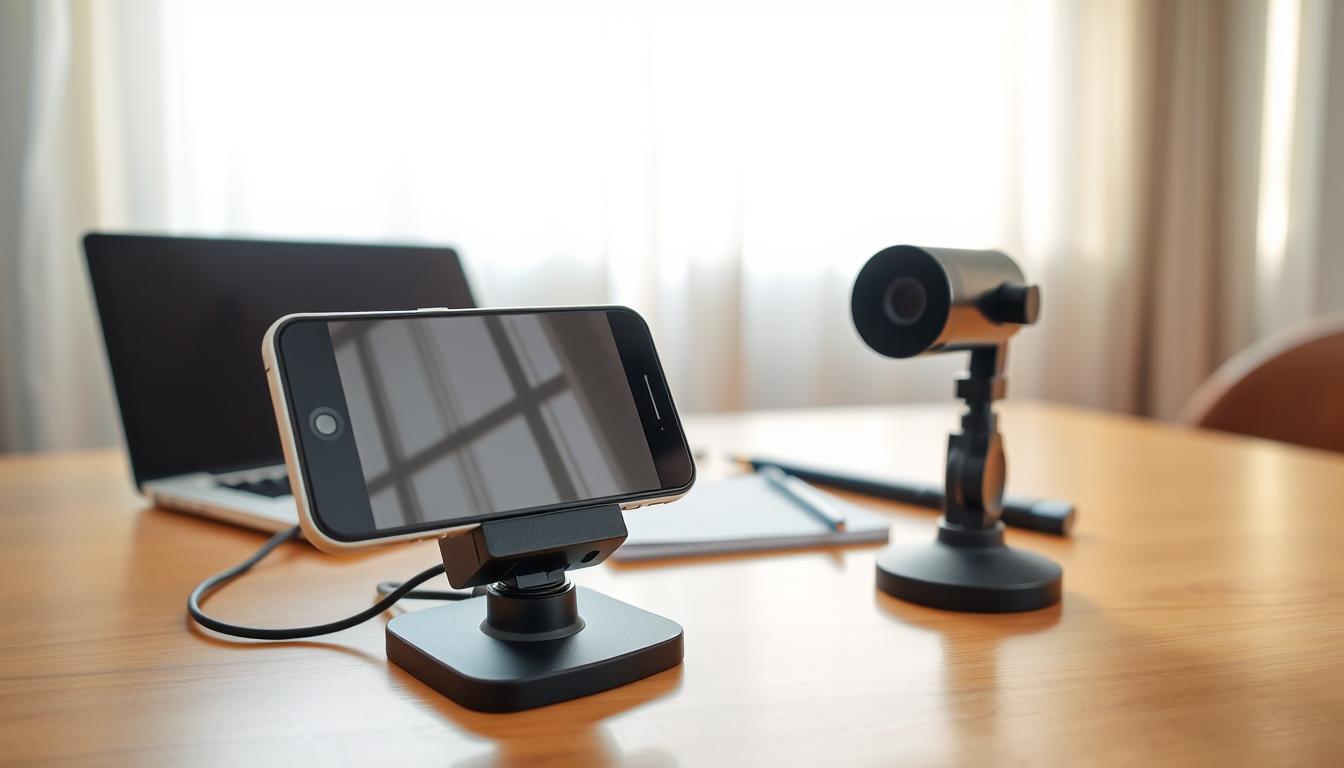
Can I use my old smartphone as a security camera? Guide
Many Singaporean homeowners seek affordable security solutions. With rising concerns about property protection, creative alternatives are gaining popularity.
That unused device in your drawer holds surprising potential. With the right approach, it transforms into a fully functional monitoring system.
This guide explores practical methods to give old technology new purpose. You’ll discover how to create an effective security setup without significant investment.
The process offers environmental benefits by reducing electronic waste. It represents a smart approach to technology reuse that benefits both your home and the planet.
Popular applications like Alfred Camera simplify the transformation. These tools provide motion detection and remote viewing capabilities.
Even non-technical users can achieve professional-level results. The setup requires minimal time and delivers maximum security value.
Key Takeaways
- Transform unused devices into effective security systems
- Save money compared to professional security installations
- Reduce electronic waste through practical reuse
- Access remote monitoring through smartphone applications
- Enjoy motion detection and alert features
- Setup requires minimal technical knowledge
- Achieve comprehensive home protection affordably
Can I use my old smartphone as a security camera?
That outdated mobile device gathering dust could become your home’s first line of defense. Modern technology makes this transformation not just possible but remarkably effective for residential protection.
Singapore homeowners gain significant advantages from this approach. The solution addresses local security concerns while maximizing value from existing resources. This method proves particularly useful for apartments and landed properties alike.
Today’s mobile cameras often outperform dedicated security systems in resolution and clarity. The latest applications provide professional-grade features without the premium price tag. You achieve comprehensive monitoring capabilities through simple software installations.
Basic requirements include any functional mobile device with a camera. A reliable internet connection and appropriate security application complete the setup. These elements work together to create an efficient monitoring system.
Motion detection technology has become incredibly sophisticated on mobile platforms. Advanced algorithms distinguish between relevant movement and false triggers. This ensures you receive meaningful alerts rather than constant notifications.
Storage options vary based on your preferences and needs. Cloud services offer convenient remote access to recorded footage. Local storage provides complete control over your security data.
Continuous operation requires thoughtful power management solutions. Most setups benefit from direct power connections rather than relying on battery alone. This ensures uninterrupted surveillance coverage.
The transformation process follows a logical progression from preparation to activation. Each step builds upon the previous one toward complete system functionality. Even beginners can achieve professional results with proper guidance.
Do-it-yourself installation makes this approach accessible to all technical skill levels. The intuitive nature of modern applications eliminates complex configuration requirements. You can have your system operational within minutes rather than hours.
Alert systems provide immediate notifications through multiple channels. Customizable settings allow you to determine what triggers warnings and how you receive them. This personalized approach ensures you never miss important security events.
This innovative approach to home protection represents smart technology utilization. Singapore residents can achieve peace of mind while practicing environmental responsibility. The solution demonstrates how creativity can overcome budget limitations in home security.
Why Repurpose Your Old Phone for Home Security
Transforming dormant electronics into protective monitoring tools represents a breakthrough in home security. This approach delivers multiple advantages that benefit both homeowners and the environment.
The methodology combines financial wisdom with technological innovation. Singapore residents gain access to professional-grade protection without professional installation costs.
Significant Cost Savings Over New Systems
Professional security installations typically range from SGD 500 to SGD 2,000 in Singapore. Repurposing existing devices eliminates these substantial upfront expenses.
Monthly monitoring fees disappear when you manage your own system. The only potential costs involve optional cloud storage subscriptions.
Modern applications provide free basic functionality that meets most residential needs. Premium features often cost less than traditional security service contracts.
Long-term financial benefits accumulate through continued use of existing technology. The solution represents pure value without depreciation concerns.
An Eco-Friendly Approach to Technology
Singapore generates approximately 60,000 tonnes of electronic waste annually. Repurposing devices directly reduces this environmental burden.
https://www.youtube.com/watch?v=0Zdl-VIlp98
Each repurposed device extends its functional lifespan significantly. This practice supports Singapore’s zero-waste nation goals.
Manufacturing new security equipment consumes resources and energy. Utilizing existing technology represents the ultimate recycling achievement.
The approach demonstrates practical environmental responsibility. Homeowners contribute to sustainability while enhancing their property protection.
Simple DIY Setup and Monitoring
Modern security applications feature intuitive interfaces that guide users through setup. The process typically completes within fifteen minutes.
Real-time streaming capabilities deliver instant access to monitored areas. High-resolution video feed provides crystal-clear monitoring quality.
Mobile applications enable remote viewing from any location. Web interfaces offer additional access options for comprehensive coverage.
Motion detection triggers immediate alerts through multiple notification channels. Customizable settings ensure relevant warnings rather than constant interruptions.
Cloud storage options preserve important footage automatically. Local storage alternatives provide complete data control without ongoing costs.
The entire system operates with minimal technical knowledge requirements. Regular updates maintain optimal performance without user intervention.
Choosing the Right Security Camera App
Application choice determines the effectiveness of your DIY security system. The software you select transforms your unused device into a comprehensive monitoring solution.
Singapore homeowners benefit from extensive app options available today. Each offers unique capabilities for different security needs and preferences.
Top App Recommendations: Alfred and Beyond
AlfredCamera stands as the industry leader with over 70 million downloads worldwide. Major publications like WIRED and CNET consistently recommend this powerful application.
The platform offers both free and premium service tiers. Basic functionality provides excellent value without financial commitment.
Several worthy alternatives complement Alfred’s offering:
- AtHome Camera – Robust features with multi-device support
- Baby Monitor – Excellent audio quality and sensitivity
- SeeCiTV – Advanced motion detection algorithms
- WardenCam – Simple interface with reliable performance
Each application maintains different compatibility requirements. Check your device’s operating system before installation.
Essential Features for Effective Monitoring
Motion detection technology represents the cornerstone of any security application. Advanced algorithms distinguish between important movement and false alarms.
Night vision capabilities ensure around-the-clock protection. Low-light filters maintain image quality during nighttime hours.
Cloud storage options provide convenient access to recorded footage. Local storage alternatives offer complete data control.
Two-way communication enables real-time interaction through your device. This feature proves invaluable for remote property management.
Alert systems deliver immediate notifications through multiple channels. Customizable settings ensure relevant security warnings.
Privacy protection remains paramount when selecting monitoring software. Reputable applications employ encryption and secure data handling practices.
Integration capabilities with other smart home devices enhance overall system functionality. This creates a cohesive security ecosystem throughout your property.
User interface quality significantly impacts daily operation experience. Intuitive designs make regular monitoring effortless and efficient.
Singapore’s humid environment demands reliable performance under various conditions. Choose applications known for stability and consistent operation.
A Step-by-Step Guide to Setting Up with Alfred
Implementing your DIY surveillance system requires careful preparation and configuration. Alfred Camera provides a streamlined process that transforms unused devices into reliable monitoring tools.
Singapore’s humid climate demands particular attention to device placement and settings. Proper setup ensures optimal performance in local environmental conditions.
Step 1: Preparing Your Devices
Begin by selecting two functional mobile devices for your system. One will serve as the recording unit while the other becomes your monitoring station.
Ensure both devices are fully charged before starting the installation process. Connect the recording device to a power source for continuous operation.
Clean the camera lenses thoroughly to guarantee clear footage quality. Remove any protective cases that might obstruct the camera’s field of view.
Step 2: Downloading and Account Creation
Download AlfredCamera from your device’s official app store. Both iOS and Android platforms support this versatile application.
Create your account using email registration or Google authentication. Choose a strong password to protect your surveillance system’s access.
The signup process takes less than two minutes to complete. You’ll receive immediate access to the application’s core features upon registration.
Step 3: Pairing Camera and Viewer Devices
Open the application on your designated viewer device first. Tap the ‘Add a Camera’ option from the main menu.
Select the appropriate device type from the available options. The system will generate a unique QR code for pairing purposes.
Scan this code using the camera on your recording device. The pairing process establishes a secure connection between both units.
Step 4: Configuring Critical Settings
Access the settings menu to optimize your surveillance configuration. Select the rear camera lens for superior image resolution.
Enable the microphone for audio recording capabilities. Adjust motion detection sensitivity to match your monitoring environment.
Activate power saving mode to extend battery life during operation. Configure notification preferences to receive timely security alerts.
Proper configuration ensures reliable performance for home protection needs. These settings help minimize false alarms while maximizing coverage effectiveness.
Optimizing Placement and Power for Your DIY Camera
Proper positioning transforms your repurposed device into an effective monitoring tool. Strategic placement ensures maximum coverage while maintaining reliable operation.
Singapore’s unique home layouts require thoughtful camera positioning. HDB flats and landed properties present different surveillance challenges.
Power management remains equally crucial for continuous operation. Without proper planning, your system may experience unexpected downtime.
Strategic Positioning for Maximum Coverage
Position your device high in corners for optimal viewing angles. Elevated placement reduces blind spots and expands coverage area.
Angle the camera slightly downward for better facial recognition. This position captures clearer images of anyone entering the space.
Consider these placement strategies for Singaporean homes:
- Main entrances and exit points require primary coverage
- Common areas benefit from wide-angle monitoring
- Valuables storage areas need focused surveillance
- Vertical spaces above door frames offer discreet positioning
Dark spaces help conceal your monitoring equipment naturally. Shadows and dim areas maintain functionality while reducing visibility.
Singapore’s humid climate demands special outdoor placement considerations. Protect devices from direct rain and extreme moisture exposure.
Test different positions before final installation. Walk through the monitored area to verify coverage effectiveness.
Solving the Constant Power Dilemma
Continuous operation requires reliable power solutions. Battery alone cannot sustain 24/7 surveillance needs.
Use extended charging cables for permanent power connections. Measure the distance from power outlets to your chosen camera position.
Power banks offer flexible backup options during outages. Choose high-capacity models with at least 10,000mAh for extended runtime.
Calculate your power needs based on device specifications. Most repurposed devices consume 5-10 watts during operation.
Consider these power management techniques:
- Direct AC power connection for primary operation
- Backup power banks for emergency situations
- Cable management systems for neat installation
- Surge protectors to safeguard your equipment
Position devices near existing power outlets when possible. This reduces cable clutter and installation complexity.
Experiment with mounting solutions like removable sticky tape. These allow easy adjustment without damaging walls or surfaces.
For comprehensive guidance on maintaining your DIY security setup, professional resources offer valuable insights. Proper maintenance ensures long-term reliability.
Understanding the Limitations and Security Considerations
Security-conscious Singapore residents should evaluate both benefits and constraints of phone-based monitoring. While repurposing offers excellent value, certain technical and security aspects require careful attention.
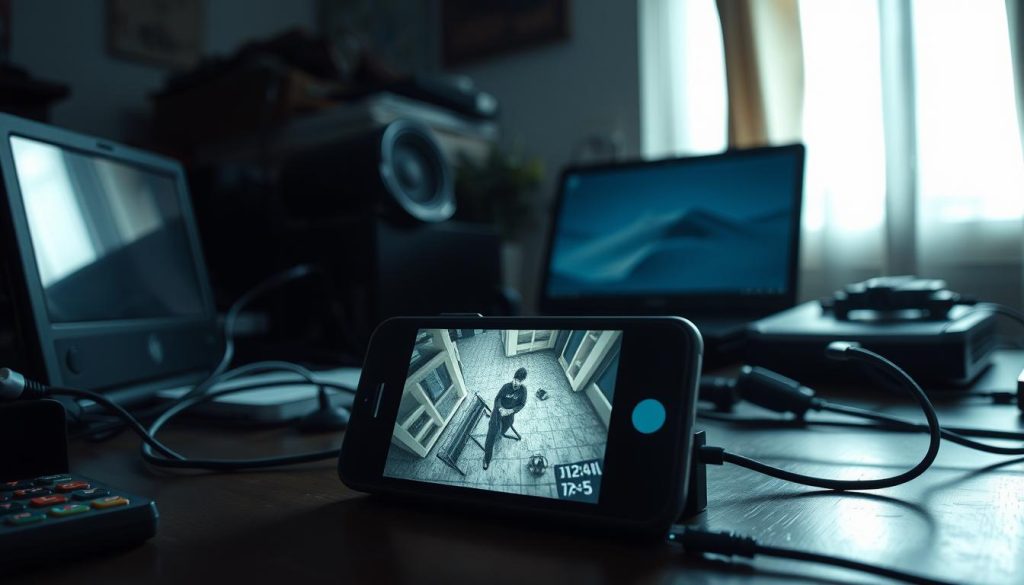
Outdated operating systems present the most significant concern. Manufacturers typically stop providing security updates after several years. This leaves devices vulnerable to potential cybersecurity threats.
Potential Vulnerabilities of Older Devices
Aging hardware components may not support modern encryption standards. This could expose your monitoring feed to unauthorized access. Regular security patches become unavailable for obsolete models.
Application permissions represent another consideration area. Some monitoring apps request extensive access to device functions. Review these requests carefully before granting approval.
Data transmission security varies between applications. Reputable options employ end-to-end encryption for protection. Less established solutions might offer weaker security measures.
Continuous operation demands reliable power management. Battery degradation affects older models more significantly. This impacts overall system reliability for extended surveillance.
Technical Gaps Compared to Dedicated Cameras
Image quality differences become apparent in various lighting conditions. Dedicated security equipment typically performs better in low-light environments. Specialized infrared capabilities often exceed phone camera limitations.
Motion detection accuracy shows noticeable variation between systems. Professional-grade cameras utilize advanced algorithms for precise identification. Phone-based solutions may generate more false alerts.
Storage management presents practical challenges for extended monitoring. Cloud services require stable internet connections for reliable performance. Local storage options face capacity limitations on older devices.
Hardware durability differs substantially between purpose-built and repurposed equipment. Security cameras designed for continuous operation withstand extended use better. Mobile devices experience faster component degradation under constant operation.
Environmental adaptability represents another consideration area. Dedicated systems handle Singapore’s humidity and temperature variations more effectively. Weatherproof housing protects professional equipment from environmental factors.
For comprehensive guidance on maintaining surveillance systems, professional resources like mobile monitoring solutions offer valuable technical insights. Understanding these limitations helps create realistic expectations for DIY security setups.
The effectiveness gap between professional and DIY systems remains noticeable for advanced security needs. However, for basic residential monitoring, repurposed devices deliver substantial value when implemented thoughtfully.
Exploring Alternatives for Home Security in Singapore
Singapore homeowners have multiple pathways to achieve comprehensive property protection. While repurposing devices offers cost-effective monitoring, professional systems provide enhanced reliability and advanced features.
Understanding the full spectrum of available options helps make informed security decisions. Each approach serves different needs and budget considerations.
Other Recommended Smartphone Apps
Several applications complement Alfred’s functionality for mobile-based surveillance. These platforms offer unique features that might better suit specific monitoring requirements.
ManyAtHome Camera provides excellent multi-device support for larger properties. The platform allows simultaneous viewing of multiple camera feeds on one screen.
Presence: Video Security offers robust cloud storage options. Users can access recorded footage from any location with internet connectivity.
Salient Eye delivers advanced motion detection capabilities. The application distinguishes between human movement and other activity effectively.
These apps maintain different subscription models for premium features. Most offer free basic functionality with optional paid upgrades.
Professional-Grade Security Camera Systems
Dedicated surveillance equipment provides superior performance compared to repurposed devices. These systems feature weatherproof construction and continuous power supply.
The eufy Indoor Cam S350 represents an excellent indoor monitoring solution. This system offers crystal-clear 2K resolution with advanced motion detection technology.
For outdoor protection, the eufy SoloCam S340 delivers reliable performance. Its weatherproof design withstands Singapore’s tropical climate conditions effectively.
Professional systems typically include these advantages:
- Superior image quality in various lighting conditions
- Enhanced night vision capabilities
- Long-term reliability with manufacturer warranties
- Professional installation support available
- Integration with existing smart home ecosystems
Initial investment for professional systems ranges from SGD 300 to SGD 1,500 in Singapore. This includes equipment costs and potential installation fees.
Ongoing expenses might involve cloud storage subscriptions. Many systems offer local storage options to avoid recurring costs.
Professional monitoring services provide additional security layers. These services dispatch responders during security breaches for immediate intervention.
Singapore’s security regulations permit most residential surveillance systems. Homeowners should position cameras to monitor only their property boundaries.
Scalability remains a significant advantage of professional systems. Homeowners can easily expand coverage by adding additional cameras over time.
Warranty coverage typically spans one to three years for quality systems. This protection ensures peace of mind regarding equipment performance.
Technical support availability distinguishes professional solutions from DIY alternatives. Manufacturers provide assistance for setup and troubleshooting needs.
Maximizing Your Smartphone Security Camera’s Potential
Ongoing maintenance ensures your repurposed device delivers reliable protection. Regular checks keep the system operating at peak performance levels.
Clean the lens weekly for clear video quality. Update your security camera app frequently for the latest features. Match settings to your environment for optimal results.
Enable motion detection and night vision when available. These features enhance monitoring capabilities significantly. Set up customized alerts for relevant notifications only.
Manage storage effectively for continuous recording. Cloud options provide convenient access to footage. Local storage offers complete control over your data.
Optimize remote access for Singapore users. Ensure stable streaming of your live feed. Maintain proper resolution settings for clear video quality.
Advanced integration with other security systems creates comprehensive protection. Troubleshoot common issues promptly to maintain uninterrupted surveillance. These practices maximize your investment in home security.
FAQ
What are the best apps to turn an old phone into a security camera?
Alfred Camera stands out as a top choice for its user-friendly interface and robust free plan. ManyThings and Presence also offer excellent features like motion detection alerts and cloud storage options.
How can I ensure my DIY camera has continuous power?
Keep your device plugged into a power source at all times to avoid battery drain. Using a long charging cable or a power bank can provide flexibility in camera placement around your home.
Does this setup work when I’m away from home?
Yes, most security camera apps provide remote access through live streaming. You can view footage and receive motion alerts from anywhere with an internet connection on your primary smartphone.
What security risks should I consider with this approach?
Older devices may lack current security updates, making them vulnerable. Always use strong passwords, enable two-factor authentication, and choose apps with encrypted data transmission to protect your privacy.
Can I use multiple old phones for different angles?
Absolutely. Many apps support multiple camera connections within a single account. This allows you to create a comprehensive surveillance system covering various entry points and rooms throughout your property.
What resolution quality can I expect from repurposed phone cameras?
Most modern smartphones capture high-definition video, often 1080p or higher. While not matching professional 4K systems, this resolution provides clear enough footage for identifying people and activities.
Are there storage limitations with free security apps?
Free versions typically offer limited cloud storage or rely on local storage. Alfred’s free plan, for example, provides rolling cloud storage, while many apps offer premium upgrades for extended retention periods.


