
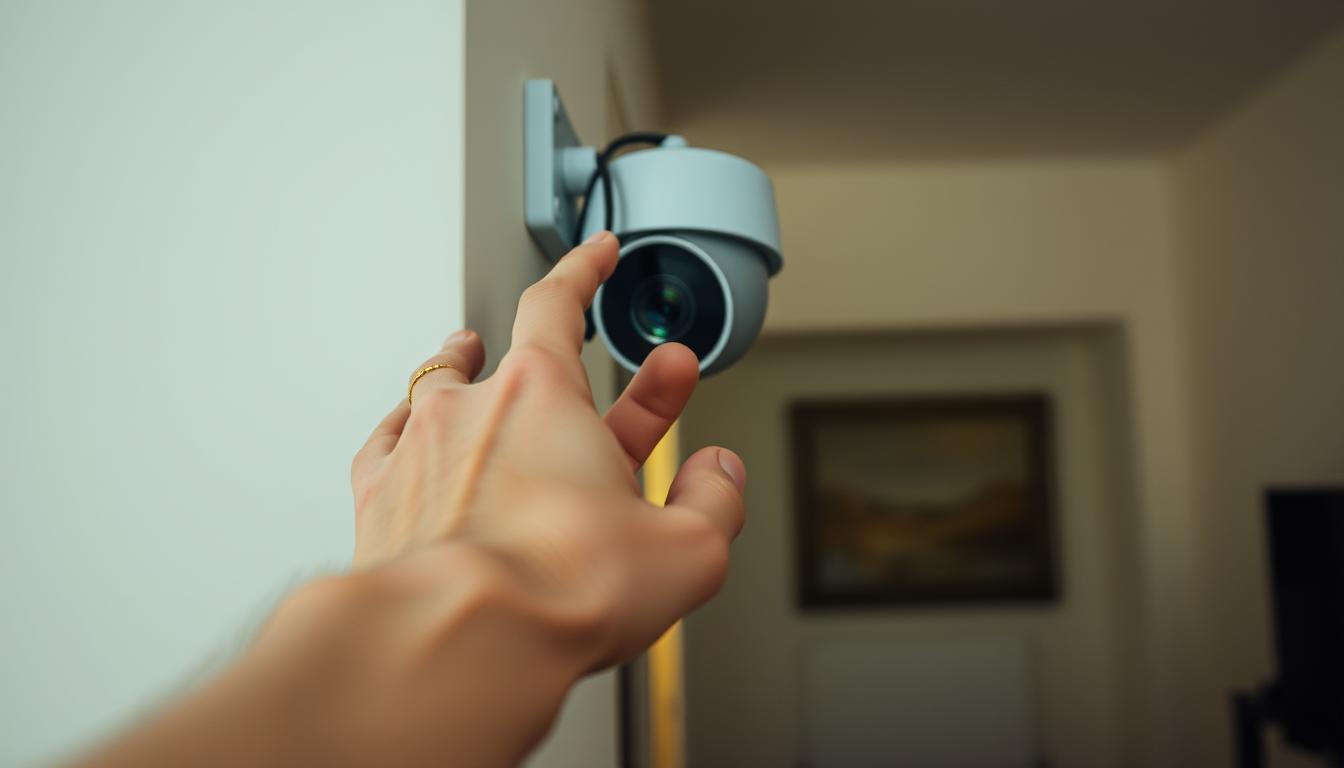
How do I turn off my CCTV camera?
It’s important for homeowners to know how to turn off CCTV cameras. This is for privacy and security reasons. Whether you need a break or want to save energy, learning about home security cameras is key.
By balancing surveillance and privacy, you can enjoy a better living space. You’ll feel more secure when you need to. In this article, we’ll show you how to turn off your CCTV cameras. This will help you manage your home security better.
Key Takeaways
- Turning off your CCTV can protect your privacy.
- Deactivating CCTV cameras is essential for energy conservation.
- There are multiple methods to turn off CCTV cameras safely.
- Understanding your system can enhance home security management.
- Privacy with CCTV requires a careful approach.
Understanding Home CCTV Camera Systems
Home CCTV systems are key for keeping homes safe and secure. They let users watch over their property by recording images and sounds. There are many types of CCTV cameras to fit different needs and places.
Wireless WiFi Cameras are easy to set up without lots of wiring. Dome Security Cameras are great for watching over places with a stylish, hidden look. Infrared Surveillance Cameras work well in dark places, making them perfect for night use.
By knowing about these cameras, homeowners can pick the best one for their home. This ensures they have the right safety features for their property.
Reasons for Turning Off Your CCTV Camera
Knowing when to turn off CCTV cameras is key for security and privacy. Sometimes, CCTV privacy needs can outweigh the need for constant watch. Turning off a camera can stop unauthorized access to footage, keeping personal info safe.
Energy saving is another reason. Turning off CCTV when not in use saves energy and reduces wear on the equipment. This makes the systems last longer, keeping security effective when needed.
Legal rules also guide when to turn off cameras. Laws might demand it in private areas. Following these rules builds trust and openness between those watching and those being watched.
When is it Appropriate to Turn Off CCTV Cameras?
Knowing when to turn off CCTV cameras is key. It helps keep a balance between safety and personal space. Privacy is a big factor in these decisions. For example, turning off cameras at family gatherings or personal moments can build trust and comfort.
When you have guests over, their privacy is very important. Many people don’t want to be recorded in someone else’s home. So, it’s considerate to turn off cameras for them. This shows you care about their comfort.
Other times might include:
- Enjoying personal downtime to avoid distractions.
- During maintenance or cleaning, when cameras aren’t needed.
Knowing these situations helps keep your privacy safe. Finding the right balance makes your home safer and more comfortable.
Simple Methods to Turn Off Your CCTV Camera
Turning off home surveillance cameras is easy. You can control your security system without hassle. This ensures you have control over your home’s safety.
Here are some simple ways to turn off CCTV cameras:
- Unplugging the Camera: The simplest way is to unplug the camera. This stops it from recording and shuts it down completely.
- Using the On/Off Switch: If your camera has a switch, just flip it to “off”. This quickly turns off the system.
- Software Control: Modern CCTV systems have software to control cameras remotely. Using this software, you can disable cameras easily without touching them.
Using these easy steps to deactivate CCTV cameras makes managing home security simple. Choose the method that works best for you and use it as needed.
How do I turn off my CCTV camera?
Turning off your CCTV camera is important for many reasons. It could be for maintenance or to protect your privacy. There are a few ways to manage your system well. You can unplug the CCTV or use the built-in switch for manual deactivation.
Unplugging the Camera Directly
One easy way to turn off your camera is to unplug it. This method turns off the camera right away. But, be careful not to damage the equipment.
Always handle the power connections with care. This keeps your system working well.
Using the On/Off Switch
Many CCTV systems have a switch to turn them off. This is a softer way to stop the camera. Using this switch helps control your system without unplugging cables.
Deactivating CCTV Cameras via Software
Many modern CCTV systems have advanced software for managing cameras. This lets users turn off cameras easily and from a distance. It’s great for homeowners, giving them control over their systems without needing to physically touch them.
To use this feature, you need to install the right software when setting up your CCTV system. This software makes it easy to adjust settings and manage your cameras.
For homeowners in Singapore, this feature is both efficient and reliable. It ensures privacy when needed. It also lets users control when their cameras are on, keeping the system effective for its purpose.
Using Mobile Applications for Camera Management
In today’s fast world, managing CCTV cameras on mobiles is easy. Many systems now have apps for smartphones and tablets. This makes controlling cameras flexible and convenient.
These apps let users:
- Turn off cameras when needed
- Watch live feeds anywhere, anytime
- Change camera settings from afar
Apps make managing security better. They give users quick control over their systems. Whether at home or away, it’s easy to manage security.
Tips to Ensure Security While Turning Off Cameras
Turning off CCTV cameras needs careful steps to keep your security and personal info safe. Using CCTV security tips can help lower risks. First, make sure to set up strong privacy precautions to protect your data.
Here are some key steps to follow:
- Set alerts for signal loss to be notified right away if your camera goes offline unexpectedly.
- Change default passwords quickly to stop unauthorized access.
- Don’t share WiFi passwords with people outside your close circle.
- Use top-notch software from the manufacturer for secure CCTV operation and to lessen risks.
By sticking to these tips, you can make sure turning off your cameras doesn’t weaken your home’s security.
Best Practices for CCTV Camera Installation
Installing CCTV cameras the right way boosts security a lot. It’s important to follow the best practices for CCTV installation. Each camera should be placed in a strategic spot to cover the whole area well.
This means picking key spots like entrances, driveways, and areas at high risk. Regular checks on the cameras help keep the surveillance system working well. This makes sure there are no blind spots and covers more ground.
Also, using strong passwords for the system keeps it safe from unauthorized access. Weak passwords can let intruders in, which defeats the purpose of having cameras.
Choosing reliable brands for your cameras means they’ll last longer and work better. This saves you from frequent repairs and keeps your place safe all the time. By following these tips, you can create a strong security system that lets you watch over your property well.
Expert Recommendations for CCTV Security
Getting the most out of your CCTV system means working with a reliable security company. SECOM, for example, provides expert advice for your home or business needs. They use their knowledge to set up cameras in the best spots to watch over important areas.
It’s also key to keep your system in good shape. Following top security tips can make your system work better and stay safe. These experts can find weak spots and recommend new tech to keep you ahead.
Choosing a trusted security provider does more than just protect your place. It helps make a safe space for your family or team. With the right advice and practices, you can boost your surveillance and keep everything secure.
FAQ
How do I turn off my CCTV camera?
You can turn off your CCTV camera in a few ways. You can unplug it directly, use an on/off switch, or through the camera’s management software or mobile app.
What are the types of home CCTV cameras?
There are several types of home CCTV cameras. You can choose from Wireless WiFi Cameras, Dome Security Cameras, and Infrared Surveillance Cameras. Each type meets different security needs.
Why is it important to turn off my CCTV cameras?
Turning off your CCTV cameras is key for privacy. It prevents unauthorized access to your footage, saves energy, and follows privacy laws. Laws may require deactivation in certain situations.
When should I consider turning off my CCTV cameras?
Turn off your CCTV cameras during personal activities or when guests are over. It’s also good when you want a distraction-free space. Finding the right balance between security and privacy is important.
What are some simple methods to turn off CCTV cameras?
Simple methods include unplugging the camera, using an on/off switch, or deactivating through management software. Each method offers different levels of control.
How do I deactivate CCTV cameras using software?
Many CCTV systems have software that lets you deactivate cameras remotely. Setting this up during installation makes managing cameras easy.
Can I manage my CCTV cameras through a mobile application?
Yes, many CCTV cameras have mobile apps. These apps let you turn off cameras, view live feeds, and adjust settings from your smartphone.
What precautions should I take when turning off my cameras?
When turning off cameras, set alerts for signal loss and change default passwords. Avoid sharing WiFi passwords and use high-quality software from trusted brands to boost security.
What are the best practices for CCTV camera installation?
For proper installation, place cameras strategically for full coverage. Regularly check their operation, use strong passwords, and choose reliable brands for effective security.
Should I consult experts for CCTV security?
Yes, it’s wise to consult trusted security companies like SECOM. They offer tailored installation and maintenance services. Their expertise ensures your system is set up right for maximum security.


