
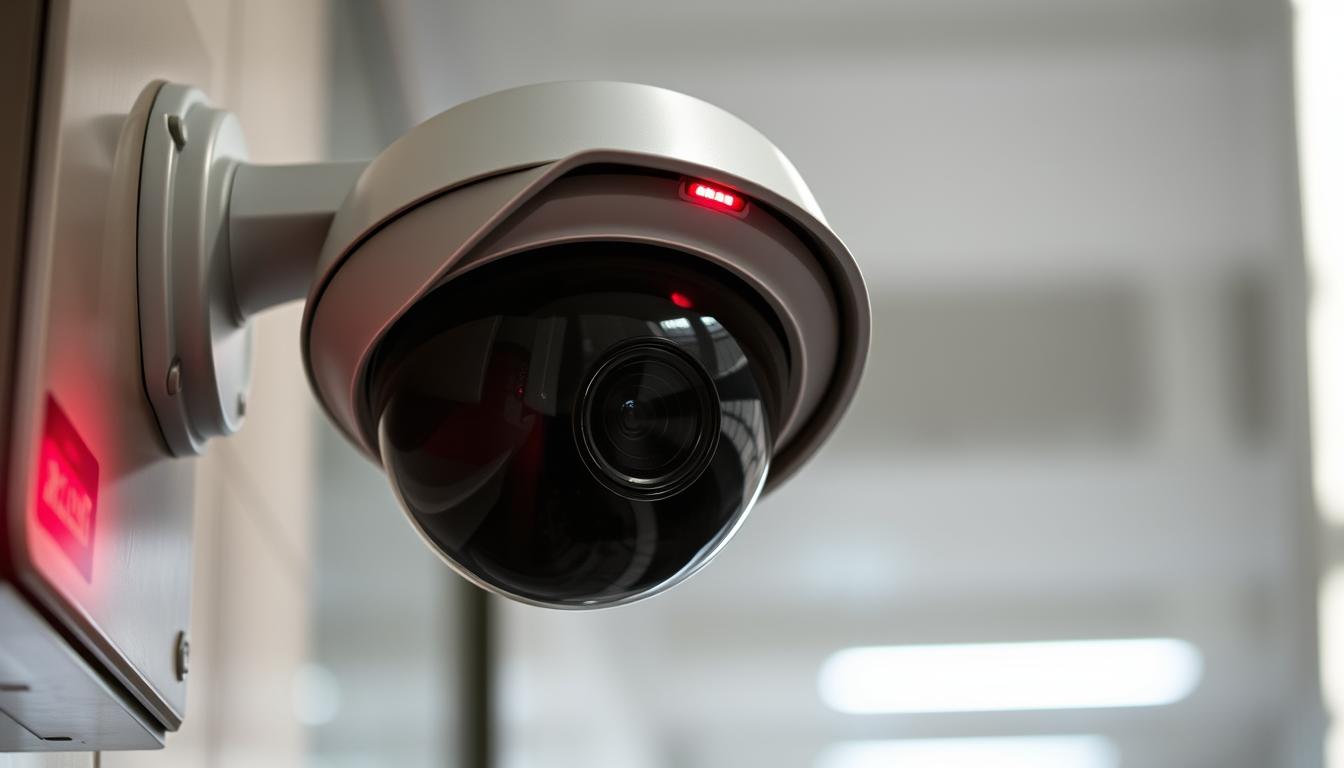
How do I know if my CCTV is recording?
It’s important to know if your CCTV system is recording. This ensures your property is safe. CCTV systems are key for both home and business security. This article will show you how to check if your cameras are working right.
Key Takeaways
- Verifying CCTV recording is essential for proper security monitoring.
- Understanding different recording modes like continuous and motion-activated.
- Identifying indicators such as lights to check recording status.
- Accessing software and mobile apps can aid in monitoring recordings.
- Regularly inspecting storage capacity is critical for keeping footage.
Understanding CCTV Recording Features
CCTV systems have many CCTV features that make surveillance better. They include continuous recording and motion detection. Continuous recording captures everything that happens in a space all the time. It’s great for big areas like parking lots or business spaces.
Motion detection systems start recording only when they see movement. This saves space by recording only important events. Knowing the difference between these CCTV features helps users choose the best for their security needs.
Choosing between continuous recording or motion-activated options depends on your needs. Think about how much space you have and how often things move. This helps pick the right recording capabilities for good monitoring.
How do I know if my CCTV is recording?
To check if your CCTV is recording, start by looking at physical signs. Many cameras have blinking lights that show if they’re recording. You can also check the device’s software to see if recordings are happening.
Mobile apps for your CCTV brand can also help. These apps show real-time data, making it easy to see if your system is working right.
If you find problems, it’s time to troubleshoot. Fixing common issues keeps your system running smoothly. By using these methods, you can make sure your CCTV is recording as it should.
Identifying Camera Indicators
Figuring out your CCTV camera’s status starts with looking at CCTV camera indicators. These signs tell you if the camera is recording and working right.
Checking for Blinking Red Lights
Many CCTV cameras have a red light CCTV that blinks when it’s recording. This light makes it easy to see if the camera is active. But, remember, each camera model shows its status differently. Knowing how your camera signals work helps you keep an eye on your security.
Power Indicator Lights
The power status LED is also important to watch. A steady light means the camera has power and is working fine. If the light flickers, it could mean a problem with the power. Knowing how these camera functionality lights work helps you keep your surveillance system running smoothly.
Accessing Security Camera Software
Most modern security setups use monitoring software for easy camera management. This software lets users access the security camera interface smoothly. It provides real-time footage and recording settings.
To start CCTV software access, just log in with your details. A simple dashboard will show you camera status and recording info. If you see live footage, it means the system is working right.
In the interface, you can tweak settings for better surveillance. You can turn on motion alerts and set recording times. These features make your security system more effective.
Using Mobile Apps for CCTV Monitoring
Today’s technology makes it easy to monitor security with CCTV mobile apps. Many users like the ability to watch their properties from anywhere. These apps offer live video, alerts, and recording status checks.
Getting to know your security camera apps can boost your surveillance. You can watch footage, get alerts, and change settings on your phone. This lets you act fast if something happens, keeping your place safe.
Some systems let you change settings from afar, adapting to your needs. For more features, look into cloud storage for recordings. Check out different CCTV mobile apps to find the best one for you.
Examining Recording Settings of Your CCTV
Understanding your CCTV system’s recording settings is key to effective surveillance. Different modes can change how and when your footage is captured. Knowing the difference between continuous and motion-activated recording helps you choose wisely based on your security needs and storage.
Continuous vs Motion-Activated Recording
Continuous recording captures every second, giving a detailed view of activities. It’s good but uses a lot of storage. Motion-activated recording saves space by only recording when there’s movement. Both options meet different needs, helping you pick what’s best for your security.
Reviewing Scheduled Recording Times
Many CCTV systems let you set recording times. This lets you tailor when your cameras record. It’s important to check these times to make sure your system works with your schedule or business hours.
Investigating the Camera’s Physical Condition
Checking the CCTV camera condition regularly is key to a working surveillance system. Start with a detailed visual inspection of the device. Look for damage like cracks or dents, and dirt or blockages that might affect recording quality. Make sure all connections are tight for the best performance.
Examine the lens and housing of the camera, as they can get dusty. Cleaning these areas can improve video clarity. Also, check the power and data cables for wear. Upgrading to the latest tech might be needed. Proper maintenance for cameras can extend their life and keep them working well.
Utilizing Electronic Bug Detectors
Electronic bug detectors are a great tool to check if your CCTV cameras are working. They find signals from active cameras, helping you know if they’re on. Learning how to use these detectors can make your surveillance system better and keep your places safe.
Understanding Signal Detection
Signal detection is key when using electronic bug detectors. They find signals from things like CCTV systems and hidden cameras. This helps you see if your cameras are working right or if someone has set up hidden cameras.
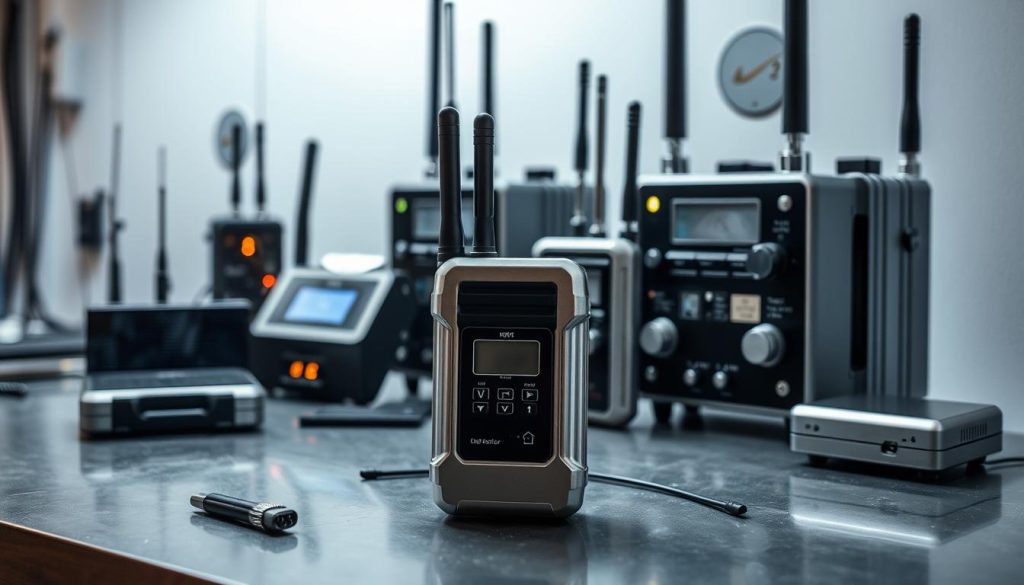
- The detectors scan for radio frequencies that may indicate the presence of active CCTV cameras.
- They can reveal hidden cameras that may not be seen by the eye.
- Using this technology gives you the power to act fast against security threats.
In today’s world, knowing if CCTV is working is very important. It helps protect your privacy and adds a layer of security against unwanted watching.
Checking CCTV Storage Capacity
It’s important to know how much your CCTV system can store. The space it has affects how long you can keep recordings. Having enough space means you can watch everything without breaks.
Checking your system’s memory often helps avoid missing parts of footage. This is key for keeping your surveillance reliable.
- Monitor current available memory regularly.
- Be aware of video storage limits based on your system configuration.
- Periodically consult system logs for insights into recording frequency and available storage.
If your CCTV system runs out of space, it might delete old footage. This could be a problem for keeping things safe. So, it’s vital to keep an eye on your memory to ensure your recordings are always there when you need them.
Testing the Camera’s Functionality
Regularly testing your CCTV system is key to keeping it working well. Start by checking if all parts, like lenses and cables, are okay. Turn on the camera and see if it works right.
Then, record some video to check the camera’s quality. Make sure the video is clear and has the right resolution. This step helps your system last longer and avoids future problems.
After testing, look over what you found. Fix any issues to keep your system running smoothly. This way, your security footage will always be good to go.
Reviewing Footage to Confirm Recording Status
To make sure your CCTV is recording, reviewing footage is a great way. You need to check the video clips stored on your system. This confirms if recordings are available for the times you need.
Accessing Recorded Video Clips
Start by finding where your footage is stored. You can use security software on your computer or a mobile app. Once you’re in the right place, look for the video clips you want to review. This lets you see if there’s any recorded activity when you expect it.
Checking Time Stamps on Recordings
It’s important to check the CCTV time stamps on your video clips. Make sure these timestamps match the times you want to monitor. If the time stamps are wrong or missing, it might mean there’s a recording problem. Checking these regularly helps keep your surveillance system working well.
Contacting Technical Support for Troubleshooting
If you’ve tried the usual steps but your CCTV system is not working, it’s time to get help. Many companies have teams ready to help with camera problems. They can give you specific advice for your situation.
When you call for help, have all the details ready. Tell them about any issues you’re facing, like no recording or connection problems. Giving them all the information helps them find the problem faster and fix it for you.
Not all problems can be fixed by yourself. Sometimes, you need a pro to figure out and fix the issue. Getting help from CCTV technical support ensures your system works right and keeps your place safe.
FAQ
How can I check if my CCTV system is recording?
Check if your CCTV is recording by looking for blinking lights. You can also access the software interface or use mobile apps to see if it’s recording.
What are the differences between continuous and motion-activated CCTV recording?
Continuous recording shows everything all the time, great for constant watch. Motion-activated recording only records when there’s movement, saving space.
How can I troubleshoot common recording issues with my CCTV system?
To fix issues, check the lights, connections, camera condition, and storage. Make sure there’s enough space for recordings.
What do the indicator lights on my CCTV camera mean?
Blinking lights mean it’s recording. Solid lights show it’s powered on. Always check your camera’s manual for specific light meanings.
How do I access my CCTV system’s software?
Modern cameras have easy-to-use software. Log in with your device to watch live footage and change settings.
Can I monitor my CCTV system remotely?
Yes, many systems have mobile apps. You can watch live footage and check recording status from anywhere.
How should I examine my CCTV recording settings?
Look at your recording settings to understand how it works. Check if it’s set for continuous, motion-activated, or scheduled recording.
What signs indicate that my CCTV camera may have physical damage?
Look for damage, dirt, or obstructions on the camera. Make sure all connections are secure and there’s no wear that could affect it.
How can electronic bug detectors help with my CCTV system?
Bug detectors can show if your cameras are recording by detecting signals. They also find hidden cameras.
Why is monitoring storage capacity essential for my CCTV system?
Storage affects how long you can record. Low storage can cause gaps in footage or older clips to be deleted.
How can I test the functionality of my CCTV camera?
Test by checking lenses, cables, and power sources. Recording sample footage verifies it’s working right.
What is the best way to check if my CCTV is recording?
The best way is to review recorded footage. Check for content in expected time frames and make sure timestamps match.
When should I contact technical support for my CCTV system?
If you can’t fix it yourself, contact technical support. Manufacturers have teams ready to help with problems.


