
When should I replace my security cameras?
In the world of security, knowing when to swap out your cameras is key. This is true for both personal and business safety in Singapore. The life of a security camera can change a lot. It depends on new tech, how much it’s used, and what you need to watch.
Replacing your cameras on time keeps your watchful eye strong. This guide will help you know when it’s time for a new one. We’ll look at signs and things to think about for the best time to upgrade.
Key Takeaways
- Regularly check how well your security cameras are working. Decide if it’s time for a new one.
- Know how long security cameras usually last. This helps you plan for when you might need a new one.
- Look for any drops in picture quality or how well they work.
- Think about new tech and features in the latest camera models.
- Consider how the environment might affect your camera’s life.
- Choosing good security gear is important for keeping you safe.
The Lifespan of Security Cameras
Security cameras are key in keeping our property safe. Knowing how long they last helps us know when to replace them. On average, they can last from 3 to 10 years. This depends on their type and where they are used.
Understanding Typical Lifespan
The security camera lifespan changes with different types of cameras. Analog cameras can last 5 to 10 years. IP cameras usually last 3 to 5 years. But, some top brands like Axis and Uniview can last over 10 years with the right care.
Factors Influencing Lifespan
Many things can affect how long a security camera lasts. Here are a few:
- Installation Environment: Cameras in harsh weather can have a shorter life.
- Usage Frequency: Cameras used a lot or needing lots of power may not last as long.
- Quality of Components: Better materials mean a camera can last longer.
Signs That Indicate It’s Time for Replacement
Knowing when to replace security cameras is key to keeping your surveillance system working well. Look out for signs like poor image quality, connection problems, and physical damage. These signs can help you keep your security system in top shape.
Degradation in Image Quality
Blurred, pixelated, or foggy images are clear indicators that something’s wrong. Poor image quality can come from dust, weather, or camera issues. Catching these problems early helps keep your system running smoothly.
Frequent Connectivity Issues
Constant connection troubles can make your cameras less useful. If they keep disconnecting or data transfers slowly, it’s time for a new one. A stable connection is vital for effective surveillance.
Physical Wear and Tear
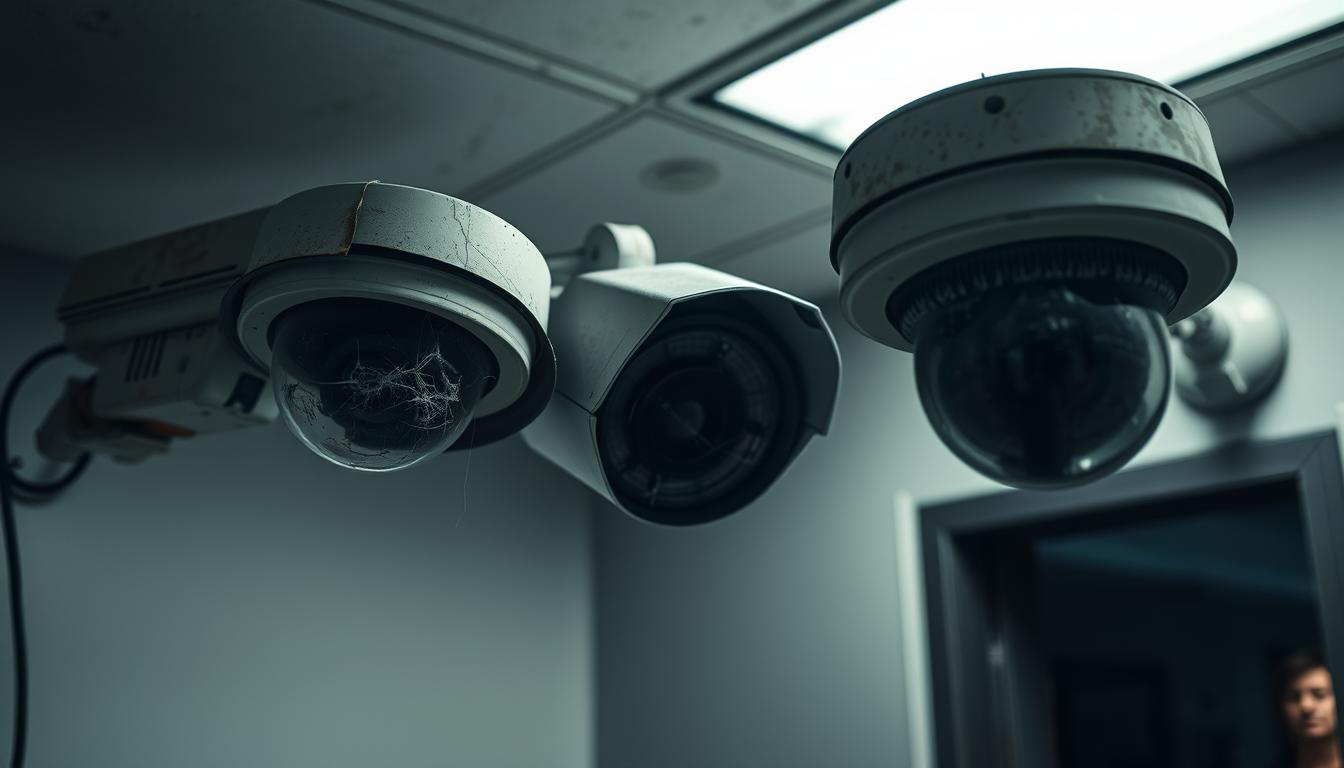
As time goes by, cameras show signs of wear. Weather damage or vandalism can cause cracks, rust, or frayed wires. Spotting these signs early can help you decide when it’s time for a new camera.
When should I replace my security cameras?
Technology in surveillance is always changing. Keeping up with the latest security camera features is key. Knowing when to replace your cameras is important for good security. Look at the advanced features and check if they work with new systems.
Identifying Advanced Features and Technology
New security tech brings better features like higher resolution and night vision. Cameras without these might not protect well. Check your cameras against new ones to see if you need to upgrade.
Assessing Compatibility with New Systems
It’s also important to think about compatibility. If your cameras can’t work with new tech, your security might suffer. Make sure your cameras fit with today’s surveillance tech for better safety.
Environmental Factors Affecting Longevity
Outdoor security cameras face many environmental challenges. These can greatly affect how long they last. It’s key to understand how weather impacts these cameras to make smart choices about where and how to install them.
Different climates can change how long these devices work. So, picking cameras that are right for the outdoors is very important.
Impact of Weather Conditions
Severe weather like heavy rain, snow, heat, and humidity can damage outdoor security cameras. Rain and snow can cause corrosion. High temperatures can also harm how well they work and their battery life.
Thinking carefully about these weather factors helps your surveillance system work better for longer.
Choosing the Right IP Rating for Outdoor Cameras
Good outdoor security cameras have an Ingress Protection (IP) rating. Look for an IP66 rating or higher to protect against water and dust. Choosing cameras with the right IP rating helps them withstand the weather.
For more information on picking reliable cameras, check this resource on outdoor vandal-proof security cameras.
The Role of Camera Quality on Lifespan
Surveillance camera quality greatly affects how long they last. It’s key to know the difference between professional and consumer-grade cameras. This helps in making smart choices for security systems.
The Difference Between Professional and Consumer-Grade Cameras
Professional security cameras, like those from Hikvision and Bosch, have better features and build. They last longer, often over 7 years. This makes them a better choice for the long run.
Consumer-grade cameras, on the other hand, are for basic needs. They usually last 2 to 3 years. They don’t have the durability or advanced features of professional models.
Importance of Material Quality and Build
Professional security cameras are made with durable materials. These materials help them withstand weather and tampering. Consumer-grade cameras use less durable materials, leading to wear and tear.
Choosing professional security cameras means they can handle harsh conditions. This means they need to be replaced less often, saving on costs.
Maintenance and Care to Extend Camera Life
To keep security cameras working well, regular maintenance is key. Cleaning and checking them often helps them perform better. A good maintenance plan can stop small problems from becoming big ones.
Regular Cleaning and Inspection Practices
Cleaning your camera’s lenses regularly is very important. Dust and dirt can block the view and lower image quality. Here are some tips for cleaning:
- Use a soft microfiber cloth to clean lenses and avoid scratches.
- Apply a gentle, non-abrasive cleaner made for electronics.
- Look for any wear on the camera’s housing and mounting.
- Check for loose connections or damaged cables.
Software Updates and Security Patches
Keeping your camera’s software current is also vital. Updates bring new security features and improvements. Not updating can leave your system open to threats. Here’s how to manage updates effectively:
- Check for firmware updates on the manufacturer’s website often.
- Install security patches quickly to fix known issues.
- Save your camera settings before updating to avoid losing data.
Technological Advancements in Surveillance Systems
Technology is moving fast, and security cameras are getting smarter. They are now key tools for keeping us safe. Knowing about the latest camera features helps people in Singapore choose the right systems.
Understanding New Features in Modern Cameras
Today’s security cameras have cool new features. These include:
- 4K resolution for super clear video.
- Motion tracking that moves the camera when it sees something.
- Facial recognition for spotting people accurately.
- Better night vision for seeing in the dark.
Learning about these features helps users set up systems that really work.
The Benefits of Upgrading to New Technology
Getting new surveillance tech has lots of perks:
- Better pictures help spot dangers easier.
- New features mean faster alerts and quicker action.
- It can also save energy and cut costs.
With today’s camera tech, users can feel safer. They know they have top-notch security.
Indoor vs. Outdoor Security Cameras
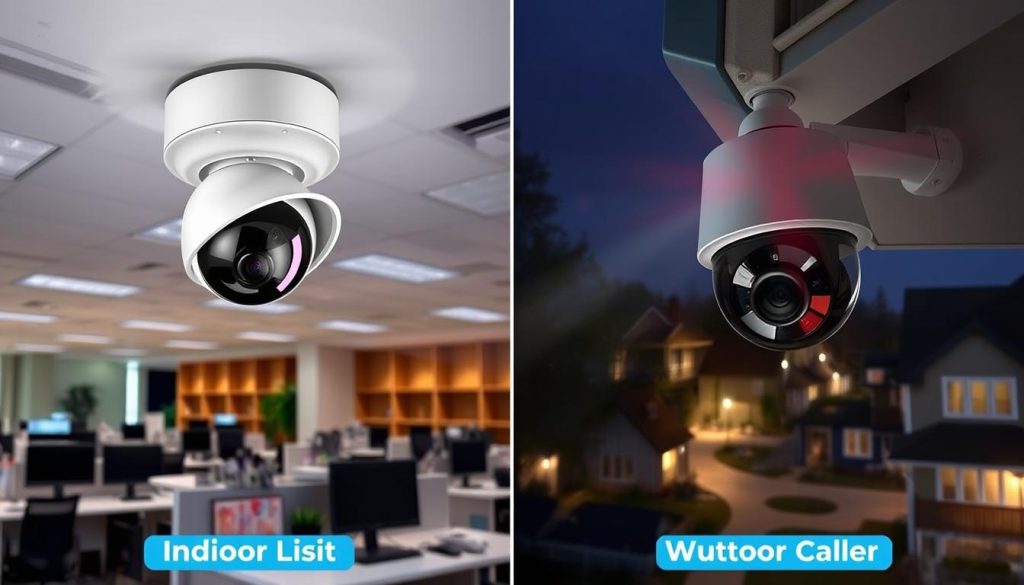
Choosing between indoor and outdoor security cameras is key. The lifespan of each type varies due to different environments. Indoor cameras last longer in a controlled setting. Outdoor cameras face harsh weather, which can shorten their life.
Lifespan Differences Between Indoor and Outdoor Models
Indoor cameras often last 5 to 10 years, depending on care and use. Outdoor cameras, exposed to rain, sun, and temperature changes, usually last 4 to 6 years. This shows why picking the right camera for your space is important.
Environmental Considerations for Placement
Where you place a camera affects its lifespan. Indoor cameras do well in stable, protected areas. Outdoor cameras need strong weatherproofing to handle the elements. Think about your location to choose the best camera for your needs.
Monitoring System Wear and Tear
Keeping an eye on your security system is key to its performance. Regular checks on your security cameras help spot wear and tear early. This way, you can keep your surveillance systems running smoothly.
Importance of Regular Checks
Regular inspections are vital for your security cameras’ longevity. Ignoring them can cause problems like blurry images or broken parts. By checking them often, you can catch issues before they become big problems.
Pinpointing Issues Early On
Finding wear and tear early saves time and money. By doing detailed checks, you can replace worn-out parts before they fail. This approach keeps your system working well and prevents big issues.
Evaluating Cost Impact of Security Camera Replacement
Replacing security cameras can affect your wallet. It’s about weighing the costs of keeping old cameras versus getting new ones. Old cameras might seem cheap at first but can cost more in the long run. This is because they often break down and need repairs.
Weighing Long-Term Costs of Keeping Old Cameras
Old cameras might seem like a good deal at first. But, they can end up costing more because of repairs and maintenance. In Singapore, it’s often better to replace them with newer models. These newer cameras are more reliable and have features that old ones don’t.
Investing in Quality Security Solutions
Choosing high-quality security cameras is a smart move. They come with the latest tech, like better pictures and connectivity. This means you won’t have to replace them as often. Going for quality saves you money in the long run, making your security investment worthwhile.
Best Practices for Choosing New Security Cameras
When picking out security cameras, it’s key to think about what you really need. You should look at the important features that fit your situation. This way, you’ll make a smart choice that keeps your place safe.
Identifying Features That Meet Your Needs
First, figure out the key security features you need. Some top choices include:
- High-resolution imaging for clear video quality
- Night vision for seeing in dark places
- Smart monitoring like mobile alerts and remote access
- Two-way audio for talking back and forth
- Motion detection to catch movement
Each feature has its own benefits. Pick the ones that matter most for your security setup.
Selecting a Trusted Brand and Model
It’s important to choose a reliable brand for your security cameras. Famous brands usually make products that work well. Look at different models and check out what others say about them. Brands like Arlo, Ring, and Hikvision have many options for different security needs.
Final Thoughts on Security Camera Maintenance
Keeping your security cameras in top shape is key for their long-term performance. Regular checks and cleanings spot problems early and keep cameras working well. A set maintenance plan can make your security gear last longer, keeping your place safe and secure.
In places like Singapore, where the weather can be tough, the right setup and upkeep are essential. Working with skilled installers and maintenance teams boosts your system’s dependability. This way, you can stay ahead of the latest security tech.
Realizing how vital maintenance is shows the worth of investing in top-notch security gear. It meets today’s needs and prepares for tomorrow’s tech. By taking care of your cameras, you boost your property’s safety and enjoy peace of mind for years.
FAQ
How often should I consider replacing my security cameras?
Security cameras last from 3 to 10 years, depending on their type and where they’re used. It’s smart to check how well they work often. Replace them when they’re no longer doing the job well to keep your place safe.
What are the main signs that my security cameras need replacement?
Look out for signs like blurry images, constant connection problems, and physical damage. Regular checks can spot these issues early.
How do environmental factors impact the longevity of security cameras?
Weather like rain, snow, and heat can wear down cameras, even outdoor ones. Choose models with an IP66 rating for better protection against water and dust.
What is the difference between professional and consumer-grade security cameras?
Professional cameras, like those from Axis or Uniview, last longer and have more features. They can last 7 years or more. Consumer cameras, on the other hand, might only last 2-3 years and don’t have all the security features you need.
What maintenance practices can help extend the life of my security cameras?
Keep your cameras working well by cleaning the lenses, checking for wear, and updating software. These steps can make your cameras last longer and work better.
How do I choose the right security camera for my needs?
First, think about what you need from your cameras, like high resolution and night vision. Pick a brand you trust that offers what you need for good security.
Why is it important to monitor system wear and tear?
Checking your system often helps catch problems early. This reduces false alarms and keeps your system running smoothly. It’s key to keeping your security system reliable.
What advanced features should I look for in new security cameras?
Look for features like 4K resolution, motion tracking, facial recognition, and better night vision. These features make your cameras more effective than older models.
Is it cost-effective to keep older security cameras?
Old cameras that break down a lot can cost more in the long run. They might need repairs and can be a security risk. Investing in good, reliable cameras can save you money and hassle in the long run.


