
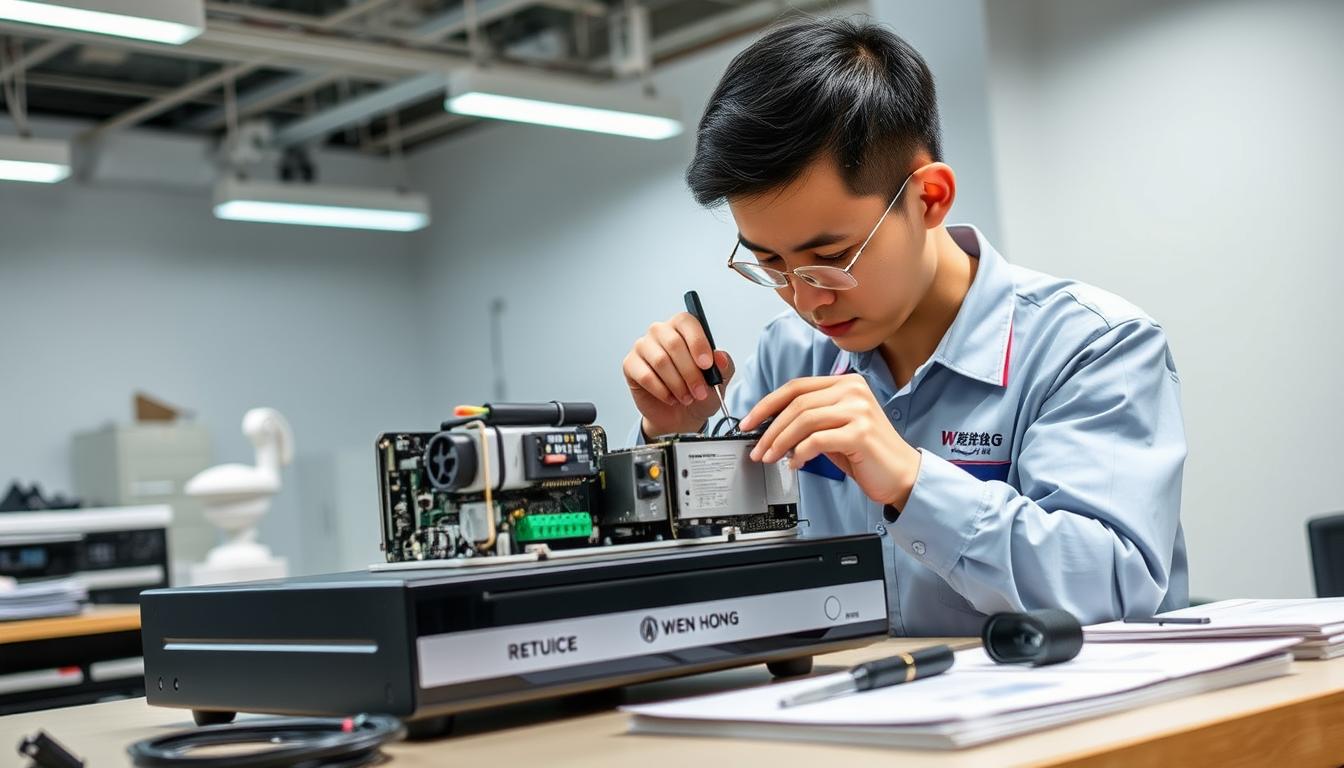
DVR Maintenance Tips for Optimal Performance
In Singapore, CCTV systems are key for safety. Keeping your DVR in top shape is essential. Regular care stops system failures and boosts video quality.
By following a maintenance plan, your DVRs will last longer. This keeps your surveillance system running smoothly. It’s important for your safety and security.
Key Takeaways
- Regular DVR maintenance extends the lifespan of your equipment.
- Optimal DVR performance enhances video quality and system reliability.
- Systematic upkeep prevents common system failures.
- Monitoring your surveillance setup is critical for security.
- Having a maintenance schedule boosts efficiency.
Understanding the Importance of DVR Maintenance
Keeping your DVR in good shape is key to a reliable security system. Regular care stops small problems from becoming big ones. This keeps your video surveillance working well to protect your property and people.
Regular checks and maintenance boost your system’s performance. They keep video quality high, hard drives running smoothly, and everything working right. For homes and businesses, keeping your DVR in top condition is essential.
Spending time on DVR upkeep extends its life and keeps it working well. A well-maintained DVR ensures your video surveillance is always ready to protect your space.
Regular Cleaning and Dusting of Your DVR
To keep your DVR in great condition, regular maintenance is key. Cleaning and dusting it often will make your videos clearer and your device work better. Using the right tools for cleaning helps get rid of dust and dirt that builds up.
Using the Right Cleaning Tools
Choosing the right tools for cleaning your DVR is important. Use soft, lint-free cloths to avoid scratching the outside. Compressed air is great for getting dust out of small spaces and sensitive areas. Regularly using these tools will help your DVR last longer and work better.
Creating a Cleaning Schedule
Set up a cleaning schedule for your DVR to keep it running well. Cleaning every three months is a good rule. This keeps your DVR looking good and working well, avoiding problems with video quality and device performance. For more tips, consider getting advice from a professional on maintaining your DVR.
Checking and Securing Power Supply
Keeping your DVR’s power supply stable is key for its best performance. A steady power source prevents damage from sudden power cuts and voltage changes. Using surge protection can greatly lower the risk of damage from voltage spikes. These steps make your system more reliable and last longer.
Utilizing Surge Protectors
Surge protectors shield your DVR from electrical surges. They protect your equipment from voltage spikes and keep your system running smoothly. When picking a surge protector, look for one with a good joule rating and indicator lights to show when it’s working.
Inspecting Uninterruptible Power Supplies (UPS)
Regularly checking your UPS is vital to keep your DVR running during power outages. A good UPS gives you backup power, so you can keep recording without stops. Always check the battery’s status and replace it if it shows wear. This keeps your DVR’s power supply secure and ensures continuous service.
Ensuring Proper Ventilation for Your DVR
Proper ventilation is key to keeping your DVR running smoothly. The right setup helps avoid overheating, which can cause hardware problems. By placing your equipment wisely and ensuring good air flow, you can make your device last longer.
Locating Your DVR in a Cool Area
It’s important to pick the right spot for your DVR. It should be in a cool place, away from sunlight and heat. This helps keep your DVR cool and working well. If it gets too hot, it might not work right.
Maintaining a Dust-Free Environment
Keeping your area dust-free is also vital. Dust can block air vents and make it hard for your DVR to cool down. Clean the area around your DVR often to help it breathe better and stay cool. Keeping things clean also helps your DVR last longer.
DVR Maintenance: Regular Software and Firmware Updates
Keeping your DVR in top shape is not just about physical care. It also means keeping your DVR software updates and firmware maintenance up to date. As new tech comes out, makers release updates to fix issues and add new features. These updates help your system work well with the latest devices and standards.
It’s important to check for and install these updates often. Doing so can make your system better, like improving how you access it remotely or the quality of streams. By focusing on these updates, you protect your investment and keep your security tech running smoothly.
Inspecting and Managing Cable Connections
Keeping your DVR’s cable connections in good shape is key for a working surveillance system. It’s important to regularly check your cables. This helps prevent damage and keeps your system running smoothly.
Checking for Damage and Signs of Wear
When you check your cables, look for signs of wear or damage. You might see:
- Frayed or exposed wiring
- Discoloration or corrosion on connectors
- Unusual bends or kinks in the cables
Regular checks help spot problems early. This stops unexpected issues and keeps your system running well.
Organizing Cables for Optimal Performance
Well-organized cables are vital for your DVR’s performance. Here’s how to keep them tidy:
- Use cable ties or clips to keep cables organized.
- Don’t let cables tangle or overlap, as this can cause damage.
- Label each cable so you know what it is.
Keeping your cables organized improves signal quality. It’s a big part of keeping your DVR system running at its best.
Performing Regular System Backups
Regular backups of your DVR system are key to avoiding data loss. They make sure important footage stays safe. The right storage method is vital for this.
Choosing Between Local and Cloud Storage
Deciding between local and cloud storage is important for keeping data safe. Local storage gives quick access to recordings and lets you control your devices. It’s great for places with poor internet or where security is a big deal.
Cloud storage, on the other hand, offers easy access from anywhere. It also automates backups, making management simple. Both have their benefits, depending on what you need.
Make sure your backup plan covers all important data. This way, you can quickly recover your DVR system when needed.
Monitoring Hard Drive Health
Keeping your DVR’s hard drive healthy is key for top performance. Hard drives, like all parts, have a limited life. Knowing this helps users plan for replacements and avoid losing data. It’s important to watch the hard drive’s health to keep your DVR working well.

Understanding Hard Drive Lifespan
A hard drive usually lasts between three to five years. Its lifespan depends on how it’s used, the environment, and its quality. Checking the hard drive’s health often can tell you if it’s getting old. Knowing when to replace it helps keep your DVR running smoothly.
Running Diagnostic Tests
Running diagnostic tests on your DVR is a smart move. These tests spot problems early and give insights into the hard drive’s health. Doing these tests regularly helps prevent issues and keeps your DVR in good shape. This proactive approach can make your hard drive last longer, keeping your DVR in top condition.
Evaluating and Adjusting Camera Settings
It’s important to make sure your DVR camera settings are just right for good surveillance. Checking them often helps make sure you don’t miss anything. Adjusting the camera’s angle and focus is key to getting the best results.
Confirming Angle and Focus Settings
Make it a habit to check your camera’s angle and focus. If they’re off, you might miss important moments. Place each camera where it can watch the most important areas. Remember these tips:
- Adjust the camera angle to cover unusual or critical entry points.
- Ensure that the focus is sharp to avoid blurry footage.
Regularly Testing Recording Quality
Testing your DVR system’s recording quality regularly is a must. These tests help spot problems early on. Here’s what to focus on during your tests:
- Playback video to assess clarity and detail.
- Check audio quality if your cameras support sound recording.
- Perform tests during different lighting conditions to evaluate performance variations.
Scheduling Professional Maintenance Services
Getting professional maintenance for DVR systems is key to keeping them working well for a long time. Experts can spot problems that you might miss. They do system inspections that go deeper than what you can do yourself.
These experts know a lot about fixing problems and following the rules for surveillance systems. They fix current issues and help avoid future ones. Regular maintenance by pros keeps your security system running smoothly, giving you peace of mind.
Implementing a DVR Maintenance Log
Keeping a DVR maintenance log is key to keeping your device running smoothly. It helps track all actions taken on your DVR. This way, you get a clear picture of how your device has been maintained over time.
Tracking Maintenance Activities
Activity tracking is all about documenting important DVR tasks. By recording updates, cleanings, or repairs, you understand your maintenance routine better. This helps you stay ahead of any issues before they become big problems.
Identifying Patterns in Performance Issues
The DVR maintenance log reveals performance patterns you might miss. By analyzing these patterns, you can make better decisions about upgrades or adjustments. Spotting these trends early can prevent major issues and keep your DVR running smoothly.
Common DVR Issues and How to Troubleshoot Them
Knowing how to fix common DVR problems is essential for great performance. Issues like video loss, playback errors, and connectivity problems can happen. Spotting these issues early helps reduce downtime and keeps your system working well.
Start by checking your physical connections. Make sure all cables are plugged in right and not damaged. Also, check your settings for any tweaks that could fix problems. Running diagnostics can show you where your system needs help.
For the best results, have a regular check-up routine for your DVR. This way, you can catch and fix issues fast. Being proactive helps keep your DVR running smoothly and reliably.
FAQ
Why is DVR maintenance essential for security systems?
Keeping your DVR in good shape is key for your security system’s success. It stops system failures, improves video quality, and keeps everything running smoothly.
How often should I clean my DVR?
Clean your DVR every three months. This keeps your video clear and your system running well, avoiding problems with image and performance.
What should I do to secure the power supply for my DVR?
Use surge protectors and check your UPS often. This protects your DVR from power outages and electrical surges.
How can I ensure proper ventilation for my DVR?
Place your DVR in a cool, airy spot. Keep it away from heat and dust to avoid overheating and damage.
Why is it important to keep DVR software and firmware updated?
Updates keep your DVR working with new tech and security. They fix bugs and make your system more secure.
How do I manage cable connections for my DVR?
Check your cables often for damage. Keep them tidy to avoid damage and ensure good signal quality.
What are the best practices for backing up DVR recordings?
Back up your recordings regularly. Use both local and cloud options to protect your footage and have it ready in case of loss.
How can I monitor the health of my DVR’s hard drive?
Run diagnostic tests regularly. This catches hard drive problems early, so you can replace it before data loss happens.
How do I evaluate and adjust camera settings for my DVR?
Check your camera angles and focus often. Test the recording quality to ensure you have the best coverage and no blind spots.
What are the benefits of hiring professional maintenance services for my DVR?
Professional services give your DVR a deep check-up. They fix issues you might miss and boost your system’s performance.
What should I include in my DVR maintenance log?
Keep a DVR maintenance log. It tracks your maintenance and helps you spot patterns and make better maintenance plans.
What are common DVR issues and how can I troubleshoot them?
Issues like video loss and playback errors are common. Check connections, settings, and run diagnostics to keep your DVR running well.


